OWASP Mobile Top 10: Fixing an Inherited App
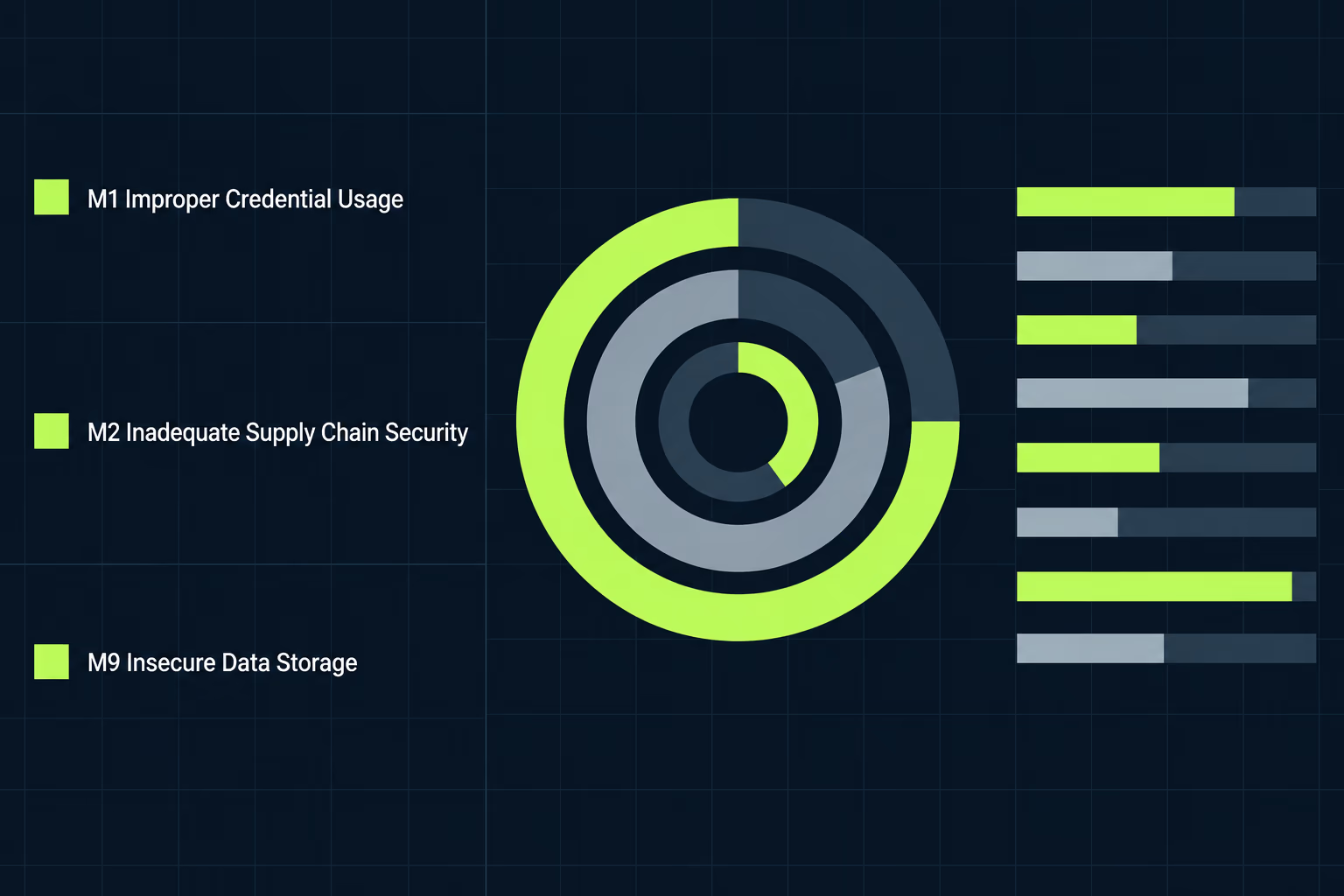
The OWASP Mobile Top 10 is a ranked list of the ten security weaknesses that appear most often in iOS and Android apps, and the current edition was signed off in January 2024 after an initial release the previous July. It replaced a list that had stood since 2016, and the new entries lean far harder on credentials, third party code and privacy than the old ones did. If you’ve taken over an app that somebody else built, four of the ten account for most of what a scan reports, and those four are where the work should start.
Most pages ranking for this list walk through all ten entries at the same depth, which helps once and helps very little afterwards. This one is written for whoever owns an app they didn’t write and has just been handed a report with these ten numbers in it. It covers which entries realistically apply to a codebase already in production, what Apple and Google enforce, and the order to work through them in. Every rule quoted below was checked against Apple’s and Google’s own pages while this was written.
What is on the OWASP Mobile Top 10 in 2024?
The ten entries are Improper Credential Usage, Inadequate Supply Chain Security, Insecure Authentication and Authorization, Insufficient Input and Output Validation, Insecure Communication, Inadequate Privacy Controls, Insufficient Binary Protections, Security Misconfiguration, Insecure Data Storage and Insufficient Cryptography, in that order. OWASP builds the ranking from incident reports, vulnerability databases and security assessments, then scores each weakness on how often it occurs and how badly it hurts when it does. The project’s own methodology page records an initial release on 26 July 2023 and a final release review by the project team on 10 January 2024, which is why the same list gets called the 2023 list in some places and the 2024 list in others.
| Entry | What it usually means in a shipped app |
|---|---|
| M1: Improper Credential Usage | Keys, tokens and passwords living in the app or travelling somewhere they shouldn’t |
| M2: Inadequate Supply Chain Security | Third party libraries and SDKs, plus the build and signing process around them |
| M3: Insecure Authentication/Authorization | The phone deciding something the server should have decided |
| M4: Insufficient Input/Output Validation | Data from outside the app trusted on the way in or on the way out |
| M5: Insecure Communication | Traffic that isn’t properly encrypted, or certificates nobody checks |
| M6: Inadequate Privacy Controls | Collecting, logging or backing up more personal data than the app needs |
| M7: Insufficient Binary Protections | A shipped app that is easy to pull apart, read and repackage |
| M8: Security Misconfiguration | Debug settings, file permissions and framework defaults left as they were |
| M9: Insecure Data Storage | Files, databases and caches on the device holding things they shouldn’t |
| M10: Insufficient Cryptography | Weak algorithms, or perfectly good ones used the wrong way |
None of this is a certification, and no store checks your app against these ten directly. The list earns its place by giving everyone a shared vocabulary, which matters the first time an enterprise customer sends a security questionnaire.
What changed between the 2016 list and this one?
The 2024 list retired three entries that had been arguments in their own right and added two that didn’t exist as categories before. Code Tampering and Reverse Engineering used to occupy two separate slots, and they’ve been folded together into the single M7 Insufficient Binary Protections. Improper Platform Usage, Client Code Quality and Extraneous Functionality are gone entirely. Supply chain security and privacy controls arrived as new entries, which tells you where the profession thinks the damage has moved since 2016.
One omission catches people out, because hardcoded secrets are not an entry on this list despite being the single most common thing a scan reports in an old mobile codebase. OWASP publishes a shortlist of weaknesses that didn’t make the initial release, and hardcoded secrets sits on it alongside data leakage, insecure access control, path overwrite and path traversal, unprotected endpoints and unsafe sharing. A hardcoded key therefore gets reported under M1 for existing at all, and frequently again under M7 for being readable in the binary, so the same mistake can be counted twice in one report under two numbers.
Which of the ten turn up in an app you inherited?
Four of them account for most real findings in an app that changed hands: M1, M2, M8 and M9. That pattern has nothing to do with the original developers being careless and everything to do with time passing. An app that stopped being actively maintained has its dependencies frozen at whatever versions were current on the last day anyone touched it, so every advisory published since then applies to it and none of them has been answered.
Configuration drifts in the same way, and debug logging switched on during a hard release week rarely gets switched back off, because nobody is looking at that flag once the crash stops. Local caches and databases accumulate fields that were sensible when the app had three screens and are uncomfortable now that it handles payments. The previous team knew which of those were deliberate, and that knowledge usually walks out of the door with them. Rebuilding that missing context is the slowest part of every app takeover RapidLabs runs, and it happens before a single finding gets fixed. If you’re in the middle of a handover and haven’t yet secured the code itself, the mechanics of that are worth reading separately, because source code escrow protects the repository and does nothing at all about the credentials inside it.
Authentication and authorisation problems under M3 behave differently, since they tend to be original design decisions rather than accumulated decay, so they turn up in apps that have been maintained perfectly well and rarely sit anywhere near the top of an automated report.
What does improper credential usage look like in real code?
It nearly always looks like a key sitting in a file that ships with the app, rather than anything exotic. On Android that usually means an entry in build.gradle or a string resource, and on iOS a constant in a Swift file or a value baked into the app’s property list. All of those travel inside the app that goes to the store, which means anyone who downloads the app can read them.
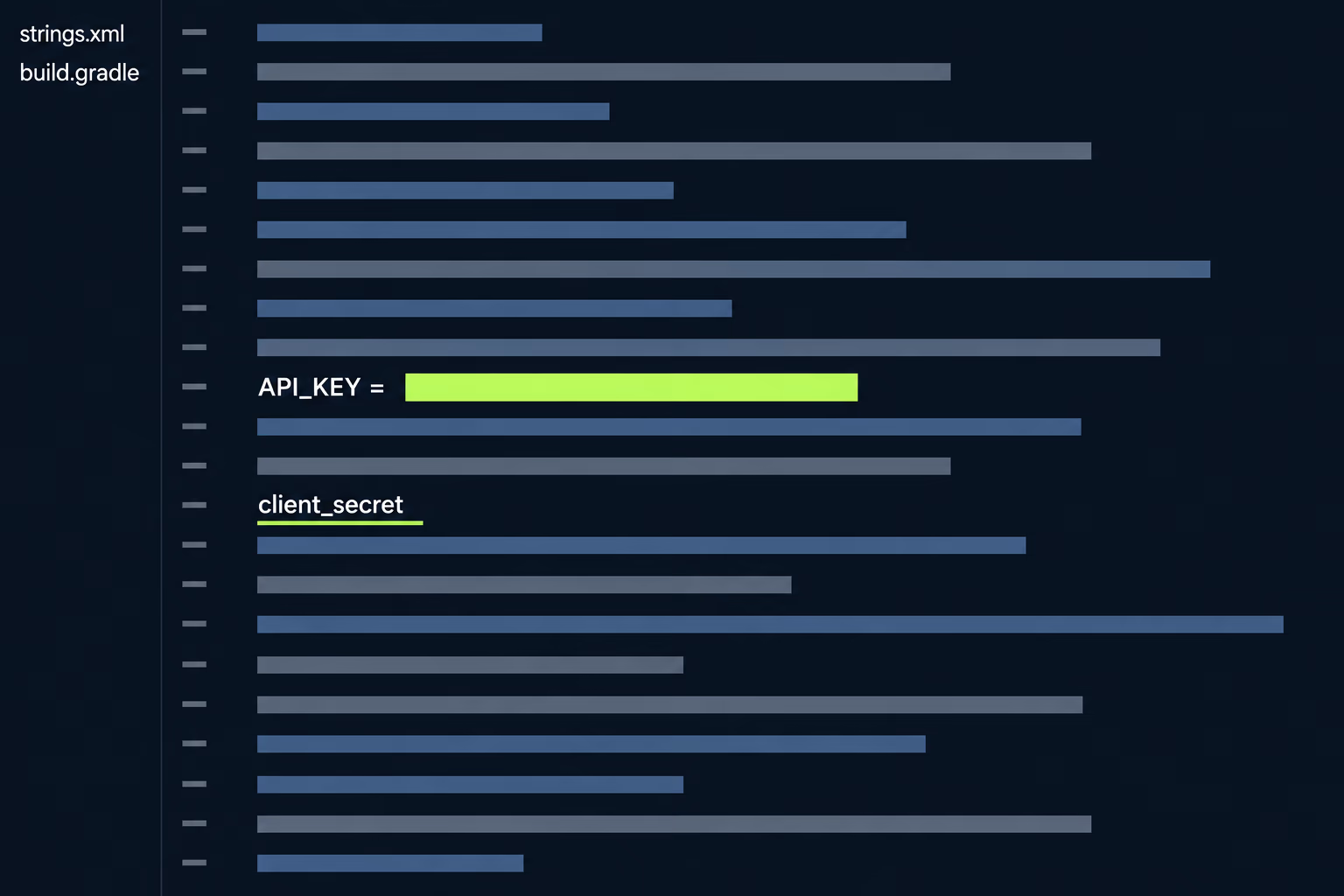
The common misunderstanding is thinking that obscuring the value fixes it. Splitting a key into three strings and reassembling them at runtime, storing it base64 encoded, or moving it into native code all raise the effort needed to extract it without changing the outcome, because the app must reconstruct the real value in memory to use it. Anyone willing to spend an afternoon gets the key regardless.
What actually works is making the leaked value worthless. Keys that grant broad access get replaced with short lived tokens the server hands out after the user proves who they are, so the thing inside the app stops being the secret. Where a third party service insists on a long lived key, the call gets moved behind your own backend, which holds the key and passes on only the result. Both changes take real work, and neither is a reason to delay the immediate step of rotating whatever is currently exposed. Rotation takes hours and stops the exposure, while the rebuild takes weeks and prevents the next one.
Why is supply chain security the hardest entry to fix?
OWASP rates M2 as common in occurrence and difficult to detect, and that second half is what makes it expensive. You can read every line your own team wrote and still have no idea what the analytics SDK does with the data it collects, because the source isn’t yours to read and the behaviour only shows up at runtime.
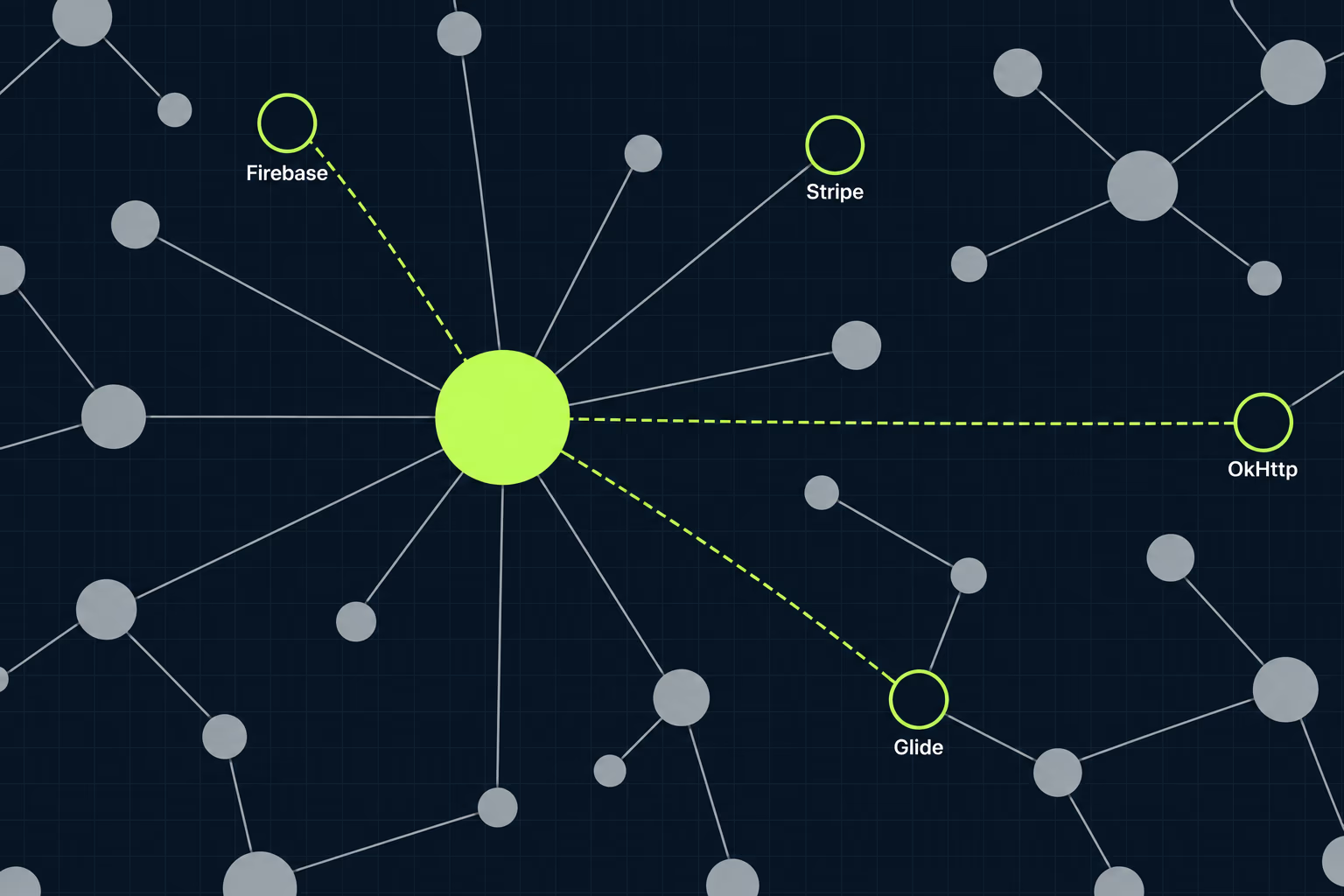
Start with an inventory, because most teams who’ve inherited an app genuinely don’t have one. List every library the app pulls in, the version it’s pinned to, the date that version was published and whether the project is still maintained. That last column decides more than the others, since an abandoned library with a published vulnerability has no upgrade path and has to be replaced or removed. Expect the list to run longer than anyone told you, since libraries pull in libraries of their own, and the ones nobody chose are the ones nobody watches.
Apple has made some of this visible whether you wanted it or not. The privacy manifest rules mean certain SDKs must declare what they collect and why they use particular APIs, and a missing declaration turns into an upload error rather than a polite warning, which is covered in detail in the piece on the iOS privacy manifest. Google applies pressure from the other direction through its target API level requirement, since an old SDK that won’t compile against a current Android version blocks your updates until it’s replaced. Both rules are doing supply chain hygiene by force, and both arrive on a deadline rather than when your roadmap has room.
What do Apple and Google actually do about these?
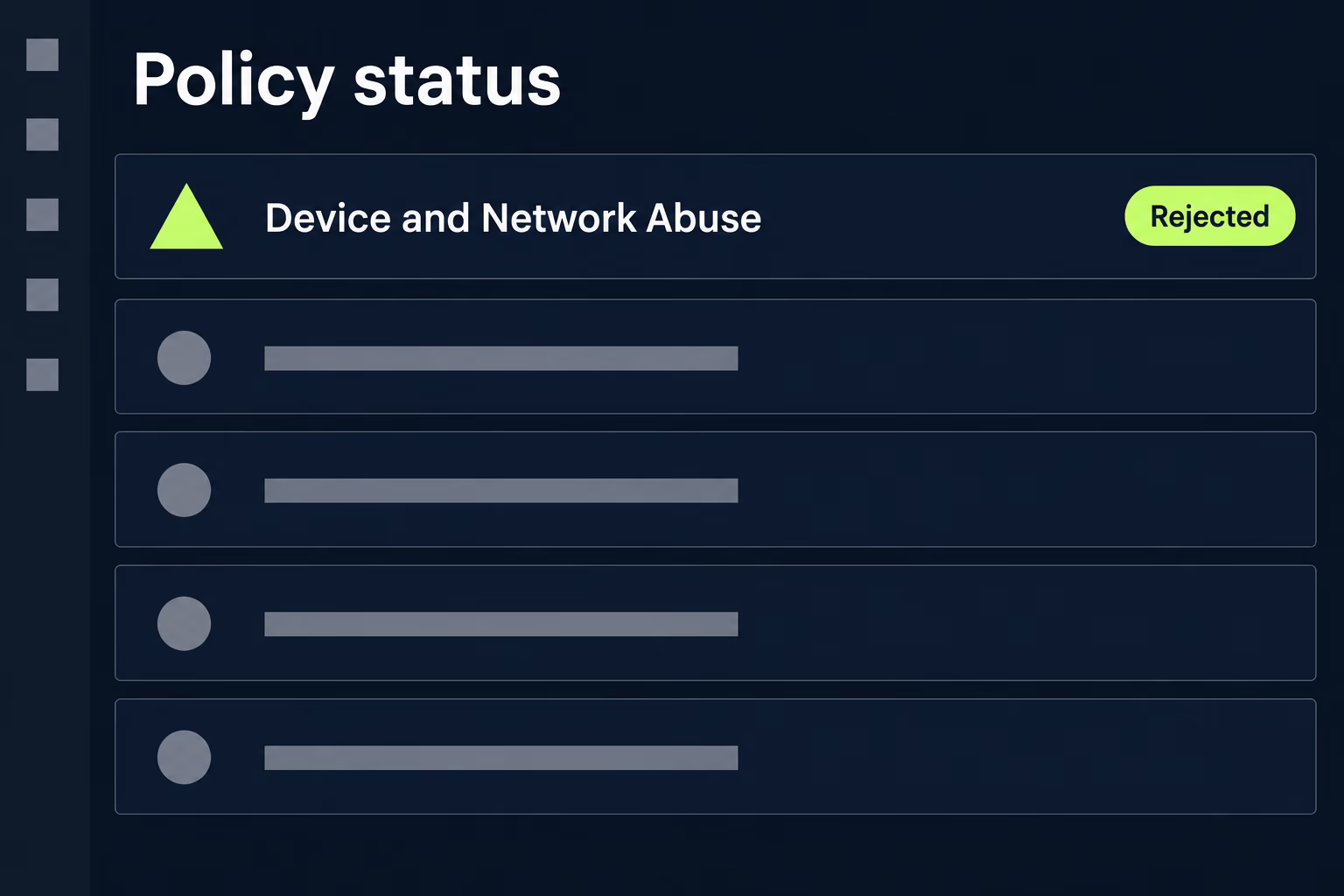
Neither store audits your app against the OWASP list, and both enforce rules that overlap with several entries on it. Google Play’s Device and Network Abuse policy states that “We don’t allow code that introduces or exploits security vulnerabilities”, and points developers to its App Security Improvement programme for the specific issues currently being flagged to them. That programme is where a real enforcement deadline is most likely to reach you, because it names particular vulnerability patterns and gives dates by which affected apps must be updated.
Apple’s App Review Guidelines cover the same ground in prose. Guideline 1.6 requires that “Apps should implement appropriate security measures to ensure proper handling of user information”, and goes on to require that those measures prevent its unauthorised use, disclosure or access by third parties. That wording is broad enough to catch most of what M1, M5, M6 and M9 describe. Guideline 2.5.1 adds that “Apps may only use public APIs and must run on the currently shipping OS”, which is the rule that turns an unmaintained SDK reaching for a private API into a rejection.
The sentence with the most consequence for an inherited app sits in the introduction to the guidelines rather than in a numbered rule. Apple states that you’re responsible for making sure everything in your app complies, including ad networks, analytics services and third party SDKs, and tells you to review and choose them carefully. A library added by a developer who left three years ago is legally and practically yours now. Anyone whose submissions keep coming back should read our breakdown of the App Store rejection reasons alongside this, since the security-adjacent ones are rarely the ones teams expect.
In what order should you fix them?
Work in order of how reversible the damage is, not in the order OWASP numbered them. Exposed credentials come first because the exposure is either being used right now or it isn’t, and no later work undoes what’s already been taken. Rotating every key that ships inside the app buys you safety in an afternoon, and it should happen before anyone opens a ticket about how the app ought to store secrets properly.
Dependency updates come second, since they remove known vulnerabilities in bulk for a fixed and fairly predictable amount of work. Configuration comes third, because switching off debug logging and tightening file permissions costs almost nothing per item and clears a long tail of findings. Storage and cryptography come fourth, as both need someone to decide what genuinely has to live on the device.
Authentication and authorisation belong in a separate stream rather than a queue position, because those changes touch the server as well and can’t be shipped as a quiet patch. Binary protections come last, and OWASP is refreshingly honest about why: its own guidance says there are no fully reliable mechanisms to prevent binary attacks, and treats the question as how much effort is worth spending rather than how to win. Obfuscation raises the cost for an attacker and never removes the risk, so it earns its place after the work that actually does.
When is fixing all ten not worth it?
Chasing a clean sheet across all ten entries is the wrong goal for most apps, and it’s an expensive one. An app with no login, no payments and no personal data has very little for an attacker to take, so the hours spent hardening its binary would do more good spent on the crashes losing you users. Match the depth of the work to what the app actually holds, and be willing to write down that several entries don’t apply and why, because that written reasoning is what a security questionnaire is really asking for.
The harder judgement arrives when a codebase is old enough that every fix fights the architecture. Dependencies that can’t be updated without a framework upgrade, and a build nobody can reproduce, point the same direction, and at some point the honest recommendation stops being remediation. We’ve written separately about how to make that call between rewriting and refactoring a mobile app, and the security findings are usually the clearest evidence in that argument rather than a separate project. Budget for it as part of what the app costs to keep running, not as a one-off event, since the same dependency list goes stale again next year. The realistic figures for that sit in our breakdown of app maintenance cost.
What matters most is that somebody owns the list. An inherited app usually arrives with no named person responsible for its security posture, and the findings pile up quietly until a customer’s questionnaire or a store enforcement notice forces a scramble. Reviewing the dependency inventory once a quarter and rotating credentials on a schedule keeps almost all of this off your desk, and both take less time than the panic they prevent. That review is a standing item on every app RapidLabs maintains, for exactly that reason.
Frequently asked questions
What is the OWASP Mobile Top 10?
The OWASP Mobile Top 10 is a ranked list of the ten security weaknesses that turn up most often in iOS and Android apps, published by the Open Worldwide Application Security Project as a free reference rather than as a certification. The current version was put together from incident reports, vulnerability databases and security assessments, then scored by how common each weakness is and how much damage it causes. It isn't a standard you pass or fail, and no store checks your app against it directly. Teams use it because it gives a shared vocabulary for mobile security, which matters most when an enterprise customer sends a security questionnaire.
Is the OWASP Mobile Top 10 the 2023 list or the 2024 list?
Both names refer to the same list, which is why searching for it returns confusing results. The project team published an initial release in July 2023 and then signed off a final release review in January 2024, so the entries live in a directory named for 2023 while the release itself is labelled 2024. Anything describing a 2025 or 2026 edition is the same ten entries with a fresher date on the article. If a vendor report cites M-numbers that don't match these, it is almost certainly quoting the retired 2016 list.
Does the OWASP Mobile Top 10 include hardcoded secrets?
Not as an entry of its own, which surprises people who expect it near the top. Hardcoded secrets sit on the project's published shortlist of weaknesses that didn't make the initial release, alongside data leakage, insecure access control, path traversal, unprotected endpoints and unsafe sharing. In practice a hardcoded API key gets reported under M1 Improper Credential Usage, and the fact that it can be read out of the shipped binary gets reported under M7 Insufficient Binary Protections. The same finding can therefore appear twice in one report under two numbers.
Will Apple or Google reject my app over an OWASP Mobile Top 10 finding?
Neither store runs the list as a checklist, but several entries map onto rules that are enforced. Google Play's Device and Network Abuse policy states plainly that it doesn't allow code that introduces or exploits security vulnerabilities, and points developers at its App Security Improvement programme for the specific issues being flagged. Apple's App Review Guidelines require in guideline 1.6 that apps implement appropriate security measures to protect user information from unauthorised use, disclosure or access. Apple also makes you responsible for every third party SDK in your app, so a library someone else wrote becomes your review problem rather than theirs.
How do I know which OWASP Mobile Top 10 issues my app has?
A static scan of the codebase finds the cheap ones, and a manual assessment finds the rest. Scanners are reliable at spotting credentials committed into source control, old dependency versions with published advisories, debug flags left switched on and obviously weak cryptography, which covers a good share of M1, M2, M8 and M10. They're much weaker on authorisation logic, because deciding whether a permission check belongs on the phone or on the server needs somebody who understands what the app is for. Start with a scan, then spend human time on the entries the tools can't reason about.
Which OWASP Mobile Top 10 entry should I fix first in an old app?
Fix anything under M1 Improper Credential Usage first, because a leaked key is being exploited right now or it isn't, and no amount of later work reverses the exposure. Rotating the secret comes before rearchitecting how the app stores it, since the rotation stops the bleeding within hours while the rebuild takes weeks. After that, work through the dependency updates under M2, then the configuration mistakes under M8, because both are cheap relative to what they remove. Leave M7 Insufficient Binary Protections until last, as OWASP itself says there are no fully reliable mechanisms to prevent binary attacks.
Have a product decision to make?
RapidLabs helps founders and operators shape, build, and launch focused software.
Email the studio