iOS Privacy Manifest: Fixing ITMS-91061
An iOS privacy manifest is a file named PrivacyInfo.xcprivacy that declares the data your app collects and the reasons it calls a small set of Apple APIs. Apple sends an ITMS-91061 email when a third-party SDK inside your app appears on its privacy-impacting list and ships without that file, and an ITMS-91053 email when your own code calls one of those APIs without declaring a reason. The two get treated as the same problem and they aren’t, which is why the same message keeps arriving after a team believes it has been handled. ITMS-91061 is almost never fixed by editing your own project.
Most of what currently ranks for this either restates Apple’s documentation or answers one framework’s version of the question inside a forum thread. This piece covers the whole family of ITMS-910 codes, shows you how to work out which dependency actually caused yours, and deals with the case the forums leave hanging, which is what you do when the SDK in question hasn’t been touched in three years. Every date, code and number below was checked against Apple’s own pages while writing.
What is an iOS privacy manifest, and what does Apple check?
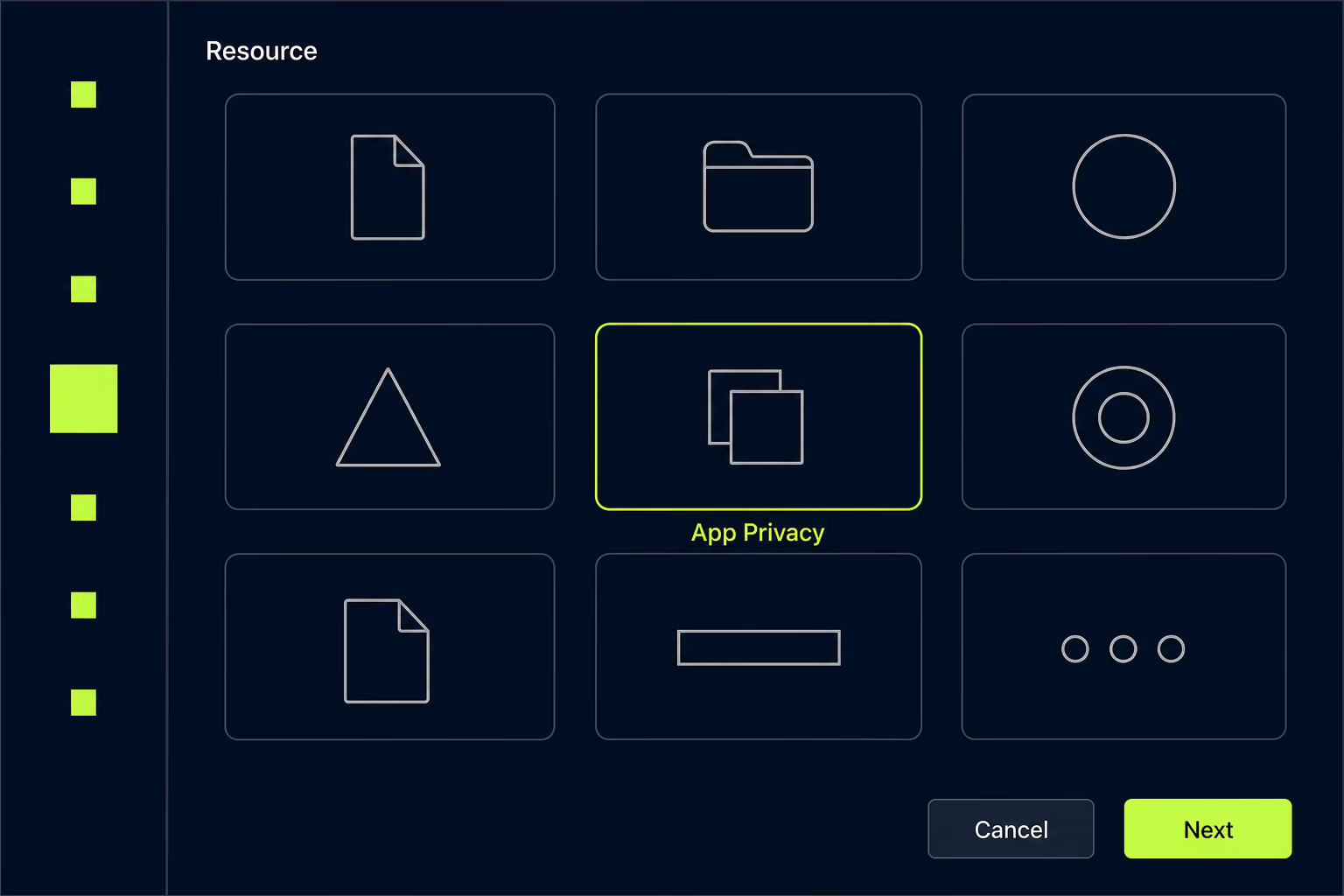
A privacy manifest is a property list bundled inside an app or an SDK that records two separate things: the types of data that code collects, and the required reason APIs it uses. Apple’s documentation is explicit that the data types apply on every platform, while the required reason declarations apply on iOS, iPadOS, tvOS, visionOS and watchOS. The required file name is PrivacyInfo.xcprivacy, and Xcode creates one through File then New File, where you pick the App Privacy File type from the Resource section and check the target it belongs to.
At the top level the file holds four keys. NSPrivacyTracking is a boolean saying whether the code uses data for tracking as defined under App Tracking Transparency, NSPrivacyTrackingDomains lists the domains involved when that boolean is true, NSPrivacyCollectedDataTypes describes what gets collected, and NSPrivacyAccessedAPITypes holds one dictionary per API category with the reasons attached. Each of those dictionaries carries an NSPrivacyAccessedAPIType value naming the category and an NSPrivacyAccessedAPITypeReasons array holding codes from Apple’s fixed list.
The part that surprises people is that your app’s manifest is only one input. When you prepare a build, Xcode combines the manifests from every third-party SDK in the app into a single privacy report, which is the document Apple actually reads. A dependency with no manifest leaves a hole in that report, and the hole is what generates the email. Apple also asks for a valid signature when a listed SDK arrives as a binary dependency, so that Xcode can confirm a new version came from the same developer as the old one.
Apple maintains a page called third-party SDK requirements listing the SDKs that must carry both a manifest and a signature. It held 86 entries when this was written, running alphabetically from Abseil to webview_flutter_wkwebview, and it includes names most teams would never think of as privacy-relevant: Alamofire, Lottie, SnapKit, RxSwift, SDWebImage, Kingfisher, IQKeyboardManager and the whole Firebase family. Apple states that any version of a listed SDK is covered, along with any SDK that repackages one of them, which is how a dependency four levels deep ends up in your rejection email.
What do the ITMS-91061 and ITMS-91053 emails actually mean?
They describe two different failures, and the wording of each tells you where the fix lives. The ITMS-91061 message names a path inside your app and says that it includes an SDK identified in the documentation as a privacy-impacting third-party SDK, then states that starting February 12, 2025, a new app including such an SDK, or an app update adding one, needs that SDK to include a privacy manifest file. It closes by asking you to contact the provider for an updated version. Every part of that sentence points away from your own code.
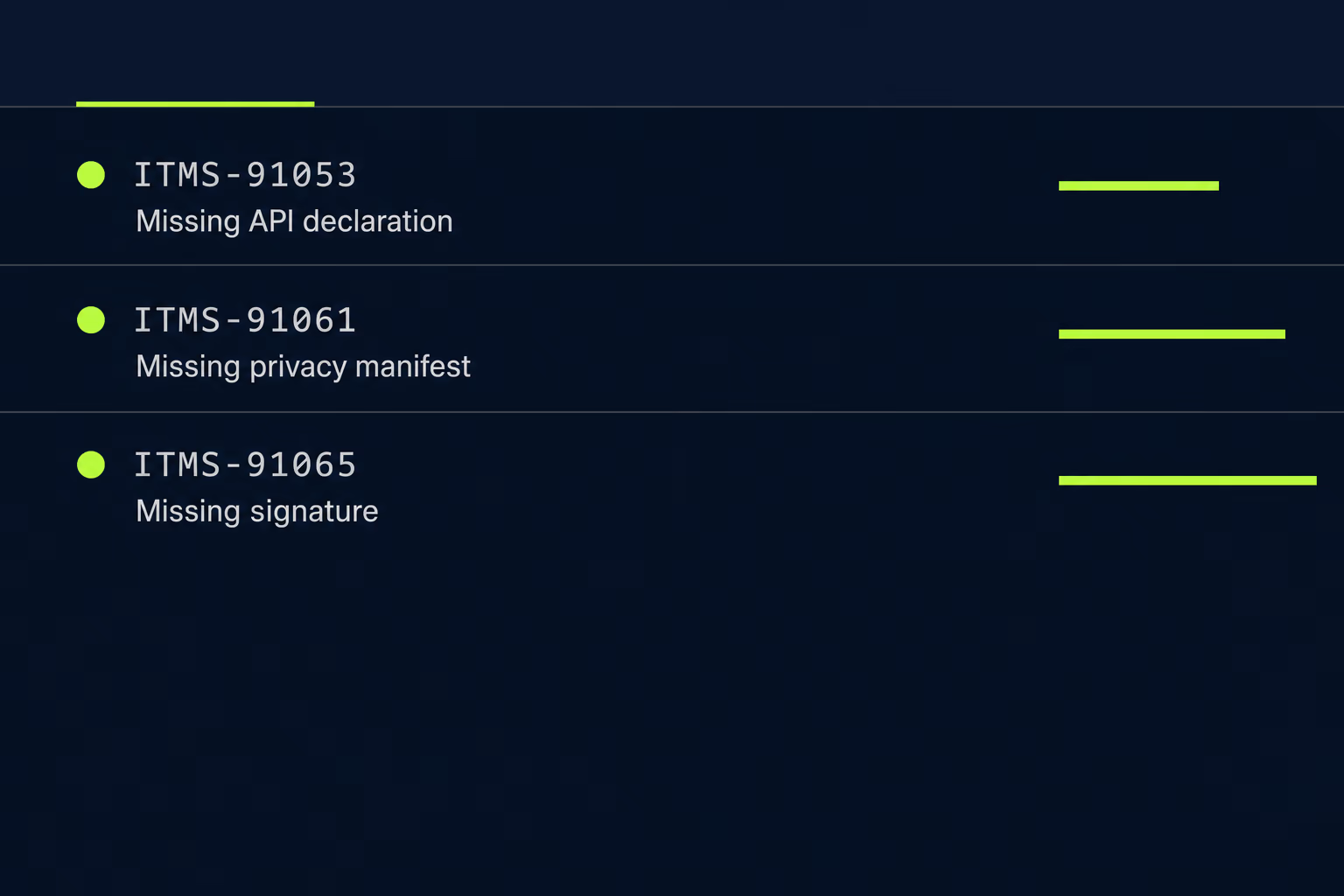
ITMS-91053 describes the opposite situation entirely. It arrives when your binary calls a required reason API and your manifest doesn’t say why, and it names the specific category, most often NSPrivacyAccessedAPICategoryUserDefaults. That one you fix in your own project by adding the category and an approved reason code, and it usually takes a single afternoon. Three related codes round out the family: ITMS-91055 for an invalid API reason declaration, ITMS-91056 for a manifest Apple can’t parse, and ITMS-91065 for a missing signature on a listed SDK.
The timeline explains why so many teams believe they’re compliant and then aren’t. Apple announced in February 2024 that from March 13 that year it would email developers about missing reasons, and that from May 1, 2024 those reasons became a requirement for uploading a new or updated app. The February 12, 2025 date in the ITMS-91061 text extends the same logic to the SDK manifests themselves. Because the rule bites when an SDK is newly added rather than merely present, a build can be accepted while the warning email still lands, and the team learns nothing until the release where it finally blocks them. That pattern shows up across the other App Store rejection reasons too, where a warning quietly becomes a wall a few releases later.
Which SDK in your app is missing its privacy manifest?
Start from the path in the email, because Apple prints the location of the offending binary inside your app bundle. That path is often something like a framework nested inside another framework, which already tells you the dependency isn’t one you added directly. Reading it carefully saves an hour of guessing, and it’s the step most people skip because the email looks like boilerplate.
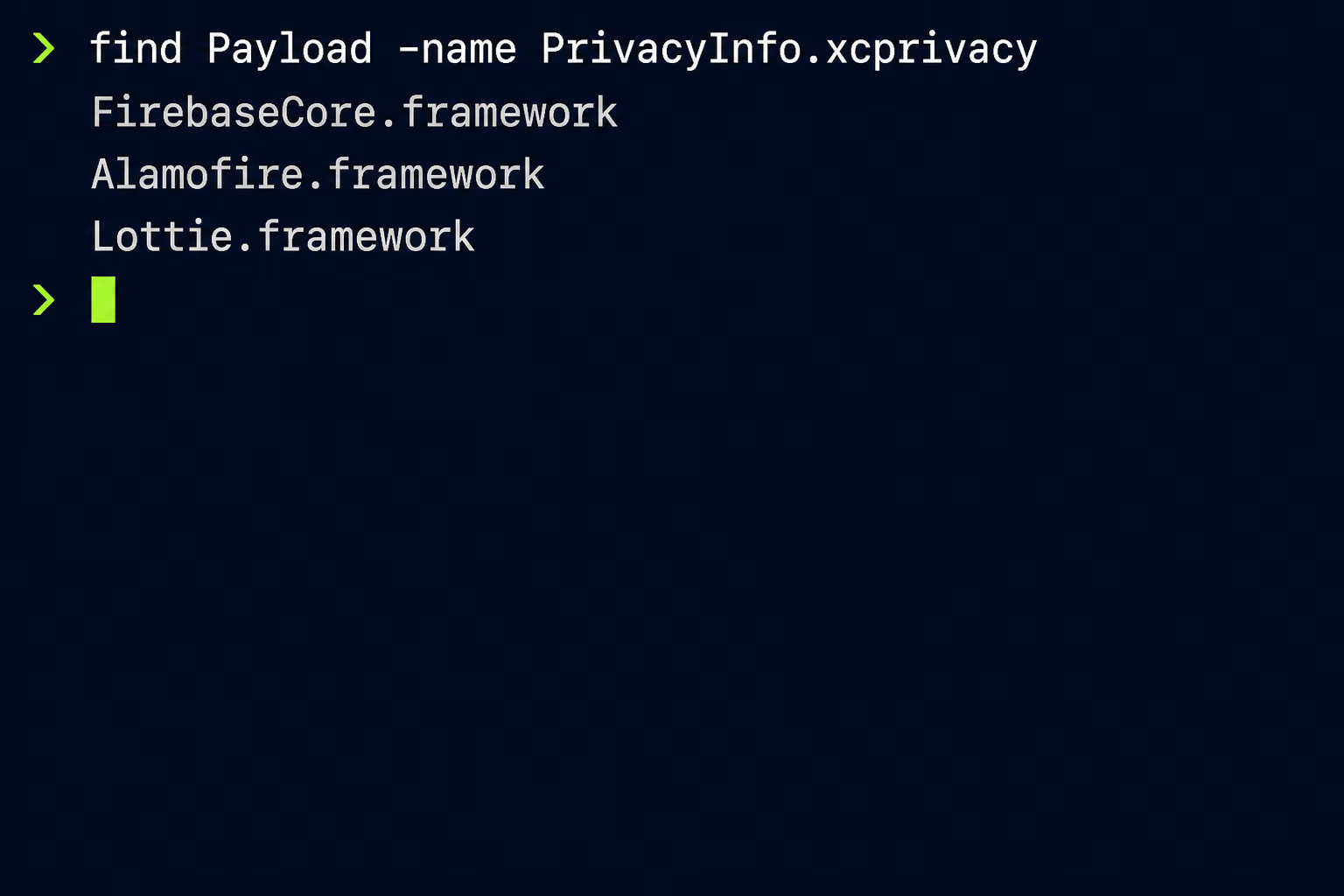
From there, check the build itself rather than your dependency file. Unzip the IPA you uploaded, open the Payload directory, and run find across the app bundle for every .xcprivacy file inside it. Compare that list against the frameworks actually present in the bundle, and the gaps are your candidates. Cross-reference those names against Apple’s list, and you’ll usually find one or two culprits rather than a dozen. It reflects what you shipped rather than what you intended to ship, which a Podfile audit never does.
Two situations make the search harder than it looks. A listed SDK frequently arrives as a transitive dependency of something else, so Firebase pulls in GoogleUtilities, nanopb and Promises without you naming any of them, and each of those appears on Apple’s list separately. Static libraries are the other complication, since a static library has no bundle of its own to carry a resource, which is why Apple’s guidance tells SDK authors to wrap their product in a static framework target in Xcode 15 or later so a manifest can travel with it. If the offending code was linked as a plain static library, there is no file to look for and no place to put one until the vendor changes how they ship.
How do you declare a required reason API without guessing?
You pick from Apple’s fixed list, because there is no free-text option anywhere in the format. Apple defines five categories of required reason API: file timestamps, system boot time, available disk space, active keyboards, and user defaults. Across those five categories there are seventeen approved reason codes in total, each a short string such as CA92.1 or 85F4.1, and your manifest must use one of them for every category your code touches.
User defaults is the category that catches ordinary apps, since almost every app stores a setting and almost every analytics SDK reads one. Its four codes cover distinct situations: CA92.1 for reading and writing values only your own app can see, 1C8F.1 for values shared across an App Group, C56D.1 for an SDK wrapping the API on the host app’s behalf, and AC6B.1 for the managed configuration keys used with mobile device management. File timestamps have four codes, disk space has four, system boot time has three, and active keyboards has two.
Picking honestly matters more than picking quickly. Most of these codes carry a condition attached, and the common one is that the information may not leave the device. If you declare 85F4.1 to display free space to the user and then send that number to your analytics provider, the declaration is false even though the build went through. Apple has also said in writing that the required reason rules will eventually expand to cover the entire app binary rather than only newly added frameworks, so a manifest full of convenient answers is a debt rather than a shortcut. When no approved reason genuinely describes what your code does, the correct response is to change the code.
What do you do when the SDK is abandoned?
Your options depend entirely on how that SDK reaches your project, and there are three of them. If it arrives as source through CocoaPods or Swift Package Manager, you can fork the repository, add a PrivacyInfo.xcprivacy file to the right target, and point your project at the fork, because you are the one compiling that code and no external signature is involved.
If it arrives as a prebuilt XCFramework, that route closes. You can’t add a resource to a signed binary and still have Xcode validate it as coming from the original developer, and Apple asks for both the manifest and a valid signature in that case. The realistic answer is replacement: find a maintained equivalent, or absorb the twenty or so lines of functionality you were actually using into your own codebase. This is unglamorous work and it’s usually smaller than it looks, since abandoned dependencies tend to be small utilities rather than large systems.
The third option is to file an issue with the vendor and wait, which is worth doing in parallel and worth nothing on its own. An SDK that missed a deadline set in 2025 is not a project with an active maintainer, and betting a release date on a stranger’s weekend is how a two-week fix becomes a two-month one. Work out the replacement cost early, decide deliberately, and if the dependency turns out to be load-bearing in ways nobody documented, that’s a good moment to talk to a senior engineer about your app before the release calendar makes the choice for you.
Why does a neglected app hit this harder than a new one?
Because the requirement triggers on change, and an app that hasn’t shipped in two years changes everything at once. A team releasing every fortnight absorbed these rules one dependency at a time as versions rolled forward. A team returning to a codebase after a long gap bumps thirty packages in a single afternoon, and every one of them counts as newly added for the purpose of the check.
Cross-platform projects feel this most sharply. Flutter itself is on Apple’s list, along with hermes, UnityFramework, Capacitor, Cordova and a long run of Flutter plugins including path_provider, url_launcher, image_picker_ios, shared_preferences_ios and webview_flutter_wkwebview. Fixing the manifest problem there means moving the framework version, which pulls in the wider upgrade that was being avoided in the first place. Anyone who has already lived through a target API level jump on the other store will recognise the shape of it, and the Google Play target API level rules create the same pressure on the same neglected apps at roughly the same time.
This is the ordinary shape of deferred mobile app maintenance rather than anything unusual about privacy manifests. Store policy accumulates whether or not anyone is watching, and it converts into a wall of work at the exact moment somebody needs a small urgent change shipped. At RapidLabs the app takeovers that arrive in the worst condition are rarely broken in an interesting way, and they are almost always simply two years behind on requirements nobody was tracking.
Where to start before your next release
Work backwards from the release you actually need. Take the last build you uploaded, unzip it, and inventory which frameworks carry a PrivacyInfo.xcprivacy file and which don’t, so you’re arguing about a real list rather than a Podfile. Cross-reference the missing ones against Apple’s third-party SDK requirements page on the day you do it, and separate them into two piles: the ones with a newer version available, and the ones with no maintainer left.
The first pile is scheduling and testing rather than engineering. The second pile is where the real budget goes, so cost it before you promise a date, and take the decision about forking versus replacing while you still have room to change your mind. When RapidLabs scopes this on an inherited app, sizing that second pile is the first measurement we take, because it decides whether this is a week or a month. Add the required reason declarations for your own code at the same time, since that part is genuinely quick and it removes ITMS-91053 from the picture permanently.
Do this while nothing is urgent. The version already on the App Store keeps working regardless, which makes it tempting to leave the whole thing alone, but an app you can’t submit is an app you can’t patch. Something will eventually force a submission, whether that’s a security fix or the next store deadline, and the manifest work will still be waiting. Teams that clear it during a quiet month describe it as a week of tidying, and teams that meet it during an incident describe it very differently.
Frequently asked questions
Does adding a privacy manifest to my own app fix ITMS-91061?
No, and this is the mistake that costs teams the most time. ITMS-91061 is about a third-party SDK inside your app that Apple lists as privacy-impacting and that shipped without its own PrivacyInfo.xcprivacy file. Apple's own guidance is that your app's manifest should describe only your app's practices, and that the SDK's manifest has to travel inside the SDK. Adding entries to your own file changes nothing about the email, so the fix always involves the dependency Apple named rather than your app target.
Can I ignore the ITMS-91061 email if my build was accepted?
You can ship that particular build, but the problem is still queued up for you. Apple's stated rule is that the requirement applies to new apps and to updates that add a privacy-impacting SDK, so a build that only carries a dependency you already had can go through while the warning email still arrives. The next time you bump that dependency's version or add a new one, the same SDK can turn into a blocking rejection. Teams that treat the email as noise usually discover this during a release they can't delay.
How many SDKs are on Apple's privacy manifest list?
Apple's third-party SDK requirements page listed 86 SDKs when this article was written, running from Abseil through webview_flutter_wkwebview. Apple states that any version of a listed SDK counts, along with any SDK that repackages one of them, which is why a dependency you have never heard of can trigger the email. The list is edited over time rather than frozen, so it's worth rereading the page before a big release rather than trusting a copy you saved a year ago. Firebase, Flutter, Alamofire, Lottie, RxSwift and OneSignal are all on it.
What is the difference between ITMS-91061 and ITMS-91053?
ITMS-91061 is about a missing manifest inside a third-party SDK, and ITMS-91053 is about a missing reason for an API that your own binary calls. The second one names an API category such as NSPrivacyAccessedAPICategoryUserDefaults and expects you to add that category to your app's privacy manifest with one of Apple's approved reason codes. You fix ITMS-91053 in your own project, usually in a few minutes. You fix ITMS-91061 by changing or replacing a dependency, which is a far bigger job.
What can I do if the SDK that needs a privacy manifest is abandoned?
You have three realistic options, and which one applies depends on how the SDK reaches your project. If it arrives as source through CocoaPods or Swift Package Manager, you can fork it, add the PrivacyInfo.xcprivacy file yourself and point your project at the fork, because you are the one compiling it. If it arrives as a prebuilt binary framework, you can't add a manifest and keep a valid signature from the original developer, so replacement is the only honest path. Budget for the replacement rather than hoping an update appears.
Which APIs need a declared reason in a privacy manifest?
Apple defines five categories of required reason API, covering file timestamps, system boot time, available disk space, active keyboards and user defaults. Each category has its own fixed set of approved reason codes, seventeen across all five, and you have to pick from that list rather than writing your own explanation. User defaults is the category that catches ordinary apps most often, since almost every app stores settings and analytics SDKs read them constantly. The reason code CA92.1 covers reading and writing values that only your own app can see.
Do I need a privacy manifest for an app I never plan to update?
Not for the version already on the App Store, because the requirement applies at submission rather than to apps sitting in the store. That safety is temporary in practice, since any security fix, any operating system change and any store deadline eventually forces a submission. An app you can't submit is an app you can't patch, which turns a paperwork problem into a business risk the first time something breaks. Getting the manifest work done while nothing is on fire is much cheaper than doing it under pressure.
Have a product decision to make?
RapidLabs helps founders and operators shape, build, and launch focused software.
Email the studio