Rewrite vs Refactor: The Mobile App Decision
Refactoring means improving the code inside the mobile app you already have while it keeps shipping to the same users under the same store listing, and a rewrite means building a replacement from scratch. For most iOS and Android apps that still work, refactoring is the better decision, because the app stores sit between you and your users and turn a rewrite into one large release rather than a gradual switch. A rewrite earns its cost when the app rests on a framework that no longer receives updates, or when the code can’t be compiled against the SDK versions Apple and Google now require. The decision usually comes down to whether your real problem is the code itself or the foundation underneath it.
Almost every article on this question answers it for a web or backend system, where the advice is sound but the mechanics are completely different. This one works through it with the constraints of an app people install.
What’s the difference between a rewrite and a refactor?
A refactor changes how the code is organised internally without changing what the app does for the person using it, while a rewrite produces a new codebase intended to replace the old one entirely. The distinction that matters commercially isn’t the amount of code touched, it’s whether you keep shipping the whole time. A refactored app goes out as version 4.3 next week and version 4.4 the week after, each one a little cleaner inside, with users noticing nothing beyond the bug fixes they asked for. A rewrite means the app your users have today stops improving while a replacement is built somewhere else, and the two only meet on the day you decide to switch.
That gap is where rewrites go wrong, and it’s rarely a coding problem. During a rewrite you still have to fix urgent bugs in the old app, which means two codebases receiving changes at once and every fix being made twice. The replacement is also chasing a moving target, because the original keeps gaining small adjustments that the new version has to match before anyone will accept it as finished.
There’s a third option that gets ignored in most discussions of this topic, and it’s the one that fits mobile work best. You can rewrite a single part of the app, a payments flow or a data layer or an entire screen, while leaving everything around it in place and shipping the result as an ordinary update. Most of the work RapidLabs does on inherited apps looks like that rather than like either extreme.
Why does the web rewrite playbook break on a mobile app?
The standard advice assumes you control the machine the software runs on, and with a mobile app you don’t. The most widely recommended approach for modernising a system without a big-bang release is the strangler fig pattern, where you put a router in front of the old system and gradually send more traffic to the replacement until the original handles nothing and can be switched off. It works beautifully for a website, and it doesn’t port to an app that people install, because there’s no traffic layer in front of the binary on someone’s phone and no way to move a slice of your users onto different code by changing a setting on your own servers.
Every change you make also has to pass through app review before it reaches anyone. That single fact reshapes the whole plan. A web team can ship a risky change at ten in the morning and roll it back by lunch if the error rate climbs, so the cost of being wrong is measured in minutes. A mobile team submits a build, waits for a reviewer, and then waits again for users to install the update, which turns the same mistake into something that lives on real devices for days. Our breakdown of App Store and Google Play review time covers what those waits actually look like in practice.
The install base makes it harder still. Deploy a new version of a website and every visitor has it on their next page load, with the old version simply ceasing to exist. Release a new version of an app and you get an adoption curve instead, where a meaningful share of your users will still be running a build from last year. Any server your app talks to has to keep serving those old versions until you deliberately stop supporting them.
When is a mobile app rewrite genuinely the right call?
A rewrite is justified when the foundation is the problem rather than the code sitting on top of it, and the clearest version of that is a framework which no longer receives updates. Microsoft ended support for Xamarin on May 1, 2024, and now points teams toward .NET for iOS, .NET for Android and .NET MAUI instead. An app still built on the discontinued version isn’t going to be rescued by tidying its code, because the thing underneath it has stopped moving while the platforms it runs on have not.
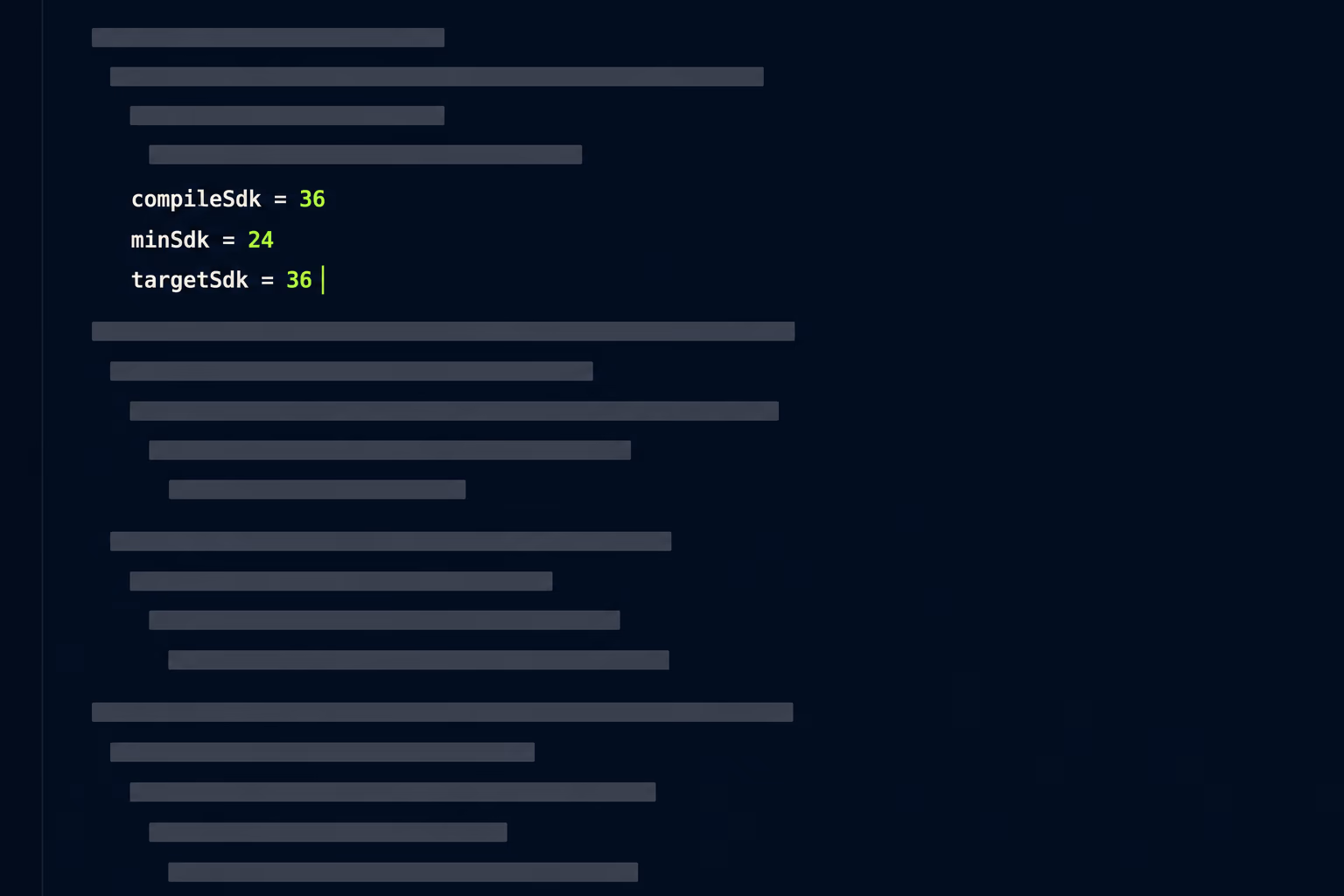
Platform requirements turn that from a philosophical concern into a dated one. From August 31, 2026, new apps and app updates for phones and tablets must target Android 16, which is API level 36, or higher to be submitted to Google Play, with an extension available to November 1, 2026 for teams that need more time. Apple applies the same kind of pressure from the other side, and since April 28, 2026 apps uploaded to App Store Connect have had to be built with Xcode 26 using the iOS 26 SDK or a later one. We go through the Android side of this in detail in our article on the Google Play target API level deadline.
Those deadlines give you a straightforward test. If your app can be made to compile against the required SDK versions with a week of dependency updates and some deprecation fixes, your foundation is fine and your problems are ordinary technical debt. If the framework it’s written on has no version that supports the current SDK, no amount of refactoring will get you back on the store, and the rewrite isn’t really a choice you’re making. Native code faces the same test under Google’s Android 16 KB page size requirement, because a library compiled years ago stays unaligned until someone can recompile it.
The other honest case for starting over is an app nobody understands and nobody can build. When the original developers are long gone, the source is incomplete, there are no working credentials for the developer account, and no engineer has been able to produce a running build from what exists, you aren’t refactoring anything. You’d be reconstructing the app by observation, which costs the same as writing it and gives you a worse result.
When is refactoring the better decision?
Refactoring wins whenever the app still builds, still ships and still serves its users, and the complaints against it are about specific behaviours rather than the whole thing. This describes the large majority of apps that get proposed for a rewrite. The code is untidy, releases feel risky, one screen crashes more than it should, and a new developer looking at it for the first time reasonably concludes that starting fresh would be faster.
Joel Spolsky wrote the definitive warning about that instinct on April 6, 2000, using Netscape’s decision to rebuild its browser from scratch as the example, and his central observation was that it’s harder to read code than to write it. Messy old code usually looks worse than it is, because much of what appears to be clutter is accumulated fixes for real problems encountered by real users. A rewrite discards those fixes along with the mess and rediscovers the same bugs one at a time, in production, with people watching.
Refactoring also keeps your revenue intact while the work happens. The app stays on the store, keeps earning, and keeps receiving the small improvements that stop users from drifting away. You can stop at any point and still be better off than when you started, which is not true of a rewrite that’s only valuable once finished. That matters when the budget is uncertain, and it’s why mobile app stabilization work usually delivers a calmer app long before anyone settles what the codebase should ideally look like.
How do you refactor a mobile app without pausing releases?
You replace one part at a time inside the same codebase and ship each replacement as a normal update, which is the version of incremental modernisation that actually works on mobile. Instead of routing traffic between two systems, you draw a boundary around one area of the app, build the new implementation behind that boundary, and switch between old and new with a flag you control remotely.
The sequence that keeps this safe is short enough to describe in full:
- Pick the module causing the most user-visible pain, not the ugliest one.
- Put a clear interface around it so nothing else depends on its internals.
- Build the replacement behind a remote feature flag, defaulting to off.
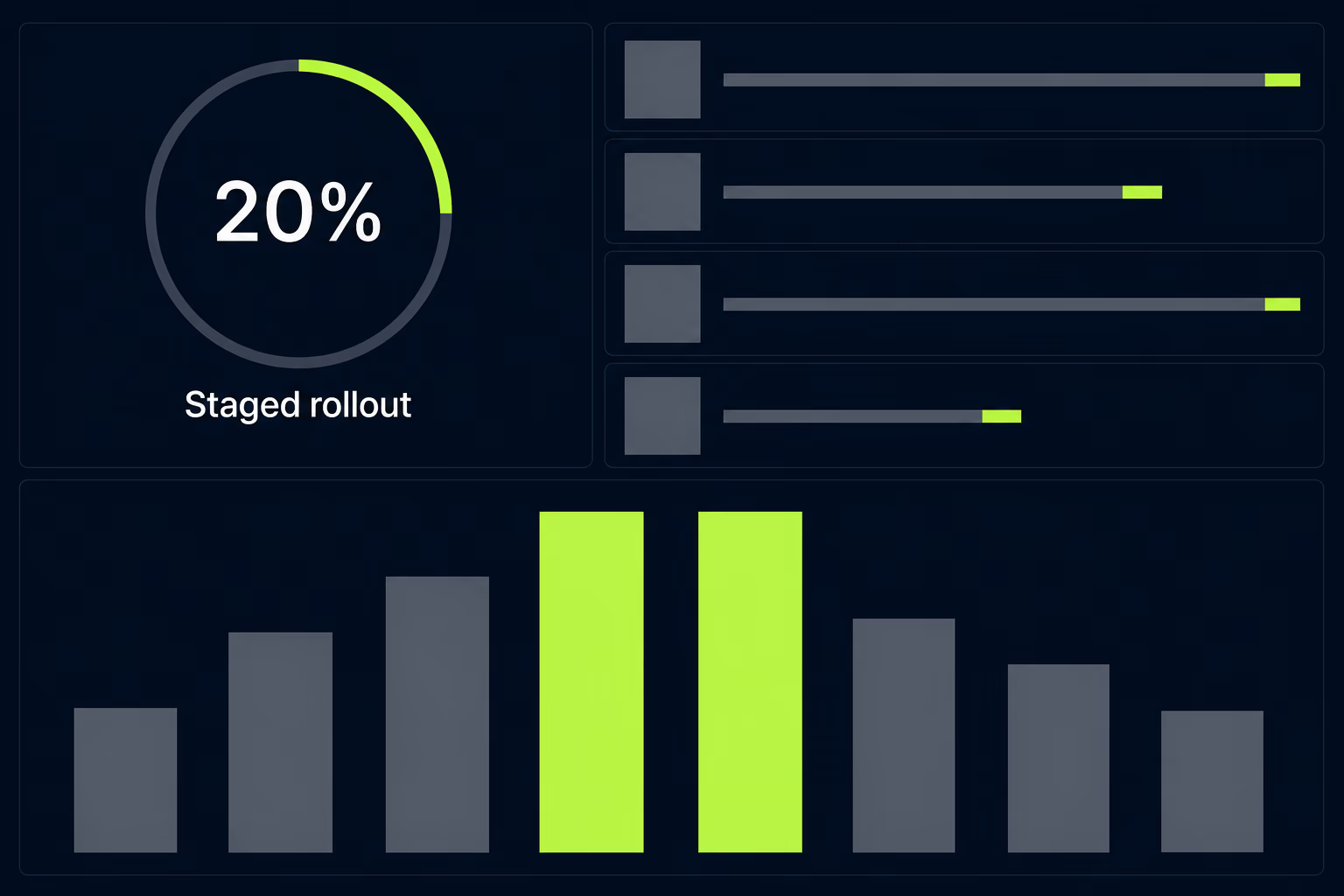
- Release it dark, enable it for a small percentage, and watch the crash rate.
- Remove the old implementation only once the new one has held for a full release cycle.
Staged rollout is what makes step four possible, and both stores support it, so a build can go to a fraction of your users while the rest stay put. Combined with a remote flag you get two independent ways to limit the damage from a bad change, one controlling who receives the code and one controlling whether it does anything on arrival. Neither needs app review to reverse, which matters when something breaks on a Friday evening.
Working this way also changes what the team argues about. Rather than debating whether the app deserves a rewrite, they’re deciding which module to replace next, and each decision is small enough to reverse. After a year of that the codebase can be substantially new without a single day where the product stopped shipping.
What does a rewrite cost beyond engineering time?
The expensive parts of a rewrite are the assets that don’t live in the code, and they’re the ones nobody puts in the estimate. Your store listing carries ratings, reviews, an install base, and a ranking history built up over every year the app has existed. All of that survives a rewrite shipped as an update to the same listing, and none of it survives publishing the replacement as a new app, which is exactly what teams end up doing when they can’t access the original developer account or decide to rebrand at the same moment. If that new listing lives in a personal Play Console account opened after November 13, 2023, it also has to clear Google Play closed testing, with at least 12 testers opted in for 14 continuous days, before it can reach production.
Data sitting on your users’ devices is the second cost. A web rewrite deals with one database that you control and can migrate in a maintenance window. A mobile rewrite has to migrate local data on every device individually, in whatever state each one happens to be in, with no way to inspect a device that fails and no opportunity to try again if the migration corrupts something. That code has to be correct the first time, it can only be tested against situations you thought to anticipate, and it’s usually written late in the project when the schedule is already tight.
Then there’s the year of paying for two apps at once. Until the replacement covers everything the original does, the original still needs security updates, SDK bumps to stay submittable, and urgent fixes. Teams routinely plan a six-month rewrite, then maintain both codebases for eighteen months while requests pile up against the version supposedly being retired. Our breakdown of app maintenance cost covers that ongoing half of the bill.
How do you decide without spending months on it?
Two weeks of focused investigation answers this for almost any app, and the work is concrete rather than a matter of opinion. Start by getting the app to build from a clean checkout on a machine that has never seen it, because the time that takes is the single most predictive number you’ll gather. An app that can’t be built at all after ten days has already given you your answer.
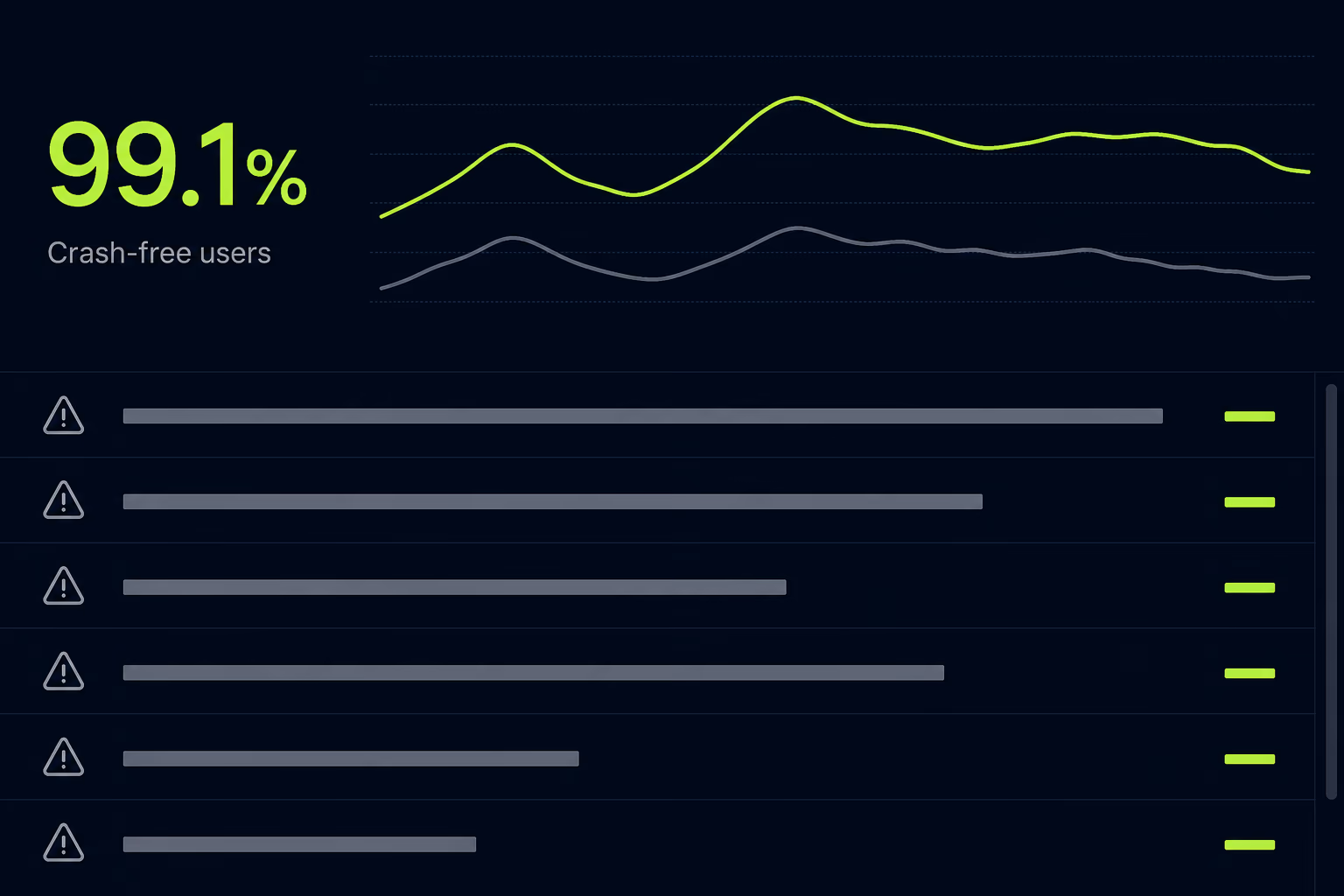
From there you’re checking four things. Read the crash reporting, in Crashlytics or Sentry or whatever the app already runs, to see whether failures are concentrated in one area or spread everywhere, since concentrated crashes are a refactoring job and diffuse ones suggest something structural. Check whether every major dependency and the framework itself still receive updates, which tells you if the foundation has an expiry date. Find out whether anyone still understands the business rules encoded in the app, because that knowledge is what a rewrite most reliably destroys. Then make one small representative change and take it through to a build, since that effort samples every change coming after it.
Write the results down as evidence rather than as a recommendation, and the decision tends to make itself. This is the substance of an app maintenance audit, and two weeks of investigation is cheap next to either a rewrite that wasn’t necessary or a refactor that was never going to be enough.
Deciding on your own app
Start from the assumption that you’re refactoring, and make the rewrite argue for itself. That ordering matters, because the instinct to start fresh is strong and the reasons for it usually sound better than they are. Untidy code, a release process that makes everyone nervous, and a developer who finds the existing work confusing are all real problems with cheaper solutions than rebuilding a product that currently earns money.
Change your mind when the evidence is specific. A framework with no supported version that can target the SDK levels the stores require is a genuine reason to rebuild. So is an app that no engineer has managed to compile, and so is a product whose purpose has changed so completely that you’d be deleting most of what exists anyway. Those situations are real, and when you’re in one, delaying the rewrite only means doing it later with less time.
Anything short of that deserves the incremental path, where you replace one piece at a time and the app keeps shipping throughout. It’s slower to describe and far less satisfying to plan, but it fails safely, and a mobile product that stops improving for a year while something better is built somewhere else rarely recovers the ground it lost. At RapidLabs most of the apps we’re asked to rewrite turn out to need app takeover and a few months of steady work instead, and the owners are generally relieved. If you’re weighing this up for an app you own, you can talk to a senior engineer about your app before committing to either direction.
Frequently asked questions
Is a rewrite or a refactor cheaper for a mobile app?
Refactoring is almost always cheaper in the first year, because you keep shipping the app you already have and never pay to rebuild features that already work. A rewrite makes you pay twice for the same functionality, and you carry the old app in parallel until the new one is finished. The exception is an app whose foundation has been discontinued, where refactoring buys a shrinking amount of time and the rewrite happens eventually anyway. In that case the honest comparison is rewriting now versus rewriting later under more pressure.
Can you use the strangler fig pattern to refactor a mobile app?
Not in the form the pattern was designed for, because it assumes a router in front of your system that can send a growing share of traffic to a replacement. A mobile app is a binary that people install on their own devices, so there's no traffic layer you control and no way to move a percentage of users onto different code from your side. The mobile equivalent works inside the app rather than in front of it. You replace one module at a time within the same codebase, ship each replacement as a normal update, and use feature flags and staged rollout to control exposure.
Will a rewrite lose my app's ratings and reviews?
Only if you publish the replacement as a brand new listing, which is what teams do when they can't access the original developer account or decide to rebrand at the same time. A rewrite shipped as an update to the existing listing keeps the ratings, reviews, install base and ranking history, because the store sees a new version of the same app. Keeping the same bundle identifier and signing credentials is what makes that possible, and losing access to either one turns a technical decision into a much more expensive marketing problem.
What happens to users who never update the app?
They stay on whatever version they installed, sometimes for years, and any server your app depends on has to keep serving them until you deliberately cut them off. This is the constraint that separates mobile from web work, where everyone gets the current version the moment they reload the page. A rewrite makes it worse, because the replacement may expect data in a different shape or call endpoints the old version knows nothing about. Planning a forced-update mechanism and a minimum supported version before you start is what keeps that migration controlled.
Should a rewrite also change the technology the app is built on?
Changing the underlying technology is one of the few reasons a rewrite is justified at all, so bundling the two is often reasonable, but it should be deliberate rather than a preference for a newer tool. The strongest case is an app on a framework that no longer receives updates, where staying put has a clear expiry date. The weakest case is switching because a different framework is currently fashionable, which trades a codebase your team understands for one they don't. If the current technology still gets security updates and can target the SDK versions the stores require, the technology isn't your problem.
Have a product decision to make?
RapidLabs helps founders and operators shape, build, and launch focused software.
Email the studio