App Store Review Time: iOS vs Android in 2026
Apple reviews 90 percent of App Store submissions in under 24 hours, according to its own published numbers. Google Play usually clears a routine update just as fast, though certain developer accounts can wait up to seven days or longer under closer scrutiny. Where your specific app lands inside that range depends on its category, your account’s history, and how clean the submission is. If your review has already blown past 48 hours, skip ahead to what actually helps.
How long does Apple App Store review actually take?
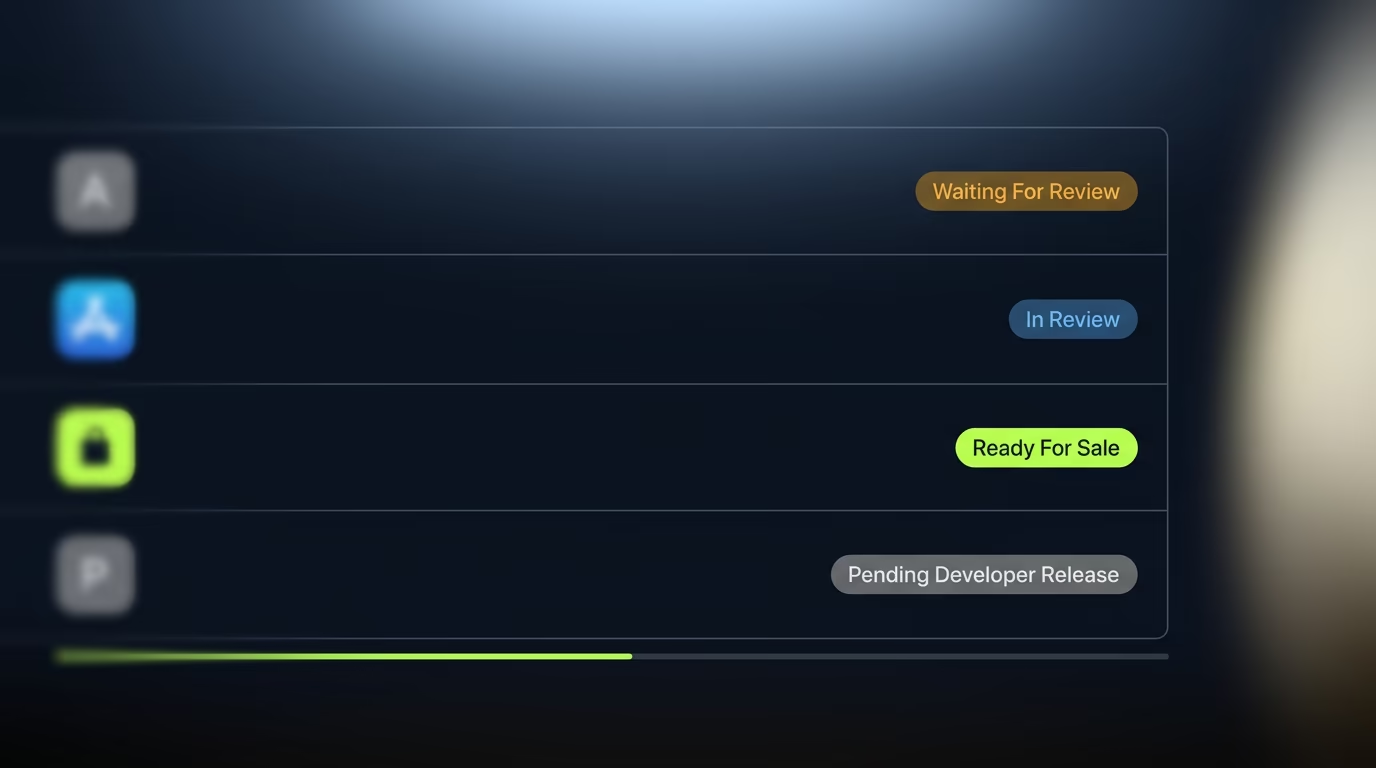
Most apps clear Apple’s review well inside a single day. Apple’s own developer site states that on average, 90 percent of submissions are reviewed in less than 24 hours. That figure covers the entire queue, from a one-line bug fix to a brand new app requesting camera and location access for the first time, so it’s an average rather than a promise for any specific submission.
Independent trackers that poll App Store Connect around the clock, such as runway.team, generally show a similar shape: the review step itself typically finishes in under two hours once a reviewer or automated check picks it up, with most of the wait sitting in the queue beforehand rather than in the actual inspection. That’s a self-reported, third party measurement rather than an Apple figure, but it lines up with the pattern Apple describes.
The 24 hour number holds best for updates to an app Apple already knows. A brand new submission tends to take longer on average, because a reviewer has to install it, click through the flows, and confirm the listing matches what the app does. Apps in categories that draw extra scrutiny, health data, financial transactions, anything aimed at children, tend to sit longer too, since those categories carry additional privacy and safety checks that a plain utility app never triggers. None of this is published as a hard rule, but it’s consistent enough that treating a first submission or a sensitive category as a multi-day process, not a next-day one, will save you from planning a launch around an overly optimistic number.
Apple’s review also runs in stages rather than as a single check. A build first passes through automated scanning that looks for obvious problems, private API usage, crashes on launch, missing entitlements, before a human reviewer ever opens it. When the automated stage flags something, you’ll usually see a rejection within minutes rather than hours, which is a useful signal on its own: a fast rejection almost always points to a mechanical problem with the build itself, while a rejection that arrives after a long wait tends to be a judgment call a person made after actually using the app. Knowing which stage caught the issue tells you how to fix it, since a fast rejection means checking your build settings and entitlements first, and a slow one means reading the reviewer’s note carefully before touching any code.
How long does Google Play review take?
Google’s own guidance is less specific than Apple’s, but it draws the same basic shape: fast for most updates, slower when your account or app trips something. Google states that updates to existing apps are processed and published as soon as possible, and in practice that usually means same day turnaround for an established account with a clean history.
The gap opens up for certain developer accounts, where Google’s policy explicitly allows review times of up to seven days or longer in exceptional cases, generally reserved for a new account, a policy violation history, or an app requesting sensitive permissions like SMS or call log access. That difference matters most for first-time submissions. A brand new developer account, especially one without a track record yet, is far more likely to land in the extended review lane than an account with several published apps behind it. If you’re submitting your very first app under a new Google Play account, budget a week rather than a day, and treat anything faster as a pleasant surprise rather than the baseline.
Side by side, the two stores behave differently in a way that catches teams shipping to both platforms off guard. Apple’s variance mostly comes from app category and submission type. Google’s variance mostly comes from account trust, which means the same app can sail through Google Play on an established account and sit for a week on a freshly created one. Teams that assume both platforms behave the same way tend to plan a launch date around Apple’s faster average and get surprised when the Android side lags behind it.
What makes a review take longer than expected?
Every review, on either platform, moves at the pace of the parts that actually need a human to look at them, and a handful of specific things reliably slow that down. Subscriptions and in-app purchases are one of the most common triggers, since a reviewer has to test the purchase flow rather than just read the code, and any friction there, a paywall that doesn’t clearly show the price, a free trial that isn’t disclosed up front, gets flagged and sent back rather than approved with a note.
Permission requests work the same way. Asking for camera, microphone, location, or contacts access without a clear in-app explanation of why the app needs it is one of the more frequent causes of an extended review, because a reviewer can’t always tell from the interface alone whether the request is justified. Your account’s own history carries weight too, more on Android than iOS but present on both. An account with a clean run of approvals earns a degree of trust that shows up as faster turnaround on future submissions, while an account with recent rejections or a policy strike gets a closer look on everything that follows, sometimes for months afterward.
Timing matters in a way that has nothing to do with your app at all. Submission volume spikes hard around a major iOS or Android release and again during the holiday shopping season, and a bigger queue means a longer wait even for a submission that would otherwise sail through untouched.
Export compliance is the quiet one that catches experienced teams off guard, not just first timers. Every App Store submission asks whether the app uses encryption, and answering that question incorrectly, or leaving old encryption documentation in place after adding a new networking library or payment provider, can trigger a hold that has nothing to do with what the app actually does. It’s a paperwork problem rather than a functionality problem, but it stops a release just as effectively as a real bug, and it’s one of the more common reasons a team that has shipped a dozen clean updates suddenly hits a delay on the thirteenth.
What should you do if your review is stuck past 48 hours?
Past the 48 hour mark without a rejection, the first move is to check for a message rather than assume the worst. Apple’s Resolution Center, inside App Store Connect, is where a reviewer leaves a note if they need something from you before they can finish: a screen recording of a specific flow, clarification on a permission, confirmation of an age rating.
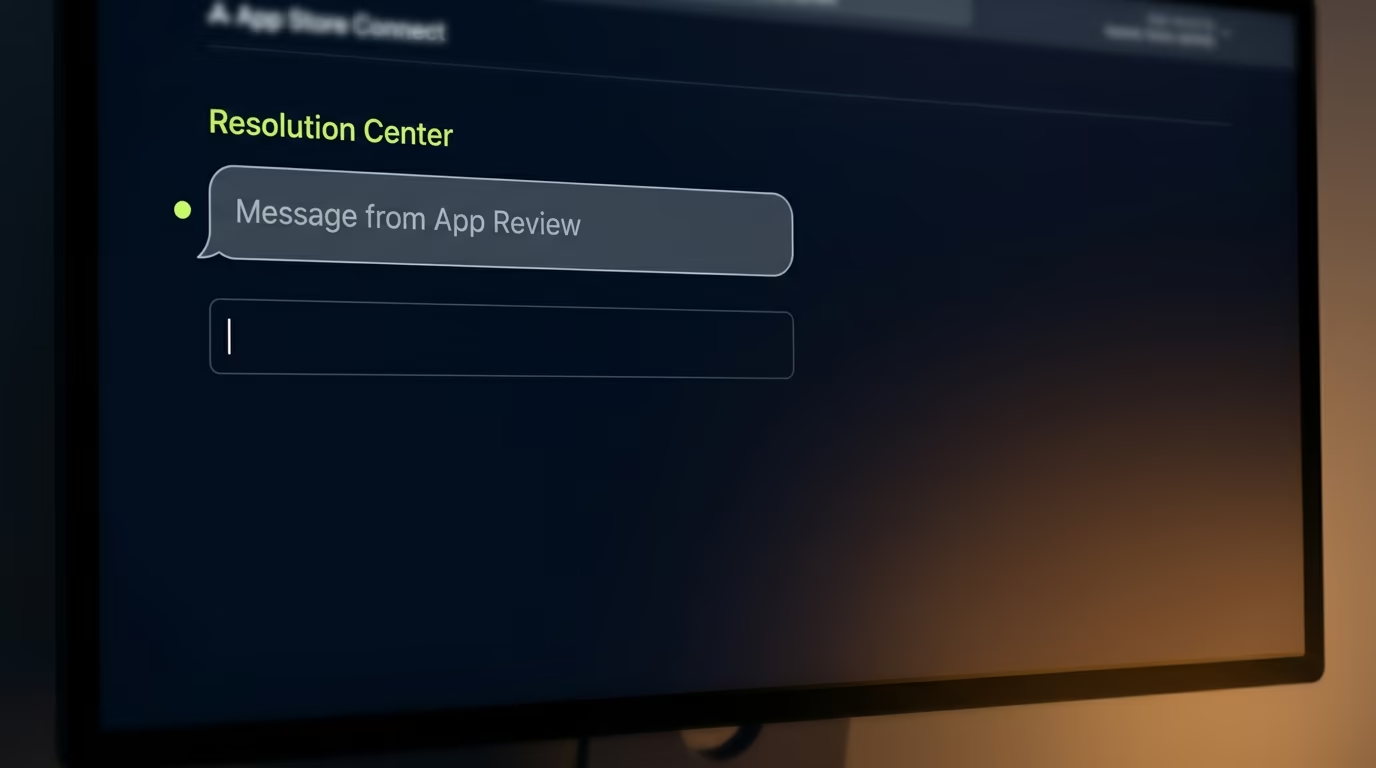
That message doesn’t always trigger an obvious notification, so it’s worth checking directly rather than waiting on an email that may not come. Google Play’s equivalent lives in the Play Console under your app’s Publishing overview, and it works the same way: a stalled review often has a quiet request sitting there rather than an active rejection. This is the kind of check we walk clients through at RapidLabs before they panic and start resubmitting.
If there’s genuinely no message and the wait has stretched past a week, contacting support directly is reasonable, and both platforms have a path for it: Apple through the Contact Us option in App Store Connect, Google through the Play Console’s help and support section. What isn’t worth doing is resubmitting a new build hoping it queue-jumps the old one, since a fresh submission doesn’t clear any faster and just adds a second review to track. And if the review ends in a rejection rather than a stall, read the full note before touching the code, because fixing everything a reviewer flags in one pass beats a series of partial fixes that each restart the clock. The note always names a guideline, and our breakdown of App Store rejection reasons covers what each of the common ones actually requires.
Can you request an expedited review, and when does it work?
Apple offers a genuine expedited review path, but it only exists for two situations, and asking outside of them tends to backfire. The first valid reason is a critical bug that’s actively broken in the version currently live on the App Store, where your request needs to include the exact steps to reproduce the problem so Apple can confirm it’s real.
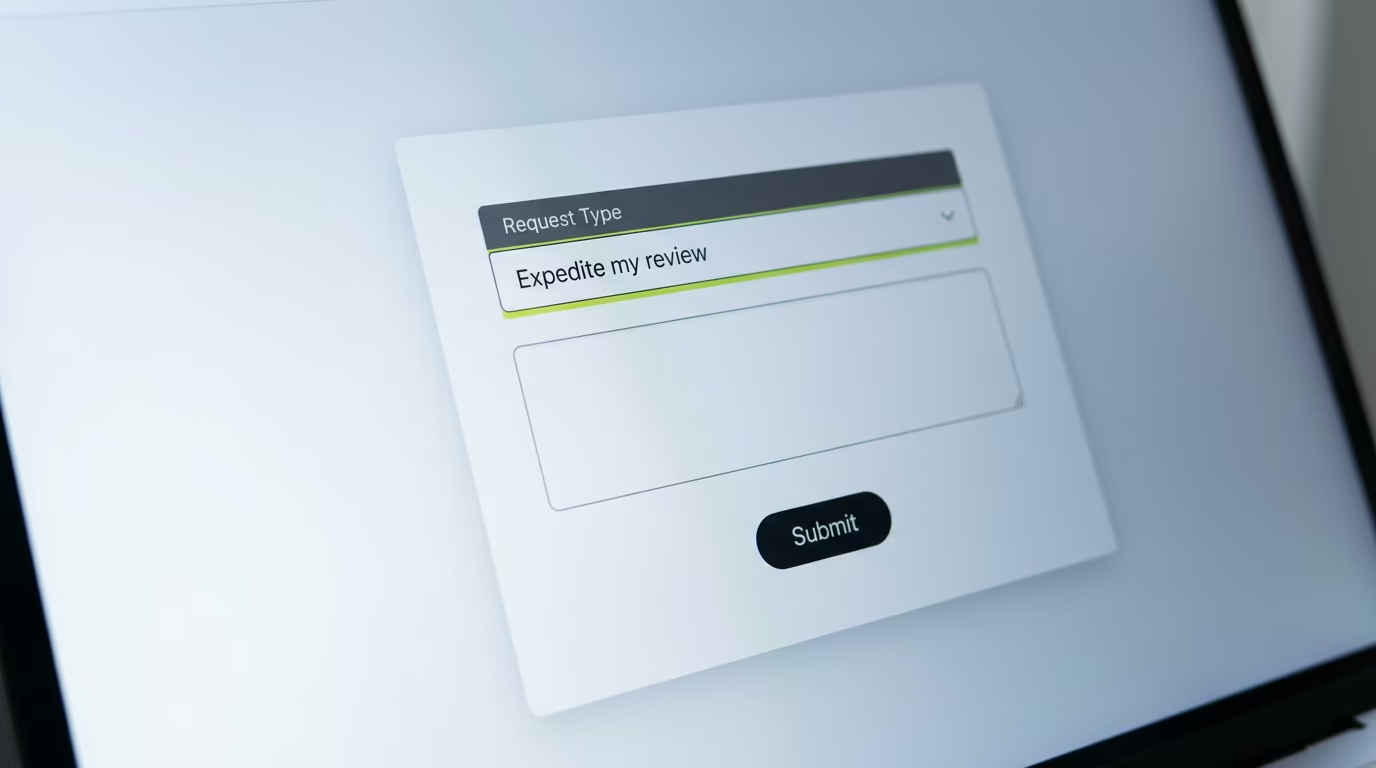
The second is an app tied to a specific event with a fixed date, a conference, a product launch, a live broadcast, where you name the event, its date, and how the app connects to it. Requests go through Apple’s contact form, and approval isn’t automatic. A vague request, or one that doesn’t clearly fit either category, is routinely declined, and developers who ask repeatedly for routine deadlines rather than genuine emergencies tend to find future requests get less benefit of the doubt.
Google Play doesn’t offer an equivalent public expedited process. The closest available lever is making sure your submission is clean the first time, since there’s no fast lane to fall back on if it gets flagged. That asymmetry is worth planning around if you ship to both stores on the same schedule: build in extra runway for Android specifically, because iOS has an emergency valve that Android simply doesn’t.
Is a slow review actually a sign of a bigger release process problem?
Sometimes, and the pattern is worth paying attention to rather than shrugging off as bad luck. A single slow review, on an otherwise healthy app, is usually just the queue being long that week. A pattern of slow reviews, or reviews that keep getting flagged for the same category of issue, permission explanations, subscription disclosure, missing compliance documentation, is a different problem.
It’s one we run into constantly at RapidLabs when a team brings us in to audit a maintenance situation that started with a release that wouldn’t go through. The review process is unforgiving about exactly the kind of small gaps that build up in a codebase nobody has looked at closely in a while: a permission the app requests but no longer uses, a data collection disclosure that was accurate two versions ago and isn’t anymore, a build pipeline a departed developer set up that nobody else fully understands.
None of that shows up as a crash or an obvious bug. It shows up specifically at release time, which is exactly when teams are least prepared to absorb a delay, because a release date is usually attached to something else: a marketing push, an investor update, a client commitment. If every release from your team turns into a small fire drill, stabilizing the release pipeline itself tends to be a better use of time than treating each stuck review as its own one-off emergency, and it’s a cost worth weighing against what ongoing instability already costs you in delayed releases alone.
Plan your release timeline around the queue, not against it
The practical takeaway is simple even though the review process itself isn’t fully predictable. Budget a day for a routine iOS update, a week for anything genuinely new or for Android under a fresh account, and build that buffer into your launch date rather than into your review request. Save Apple’s expedited path for an actual emergency, since it only exists for two narrow reasons, and using it as a shortcut for ordinary planning burns trust you may need later.
If delays keep happening on the same app for reasons that trace back to the codebase rather than the queue, that’s worth treating as a signal rather than repeating the same fire drill on every release. Teams that run into this repeatedly, particularly agencies managing releases for client apps they didn’t originally build, tend to find that a stable release process pays for itself the first time it stops a launch date from slipping.
Before your next submission, it helps to run through the same short list a reviewer effectively runs through on their end. Confirm every permission request has a clear, honest explanation string attached, since a blank or vague one is an easy flag. Confirm your export compliance answer actually matches your current dependencies rather than whatever was true a year ago. Test the full purchase flow yourself on a clean device if the app has a subscription or an in-app purchase, because a reviewer will do exactly that and a broken flow is one of the fastest paths to a rejection. None of this guarantees a same-day approval, since plenty of the variance sits outside your control entirely, but it removes the delays that are actually yours to prevent, which in most rejected submissions turns out to be most of them.
Frequently asked questions
Does Apple guarantee a 24 hour review time for every app?
No. Apple states that on average, 90 percent of submissions are reviewed in less than 24 hours, but that's an average across the whole queue, not a promise for any single submission. A routine update to an app Apple already knows usually clears fast. A first submission, a subscription app, or anything in a sensitive category like health or finance can sit longer while a reviewer checks extra details by hand.
Why is my app still stuck in In Review after a week?
A review that runs past 48 hours without a rejection usually means a reviewer flagged something for a closer look rather than an automated scan clearing it. Common causes include a metadata mismatch, a permission request that isn't clearly explained, a subscription flow that needs manual testing, or a compliance question tied to your account's history. Check the Resolution Center in App Store Connect for a message before assuming the worst, since Apple often asks a question rather than issuing an outright rejection.
Is Google Play review slower than Apple's?
For most routine updates, no. Google says it processes updates as soon as possible, and many developers see same day turnaround. The gap shows up for certain developer accounts, where Google's own policy allows review times of up to seven days or longer in exceptional cases, usually tied to a new account, a policy history, or an app requesting sensitive permissions.
Does resubmitting after a rejection restart the review clock?
Yes. Every resubmission, even a one line fix, goes back into the queue as a new build and gets a fresh review cycle rather than picking up where the last one left off. That's exactly why it pays to read a rejection carefully and fix everything flagged in one pass instead of trickling out small changes and resubmitting again and again.
Do weekends and holidays slow down app review?
Not by design, since both Apple and Google run review around the clock, but real world wait times still creep up around major product moments, a new iOS release, the holiday shopping season, simply because more developers are submitting at once. If you have a hard launch date near one of those windows, submit several days early rather than counting on the standard turnaround holding.
What counts as a valid reason to request expedited App Store review?
Apple accepts expedited requests for two situations: a critical bug that's actively broken in the version currently live on the App Store, where you need to include exact steps to reproduce it, or an app tied to a specific event with a fixed date, where you name the event and explain the app's connection to it. Requests outside those two reasons are routinely declined, so save the option for a genuine emergency rather than a routine deadline.
Stuck on a release, a crash, or an app nobody owns?
RapidLabs maintains, stabilizes and takes over existing iOS and Android apps. Send the app link, the stack, and what is going wrong, and you will get a plain answer on whether you need help at all.
Talk to a senior engineer about your app