React Native Upgrade: Planning a Version Jump
A React Native upgrade is easy when you’re one version behind and turns into a real project once you’re three or four behind, because the work isn’t the framework bump itself but every third-party native module that stopped being maintained while you weren’t looking. The official documentation covers the mechanics well and stops there, saying nothing about how to sequence a large jump, what it costs you in time, or what happens to dependencies that no longer have a compatible release. This piece covers the planning side: how far behind you actually are, what breaks first, why the architecture change splits upgrades into two very different jobs, and what usually sets your deadline.
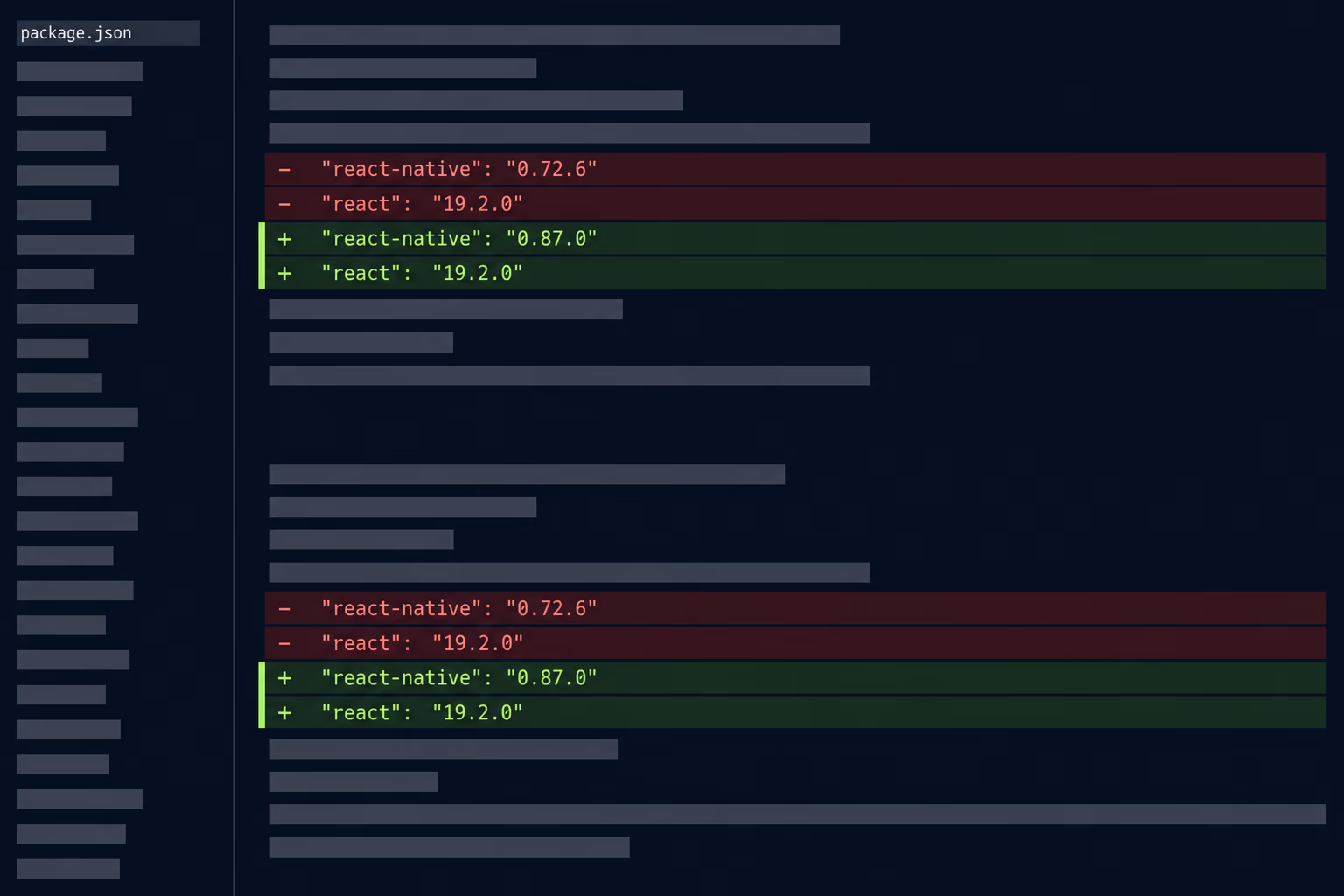
Most teams don’t discover any of this until a store deadline forces the question, at which point the upgrade competes with everything else on the roadmap and loses. Working out the size of the job while nothing is on fire is worth an afternoon.
How far behind is your React Native app?
Measure it in minor versions and in months, because both numbers tell you something different. React Native ships a new minor series roughly every two months, and the project commits to maintaining the latest three of them. The three most recent releases are 0.87.x from 10 August 2026, 0.86.x from 9 June 2026 and 0.85.x from 6 April 2026, with the first two marked active and the third at end of cycle, meaning it gets a final patch and then stops.
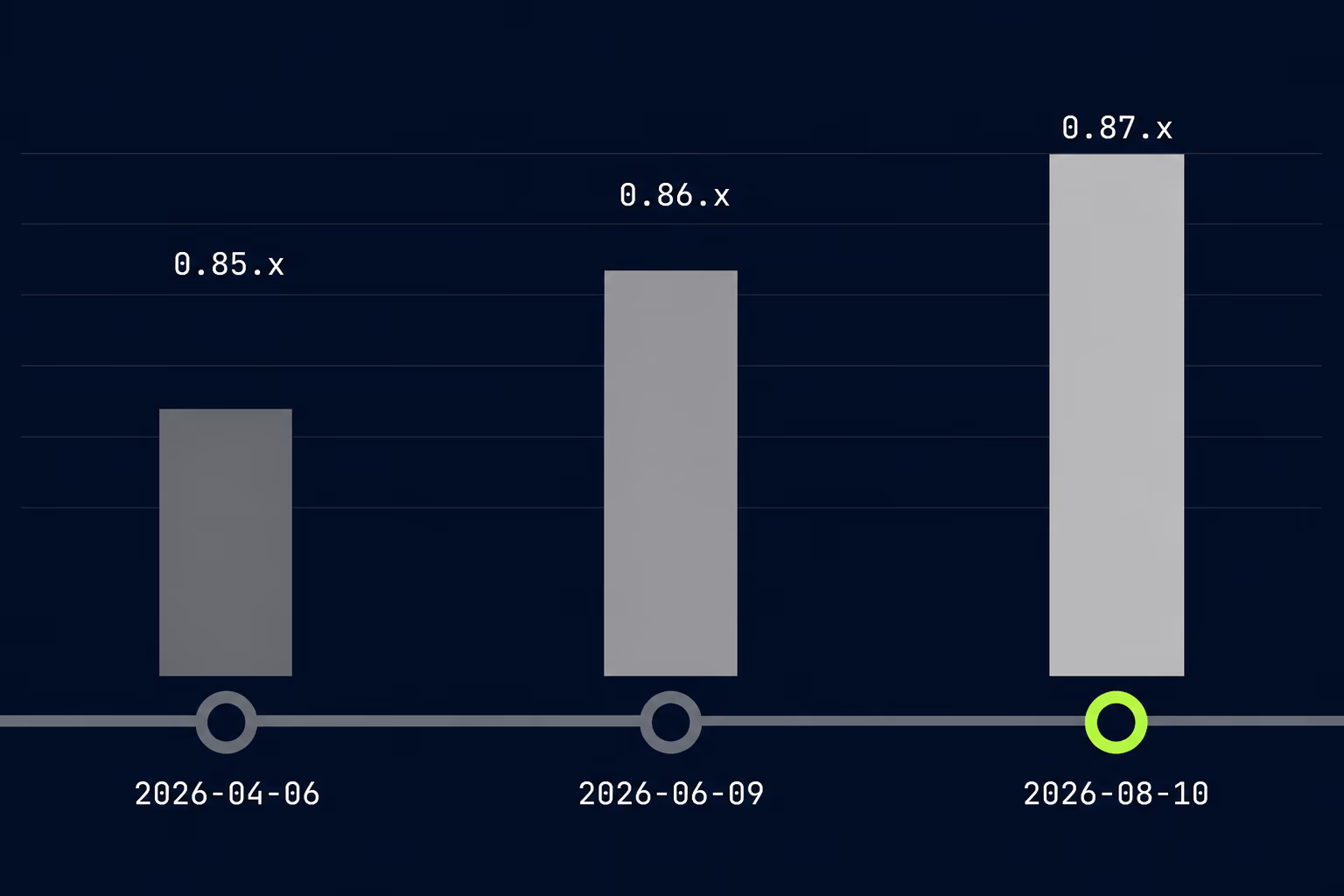
Anything older than those three series is unsupported, and the official position is that no new releases are expected for it. Your app keeps running, so nothing visible happens on the day your version falls off the list. What you lose is the route by which a security fix or a compatibility change reaches you, and that matters the first time a store requirement lands and the fix only exists in a release you can’t reach.
Open your package.json and find the version you’re pinned to, then count forward against the release history. If you’re on 0.85 or newer, you’re inside the supported window and a bump is routine maintenance. Sitting on 0.81 or 0.82 puts you a handful of releases back, which is a planned piece of work rather than an emergency. Anything at 0.76 or below means you predate several structural changes at once, and the honest framing there is a project with a scoping call in front of it rather than a ticket.
It’s also worth writing that gap down somewhere the whole team can see, alongside the date you last upgraded. Version drift is invisible in the day to day, and it only becomes a topic once something external forces it, by which point the choice of when to do the work has already been made for you. Teams that track it tend to fold the upgrade into a normal quarter, which is why it shows up as a predictable line in what app maintenance costs rather than as an unplanned project.
The months number matters separately, because dependency rot runs on calendar time rather than on version numbers. A package that was actively maintained when you last upgraded may have had its final release eighteen months ago, and that’s true whether you skipped two versions or six.
What actually breaks during a React Native upgrade?
Third-party native modules break first, and they account for most of the work in any upgrade larger than a single version. Your own JavaScript usually survives a jump with modest changes, because the parts of the API that most applications touch stay reasonably stable across releases. The packages that reach into iOS and Android code are where the trouble lives, since each one has to be compatible with the framework version, the build toolchain and every other native module in the project at the same time.
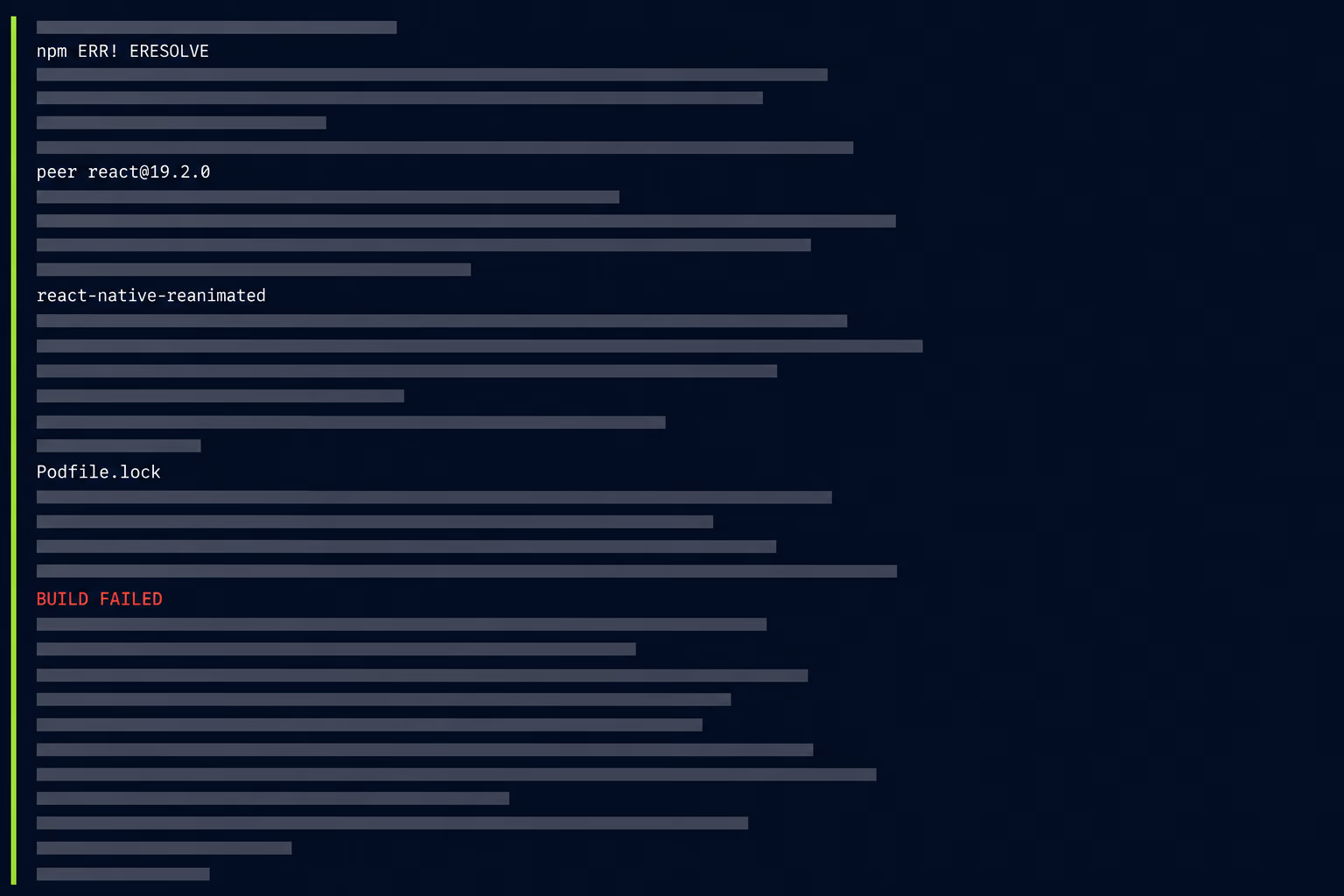
The failure pattern is consistent enough to plan around. A package resolution error appears first, because a dependency demands a React version your upgrade just moved past, and no published release of that package satisfies both constraints. Then the iOS build fails on a pod that won’t compile against the newer toolchain, usually one nobody remembers adding. Somewhere in the middle you find a package whose last release predates two of the versions you’re crossing, which leaves you choosing between forking it, replacing it with something maintained, or removing the feature it powers.
Before any of that, count the packages in your project that ship native code of their own, and check the last publication date on each one. That number predicts the size of the upgrade far better than the version gap does, because five well-maintained native modules will follow the framework forward while twenty half-abandoned ones will not. Sorting the list by last release date takes a few minutes and tells you immediately which packages are going to need a decision rather than a version bump.
Local patches are the quiet second problem, and they’re worth auditing before you start rather than discovering mid-upgrade. Plenty of production apps carry small fixes applied directly to a dependency, held in place by a patch file that applies cleanly against one exact version and silently stops applying against the next. Whoever wrote that patch two years ago has usually moved on, and the reason it exists is rarely written down anywhere.
Native project files are the third category, and they’re the one the tooling handles best. The Upgrade Helper produces a file-by-file diff between any two versions, showing exactly what changed in the Android and iOS directories, which turns a guessing exercise into a review. Teams on Expo can skip most of it, because generating the native projects from configuration removes the manual merge entirely. Both approaches beat editing build files by hand and hoping.
Why does the New Architecture decide how big the job is?
Because it splits React Native upgrades into two different jobs, and which one you’re facing depends entirely on where your current version sits relative to the cutover. The New Architecture became the default in 0.76, the legacy architecture was frozen in 0.80 in June 2025 with deprecation warnings added to APIs due to stop working, and 0.82 in October 2025 was the first release running entirely on the New Architecture.
If your app already runs on the New Architecture, an upgrade is mostly dependency work and a regression pass. If it doesn’t, you’re carrying the architecture migration along with the version bump, and every native module in the project has to work under the new system rather than the old one. That’s a different conversation about time and risk, and it’s the reason two apps four versions apart can produce estimates that look nothing alike.
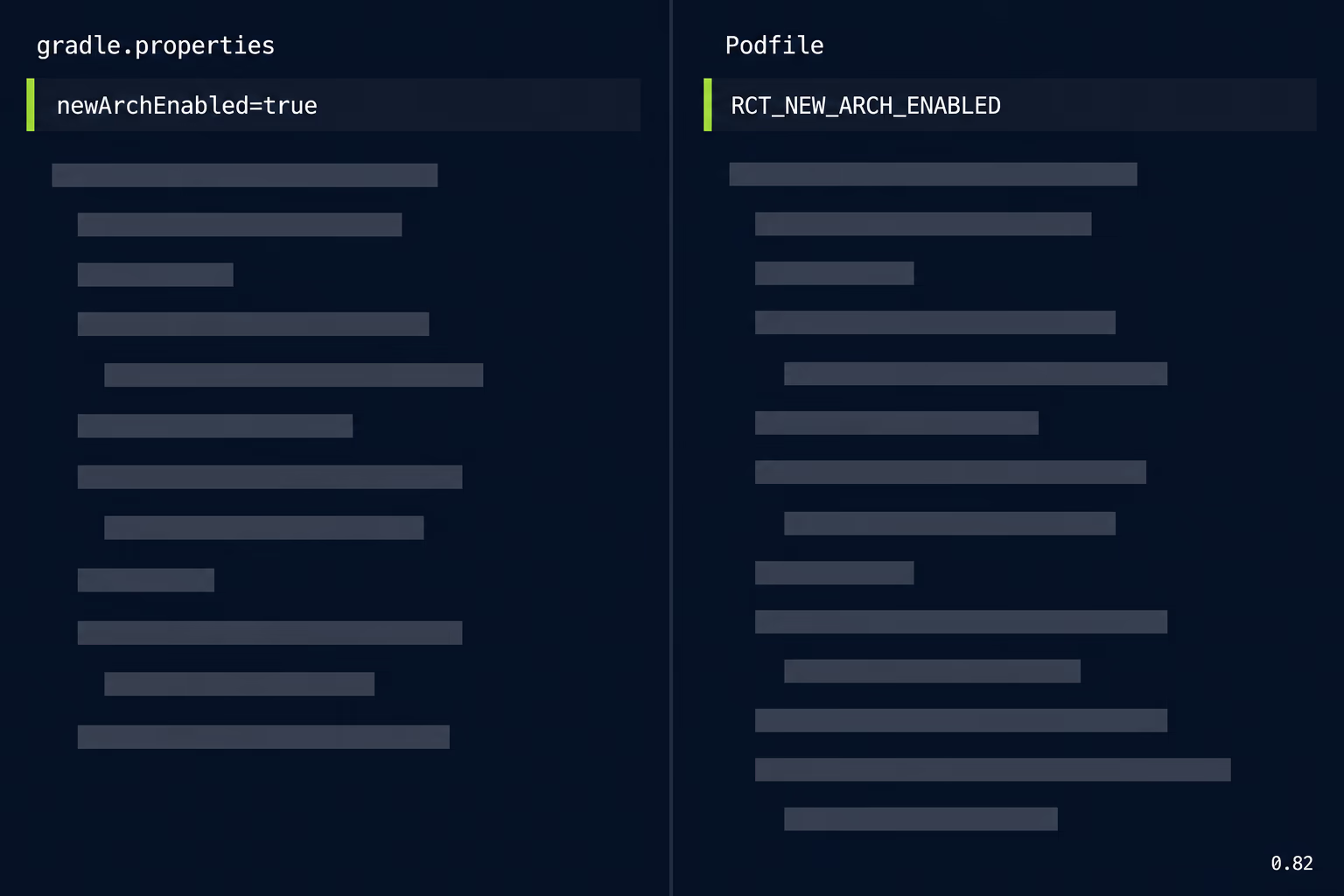
Opting out is still possible on releases that support it, through the newArchEnabled flag in android/gradle.properties and the matching environment flag in the iOS Podfile. Treat that as breathing room rather than a decision. Every release since the freeze has moved further away from the old system, so the opt-out gets less useful with each version you skip, and the migration you deferred grows rather than disappears. Teams that keep flipping the flag off end up doing exactly the same work later with fewer supported versions to land on.
The practical move is to find out which side of the line you’re on before anyone estimates anything. That’s a ten minute check on the two configuration files, and it changes the shape of the whole plan.
Should you upgrade one version at a time or jump straight to the latest?
One version at a time, once you’re more than two releases behind, because it’s the only approach that tells you which release caused which failure. Jumping from an old version straight to the newest merges every breaking change from every intermediate release into one undifferentiated pile, and you end up debugging four unrelated problems simultaneously with no way to attribute any of them. Expo’s own documentation gives the same guidance for SDK upgrades, recommending you move incrementally to pinpoint breakages.
Each step follows the same short loop. Bump the framework and React itself to the versions that release requires, resolve the dependency constraints that break, apply the native file changes from the diff, get a clean build on both platforms, then run the app before moving on. Commit at every step, because a working intermediate state is the thing that saves you when step four goes badly and you need somewhere to return to.
There’s one reasonable exception, and it applies to apps so far behind that the intermediate steps buy nothing. When most of your native dependencies need replacing outright rather than updating, walking through six versions means fixing the same packages repeatedly on the way to removing them. In that situation, work out the target dependency set first, then move the app in one deliberate jump with a full regression pass at the end. That’s a judgement call worth making with someone who has done it before rather than guessing at it, and it’s the kind of scoping question RapidLabs tends to get asked at the start of an inherited project.
Whichever route you take, do it on a branch that nobody else is shipping from, and expect the app to be unreleasable for the duration. An upgrade running in parallel with feature work generates merge conflicts in exactly the files the upgrade is rewriting.
What sets the deadline for your upgrade?
Store requirements usually set it, and they arrive with fixed dates whether or not the upgrade is on your roadmap. From 31 August 2026, Google Play requires new apps and updates to target Android 16, meaning API level 36, with API level 35 required for Wear OS and Android Automotive apps and API level 34 for Android TV and Android XR. Existing apps have to target at least API level 35 to stay available to new users on devices running a newer version of Android than the app targets.
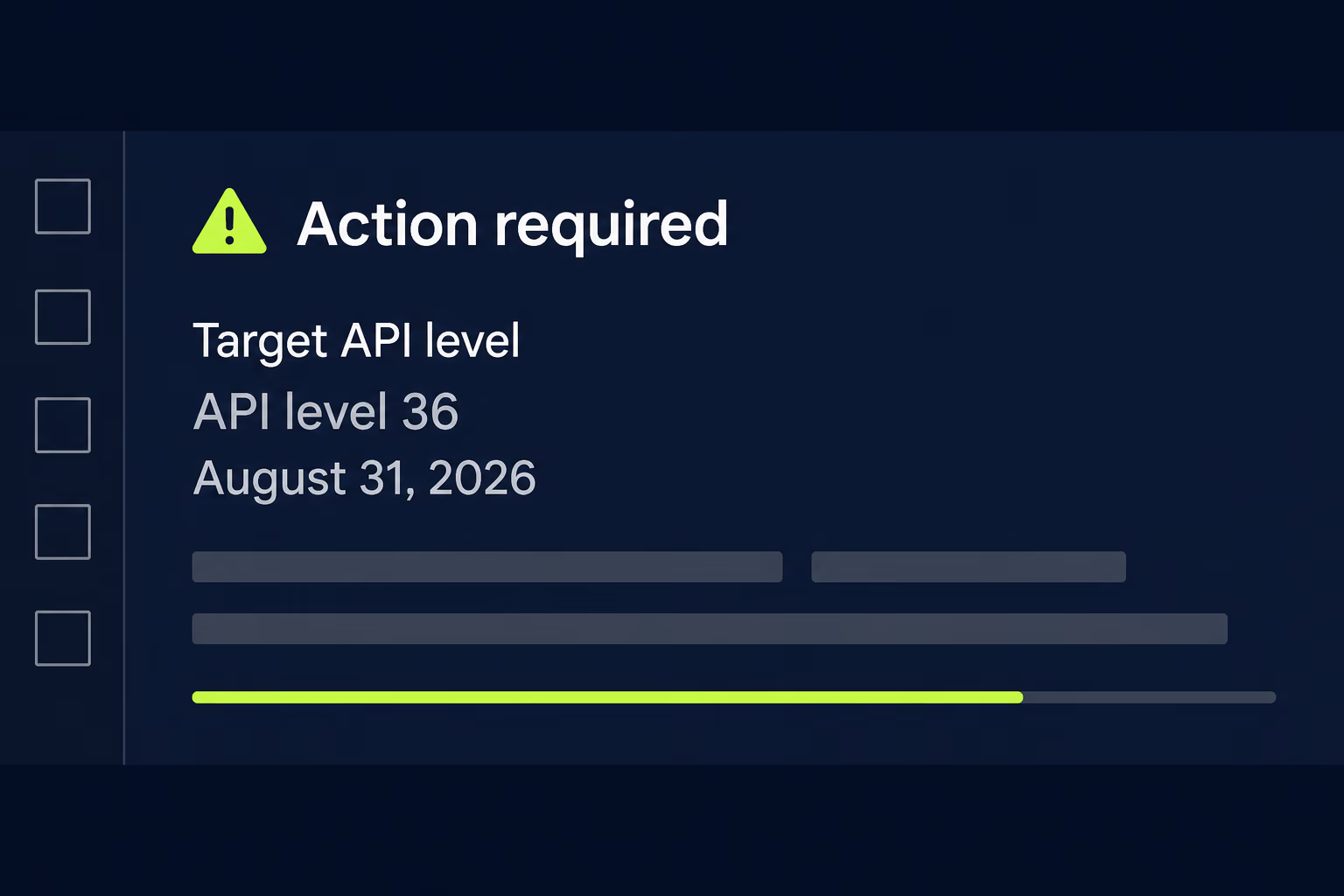
That requirement reaches back into your framework version, which is what makes it a React Native problem rather than a build configuration problem. Targeting a newer Android API level means a newer build toolchain, which means the framework and every native module have to be compatible with it, and an old React Native release simply won’t get you there. Google does publish an extension route to 1 November 2026 for teams that need longer, though an extension moves the date rather than removing the work. We’ve written up the target API level rules in more detail if that’s the deadline you’re working against.
Apple applies similar pressure through its own toolchain requirements, arriving as a minimum build environment for submissions rather than as a target level. The effect on planning is the same, since the build environment sets a floor under your framework version and pulls the upgrade forward.
The version you’re on today decides how much of a warning any of this gives you. Sitting one release behind means a store deadline is a week of work you can absorb, while sitting six releases behind turns the same announcement into a scramble that competes with your entire roadmap. That gap is the actual argument for upgrading on a schedule rather than on demand, and it’s the same argument behind treating ongoing maintenance as a line item rather than an emergency.
How do you test an upgrade you can’t fully trust?
Test the paths that touch native code first, because those are where an upgrade actually changes behaviour, and a passing build tells you nothing about them. A React Native version bump rewrites the layer between your JavaScript and the platform, so the screens that render plain views and text are the least likely to have moved, while anything using the camera, push notifications, background location, in-app purchases, biometrics or deep links deserves a deliberate manual pass on real devices.
Run the upgrade against your existing test suite first to catch the obvious regressions, then accept that the suite won’t cover the interesting failures. Automated tests generally exercise JavaScript rather than the native bridge, so a green run after a version jump mostly confirms your business logic still compiles. Our mobile app testing checklist covers how to shape that manual pass when time is short, and the same three-pass structure works here.
Two device categories earn extra attention after an upgrade. Older hardware and older operating system versions are where a newer framework release most often behaves differently, and they’re exactly the devices missing from most test racks. Check the operating system version spread in your analytics before you decide what to test on, because the answer differs sharply between a consumer app and an internal tool.
Ship it to a staged rollout rather than to everyone at once, and watch your crash reporting for the first few days with more attention than usual. An upgrade that looks clean in testing can still surface a native crash on a device configuration you don’t own, and a staged release turns that into a small problem instead of a review-score event. If your crash rate is already unhealthy going in, stabilise it before upgrading rather than after, since you won’t be able to tell the new failures from the old ones.
When does another upgrade stop being worth it?
When replacing the unmaintained dependencies would amount to rebuilding most of the app anyway, an upgrade has quietly become a rewrite with worse framing. We’ve laid out that decision at length in our piece on rewriting versus refactoring a mobile app, and the short version is that the app stores change the maths in ways the usual web advice ignores. That point is further away than people assume, and the mistake usually runs in the other direction, with teams reaching for a rebuild because the upgrade looks intimidating rather than because it’s genuinely the larger job. An upgrade keeps the product behaviour your users already depend on, including the details nobody documented and only the current build gets right.
Three signals suggest the balance has actually tipped. The first is a dependency audit showing that the packages without a maintained replacement cover most of the app’s core features rather than a few edges. The second is nobody remaining who can explain why significant parts of the code work the way they do, which makes every regression a research task. The third is a product direction that’s changing regardless, where you’d be rewriting those screens this year anyway and the upgrade is buying you a codebase you plan to discard.
Absent those, upgrade and keep upgrading. The single cheapest change most teams can make is moving from an upgrade every few years to one every few releases, because the cost of a jump grows faster than the number of versions crossed. Two versions behind is a maintenance task, while eight versions behind is a project with a discovery phase, and the difference in effort between them is not four times.
If you’ve already fallen a long way back, the sequence that works is a dependency audit first, then a decision on the architecture migration, then the version-by-version walk with a real regression pass at the end. Getting an outside read on the dependency list before committing to a plan is usually worth it, which is most of what RapidLabs does at the start of an app takeover, and it’s the difference between an estimate you can defend and a number someone guessed at.
Frequently asked questions
How long does a React Native upgrade take?
It depends almost entirely on how many minor versions you're crossing and how many third-party native modules the app depends on, so nobody can give you an honest number without seeing the dependency list first. A single-version bump on a well-maintained app with few native modules is often a day of work and a regression pass. An app four or five versions behind, with a dozen native modules and local patches applied to some of them, is a project measured in weeks, because the work is not the framework upgrade itself but replacing or repairing every dependency that stopped being maintained along the way. Count your native modules before you estimate anything.
Should I upgrade React Native one version at a time or jump straight to the latest?
Go one minor version at a time when you're more than two versions behind, because that's the only way to know which release caused a given failure. Jumping straight from an old version to the newest one merges every breaking change from every release into a single pile of failures with no way to attribute them. The Expo documentation gives the same advice for SDK upgrades, recommending you move incrementally so you can pinpoint breakages. The one sensible exception is an app so far behind that its dependencies need replacing wholesale anyway, where the intermediate steps buy you nothing.
Which React Native versions still get patches?
The project commits to maintaining the latest three minor series, so support moves forward roughly every two months as new releases land. As of August 2026 the newest release is 0.87.x from 10 August 2026, with 0.86.x from 9 June 2026 also active and 0.85.x from 6 April 2026 at end of cycle. Anything older than those three series is unsupported, which means no new patches are expected and the official recommendation is to upgrade. Being unsupported doesn't break your app on its own, but it does mean a security fix or a store compliance change won't arrive for you.
Does a React Native upgrade force me onto the New Architecture?
Eventually yes, and the transition already happened for most projects. The New Architecture became the default in 0.76, the legacy architecture was frozen in the 0.80 release of June 2025 with deprecation warnings added to the APIs that will stop working, and 0.82 in October 2025 was the first release running entirely on the New Architecture. You can still opt out on older releases by setting newArchEnabled to false in android/gradle.properties and disabling the matching flag in your iOS Podfile, but that's a way to buy time rather than a permanent position.
What usually breaks first in a React Native upgrade?
Third-party native modules, well before anything in your own application code. Your JavaScript tends to survive a version jump reasonably well, while a native module that hasn't been published in two years will fail to compile against a newer toolchain and has no fixed version waiting for you. This is why the dependency audit comes before the upgrade rather than after it, and why an app with five native modules is a different job from an app with twenty. Patches applied locally to a dependency are the second thing to check, because they're invisible until they stop applying.
Is it cheaper to rewrite the app than to run a big React Native upgrade?
Rarely, and the comparison is usually made too early. An upgrade gets you back to a supported release without touching the product behaviour your users already rely on, while a rewrite restarts the clock on everything the current app quietly gets right. A rewrite starts making sense when the dependencies you'd have to replace amount to most of the app anyway, when nobody left can explain what the code does, or when the product needs to change direction regardless. Price both honestly against the same scope before you decide, rather than pricing the upgrade and guessing the rewrite.
Have a product decision to make?
RapidLabs helps founders and operators shape, build, and launch focused software.
Email the studio