App Store Expedited Review: When to Ask
An App Store expedited review is a request asking Apple to move your submission ahead of the ordinary queue, and Apple grants it for only two situations: fixing a critical bug in the version that’s currently live, or releasing an app tied to an event you’re directly associated with. You ask through Apple’s developer contact form after the build has already been submitted, and a person at Apple decides whether to grant it. Nothing about the outcome or the timing is promised anywhere in Apple’s documentation, which makes this an emergency valve rather than something you can build a release plan around. If the broken build is still rolling out in phases, pausing that rollout stops the damage faster than any review request can.
Most of what’s written about expedited review explains how to find the form and stops there. This piece covers the same ground and keeps going into the parts that decide how your bad morning ends: what Apple wants inside the request, what happens when the answer is no, how often you can realistically ask, and the levers that get a fix in front of users without involving App Review at all.
What is an App Store expedited review, and who grants it?
It’s a request to Apple’s App Review team asking them to prioritise a submission you’ve already made, and Apple alone decides the answer. The request doesn’t change your build, doesn’t skip any review checks, and doesn’t guarantee approval at the end of it. All it can do is move your submission forward in the order things get looked at, which means a rejected app that gets expedited is simply rejected sooner.
Apple runs expedited requests through the same developer contact portal that handles everything else about App Review, which its support page describes as the place to get details on your submission’s status, ask for clarification on a rejection, appeal a rejection, request an expedited review, and suggest guideline changes. That shared entry point tells you the request lands with people rather than with an automated system, and that the same team sees whatever you’ve sent before.
The timing baseline decides whether you need this at all. Apple states on its App Review page that on average, 90 percent of submissions are reviewed in less than 24 hours, which for many teams means the ordinary queue is already fast enough and the request is worth making only when a single day of exposure is unacceptable. Our guide to how long App Store review actually takes covers what pushes a submission past that average.
When does Apple actually accept an expedited review request?
Apple names two situations and nothing else, and both are described as extenuating circumstances rather than as ordinary business needs. The first is fixing a critical bug in your app. The second is releasing your app to coincide with an event you’re directly associated with, which is narrower than teams tend to read it.
For the bug case, Apple asks for something specific. Its guidance is that when submitting an expedited review to fix a critical bug, you include the steps to reproduce the bug on the current version of your app. That wording carries two requirements worth separating. The bug has to exist in the version that’s live on the App Store right now, so a defect you caught in a build that never shipped doesn’t qualify, and you have to give reproduction steps a reviewer can follow without knowing your product. A request that says the app is broken for some users gives Apple nothing to verify.
The event case has its own required details. Apple asks that the request include the event, the date of the event, and your app’s association with it, and recommends scheduling the release in App Store Connect ahead of time rather than relying on this route, reaching for a request only when the app is still in review and the launch of your event is quickly approaching. An event here means something real and external with a fixed date, such as a conference your company is exhibiting at or a season opener your app covers. An internal launch date, a marketing campaign you scheduled yourself, or a deadline a client gave you are none of them events in Apple’s sense, and building a request around one is how teams train Apple to ignore them.
How do you request an expedited App Store review?
You submit the build first, then send the request through Apple’s developer contact form for App Review, at developer.apple.com/contact/app-store with the expedite topic selected. The order is not optional, because there’s nothing to prioritise until a submission is sitting in the queue with a version number attached to it.
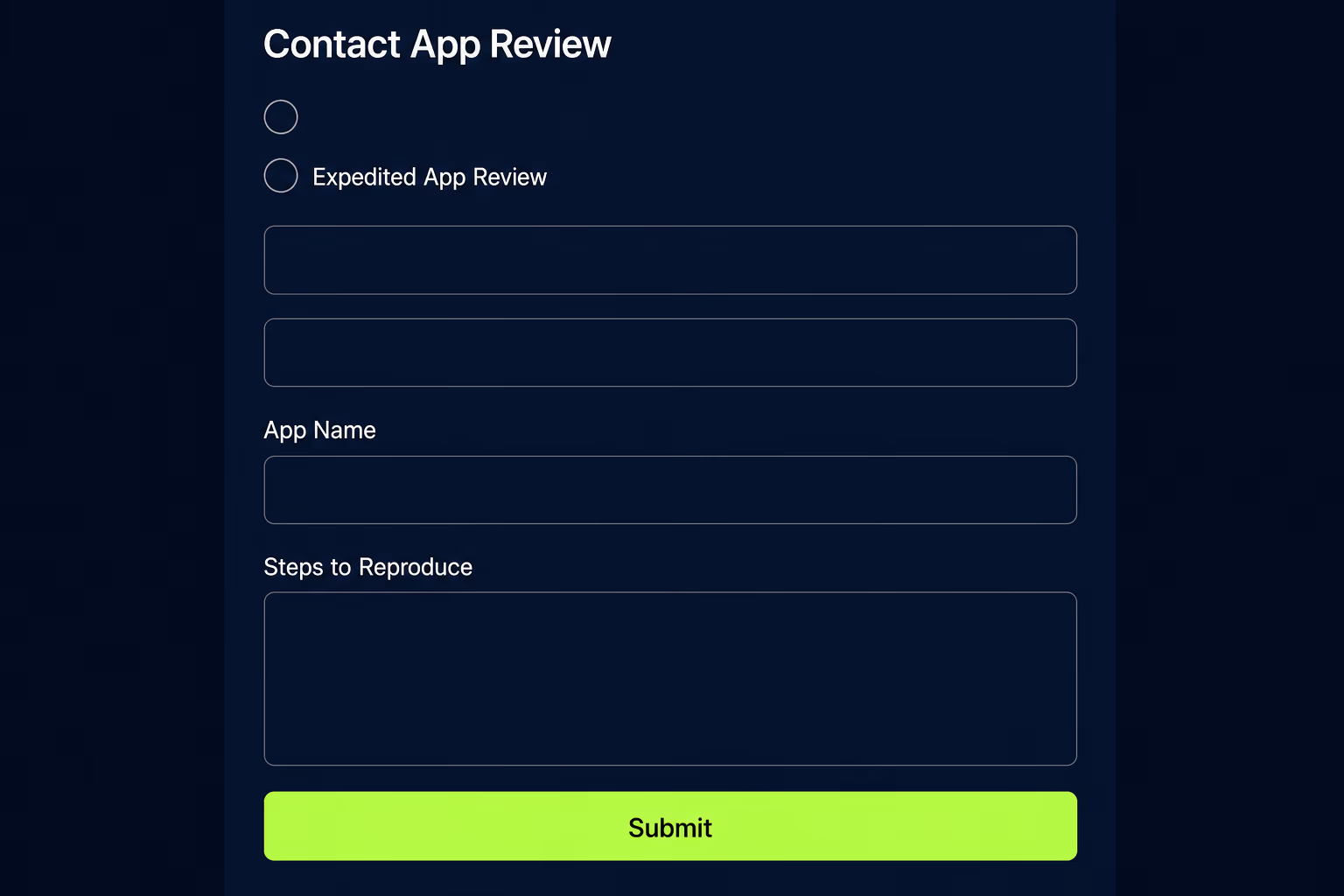
The form sits behind Apple Developer sign-in, so the account you’re signed in with determines which apps you can raise a request against. Anyone who inherited an app from a previous agency should check this before they need it, because a build submitted under someone else’s developer account leaves you unable to ask for anything about it.
What you write matters more than where you click. Reproduction steps should read like instructions for a stranger, naming the exact screen, the exact tap sequence and what goes wrong, rather than using your own internal shorthand. Say which live version is affected and roughly how many users are hitting it, since a crash on launch for everyone reads very differently from an edge case behind a paywall. Keep it short and factual, because urgency in the tone doesn’t add credibility.
One thing worth checking before you send anything is whether the build you submitted actually fixes the problem. An expedited review that surfaces a second rejection burns the request and puts you back at the start with less goodwill than you had an hour ago. Apple warns generally that if your submission is incomplete, review times may be delayed or your submission may not pass, and an emergency build assembled in a hurry is exactly the kind that ships with a missing screenshot or a stale privacy answer. Our mobile app testing checklist covers the pass that catches this before you submit.
How long does an expedited review take once it’s granted?
Apple publishes no figure at all, and that silence is deliberate rather than an omission. There’s no stated target, no service commitment and no queue position you can look up, so every specific number circulating in developer forums is one team’s experience rather than a rule you can plan against. Anyone promising you a turnaround for an expedited request is guessing.
A granted request removes your submission from the ordinary wait, and that wait is already under 24 hours for 90 percent of submissions by Apple’s own published average. What you’re buying is the difference between those two, on an unknown schedule, for a request that may not be granted at all. That’s a reasonable bet when a crash on launch is costing you customers every hour, and a poor one when you want a feature out before the weekend.
Two things also happen between your request and a working build. Someone reads the request and decides whether the circumstances qualify, and then the submission still goes through actual review against the guidelines, carrying the same chance of rejection it always did. Building your incident plan around a fix you control, rather than around Apple’s response time, is the only version of this that holds up.
What should you do if your expedited request is denied?
Move to the levers you control, because there’s no appeal path built for a declined expedite and asking a second time with more urgent wording rarely changes the answer. A denial doesn’t push your submission backwards either, so the build stays exactly where it was in the ordinary queue and you’ve lost the time you spent writing the request rather than your place in line.
The first move is to stop the damage spreading rather than to keep chasing the fix. If the broken version is still going out through phased release, pause it. If the failure is behind a feature you can switch off from your own backend, switch it off for everyone and let the live build become harmless while it waits. Both of those work without Apple’s involvement, which is the entire point of preferring them.
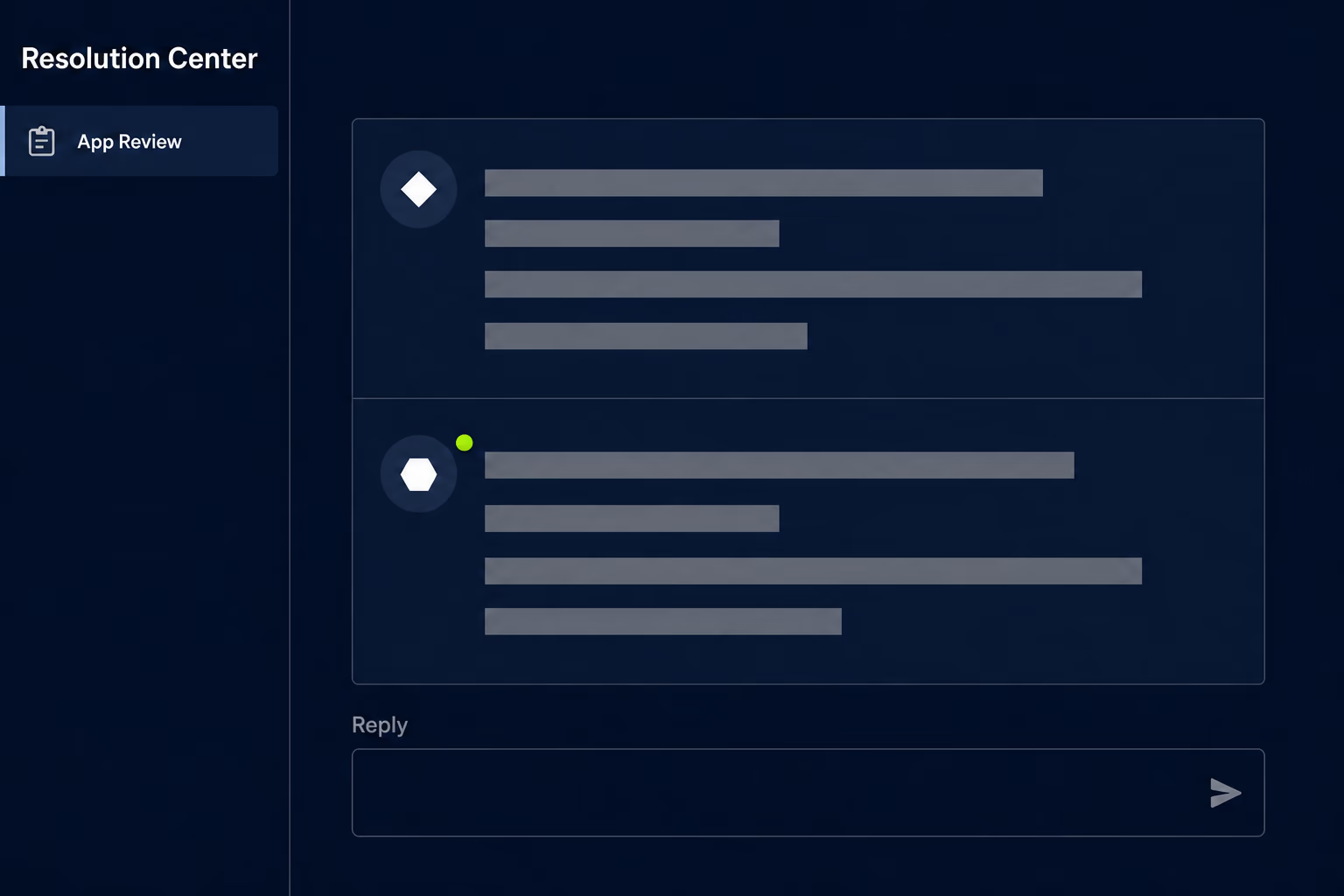
The second move is to check whether you’re in the right conversation at all. A submission stuck in review and a submission that’s been rejected need completely different responses, and Apple’s contact portal handles both through separate topics. If what you’re facing is a rejection rather than a queue, the productive path is the Resolution Center thread attached to the submission, where you can answer the reviewer’s specific concern or appeal the decision. Our breakdown of App Store rejection reasons and how to fix them covers what each of the common ones actually wants from you.
The third move is the uncomfortable one. Sometimes the right answer is to accept that the fix lands tomorrow on the ordinary queue, tell your customers plainly what’s broken and what you’re doing about it, and spend the waiting time making sure the next build doesn’t need any of this.
How often can you ask before Apple stops saying yes?
Apple publishes no limit, and nobody outside Apple can tell you where the line sits, so the working assumption should be that the allowance is small and that it’s tracked. Requests are read by people who can see what your team has asked for before, and a developer who declares an emergency on every release has told Apple exactly how much the word means to them.
A more useful way to think about it is that each request is a claim about your engineering rather than about your schedule, because it says something reached production broken enough to justify special handling. If your team is reaching for one more than once or twice a year, the queue isn’t your problem. Somewhere upstream, a testing pass is thin, a rollout is going to everyone at once, or a release is being cut under time pressure that never allowed for verification. At RapidLabs we usually find the same root cause behind a run of emergency submissions, which is that the release process has no way to catch a bad build and no way to stop one that’s already out.
Is there an expedited review option on Google Play?
There isn’t one, and Google publishes nothing that lets a developer ask for faster review of an Android submission. Google’s documentation moves in the opposite direction, warning that certain apps may be subject to extended reviews, which may result in review times of up to seven days or longer in exceptional cases, and that some developer accounts get more time spent on them so users are better protected.
What Android gives you instead is stronger control over distribution, which arguably matters more during an incident. Google’s staged rollout lets you halt a release, and its documentation is clear about what halting does: no additional users receive the app version in your existing staged rollout, and users who already received it stay on that version. The rollout percentage never expands on its own either, so an Android release only reaches everyone when you decide it should.
The asymmetry changes how a cross-platform emergency should be run. On iOS you have a queue you can sometimes jump and a rollout that advances on Apple’s schedule unless you intervene. On Android you have a queue you can’t influence at all and a rollout that sits still until you move it. Planning a hotfix as though both stores behave the same way is how teams end up waiting on Apple while an Android rollout they could have stopped keeps climbing.
What gets a fix out faster than expedited review?
Stopping the bad version reaches your users faster than any new version can, and on both stores you can do it yourself within minutes. This is the part missing from almost everything written about expedited review, and for a live incident it’s usually the first thing you should reach for rather than the last.
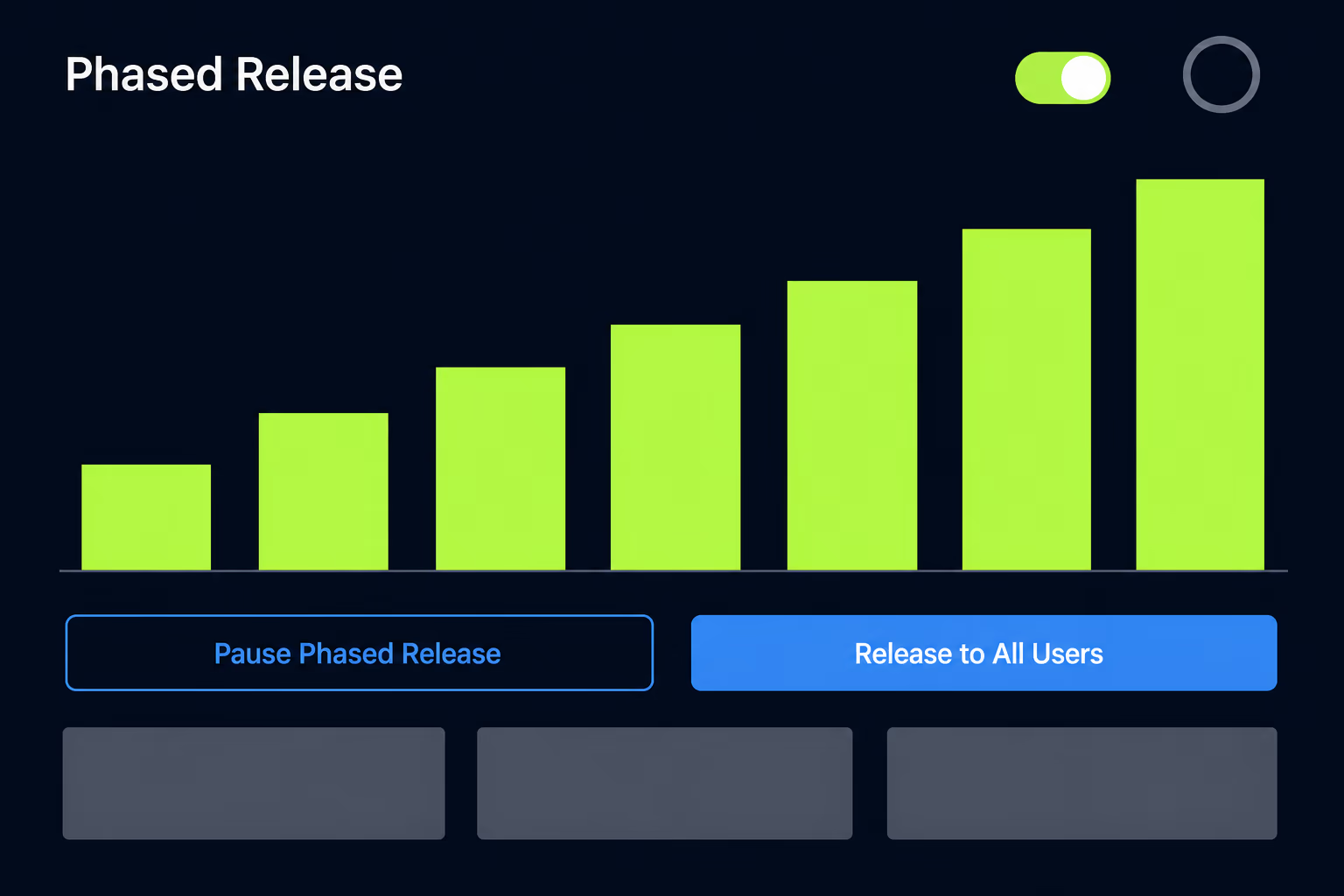
On iOS, phased release for automatic updates is the lever. Apple’s schedule rolls an update out over seven days, reaching 1 percent of users on day one, then 2, 5, 10, 20 and 50 percent, with everyone getting it on day seven. You can pause that release for up to 30 days in total, with no limit on how many separate pauses you use, and when you resume it picks up on the day it left off. If a crash appears on day two, pausing holds your exposure near 2 percent of users with automatic updates instead of letting it climb while you wait on a review. The one thing pausing doesn’t do is hide the version, since apps in phased release can still be downloaded manually from the App Store by anyone at any time.
On Android, halting the staged rollout does the same job with a harder stop, because no further users receive the version at all. Neither lever helps if you released to 100 percent immediately, which is the real argument for using phased and staged rollouts as your default rather than as something you turn on for risky releases.
The third lever is one you build rather than one the stores give you. An app that reads its feature flags from your own backend can have a broken screen switched off for every user without shipping anything, which turns a submission emergency into a configuration change. That capability is the single highest-value thing to add to an app that ships to real customers, and it’s a common early piece of work when RapidLabs takes over an app that’s been going out to everyone at once with no way to pull anything back.
Treat expedited review as your emergency valve, not your release plan
The honest recommendation is to keep expedited review available and to build your releases so you almost never need it. Apple grants it for two narrow reasons, gives no timing commitment, and reads your requests against a history it can see, which makes it a genuinely useful lever exactly once in a while and a weak one if you lean on it. When you do use it, submit first, name the live version, and write reproduction steps a stranger could follow.
Everything in this article that reliably works sits on your side of the line. Pausing a phased release, halting a staged rollout, and switching a feature off from your own backend all happen on your schedule with no request to write and no decision to wait for, and Apple’s own average already puts 90 percent of submissions through in under a day. So during an actual incident, pause or halt the rollout first, then send the request, then work out afterwards how the build got through. In a calm week, the better use of the time is turning on phased release, adding a remote switch for anything risky, and tightening the pass that should have caught it. RapidLabs does that kind of mobile app stabilization work on apps that have been shipping without a safety net for years.
Frequently asked questions
How long does an App Store expedited review take?
Apple publishes no turnaround figure for expedited requests and makes no commitment about how quickly a granted request moves, so any specific number you read is somebody's anecdote rather than a policy. The useful baseline is Apple's own published average for ordinary submissions, which is that 90 percent of submissions are reviewed in less than 24 hours. Expedited review is meant to beat that for a genuine emergency, but the request has to be read and approved by a person first. Plan your incident response around a fix you control.
What counts as a valid reason for an App Store expedited review?
Apple names exactly two situations and nothing else. The first is fixing a critical bug in your app, where Apple asks you to include the steps to reproduce the bug on the current version. The second is an app associated with an event, where the request has to name the event, the date of the event and your app's connection to it. Apple describes both as extenuating circumstances. A launch deadline you set yourself, a marketing date with no external event behind it, and a competitor shipping first are all outside those two reasons, and requests built on them are routinely turned down.
Can Apple deny an expedited review request, and what happens then?
Yes, Apple decides every request individually and there's no appeal path built specifically for a declined expedite. Your submission stays exactly where it was in the ordinary queue rather than being pushed backwards, so a denial costs you the time you spent asking rather than your place in line. The productive response is to stop the damage on your side instead of asking again with different wording. Pause a phased release, halt a staged rollout, or switch off the broken feature with server configuration if your app can be steered remotely.
Does Google Play have an equivalent to App Store expedited review?
No, Google publishes no way for a developer to request faster review of an Android submission. Google's documentation says the opposite is possible, warning that certain apps may be subject to extended reviews, which may result in review times of up to seven days or longer in exceptional cases. What Android gives you instead is control over distribution, because you can halt a staged rollout so no additional users receive a bad version. That asymmetry is worth planning around, since iOS has an emergency valve for the review queue and Android simply doesn't.
How many times can you request an expedited app review?
Apple publishes no numeric limit, and nobody outside Apple can tell you where the line sits, so treat the allowance as small and unmeasured rather than as a quota to spend. Requests are read by people who can see your history, and a team declaring an emergency every release stops looking like one. If you're reaching for the request more than once or twice a year, the problem is your release process rather than Apple's queue.
Have a product decision to make?
RapidLabs helps founders and operators shape, build, and launch focused software.
Email the studio