App Store Age Rating and Play Content Rating
An App Store age rating is the 4+, 9+, 13+, 16+ or 18+ badge on your product page, and Apple calculates it from a questionnaire you fill in inside App Store Connect rather than letting you choose it. Google Play uses a separate system built on the International Age Rating Coalition questionnaire, which turns one set of answers into a different badge for each part of the world. Both are usually filled in once at launch and never looked at again, which is how so many live apps end up carrying a rating that no longer describes what they do. Apple reset every rating on the store during 2026 and is making another set of answers mandatory in September, so an app nobody has submitted in a while probably has an unfinished questionnaire sitting on it.
Most of what’s written about age ratings is aimed at someone launching a brand new app. The situation we see far more often at RapidLabs is an app that’s been live for years, changed hands once or twice, and now has a rating that somebody guessed at in a hurry before the first release. This walks through both stores as they work right now, and through the part nobody documents, which is how to correct a rating on an app that already has users.
What is an app store age rating, and who assigns it?
Neither store lets you pick a rating directly, and both derive one from answers you give about your app. In App Store Connect you work through a questionnaire covering seven areas and Apple computes the badge from your responses. On Google Play you complete the IARC questionnaire once, and a set of regional rating bodies each return their own classification from that same set of answers.
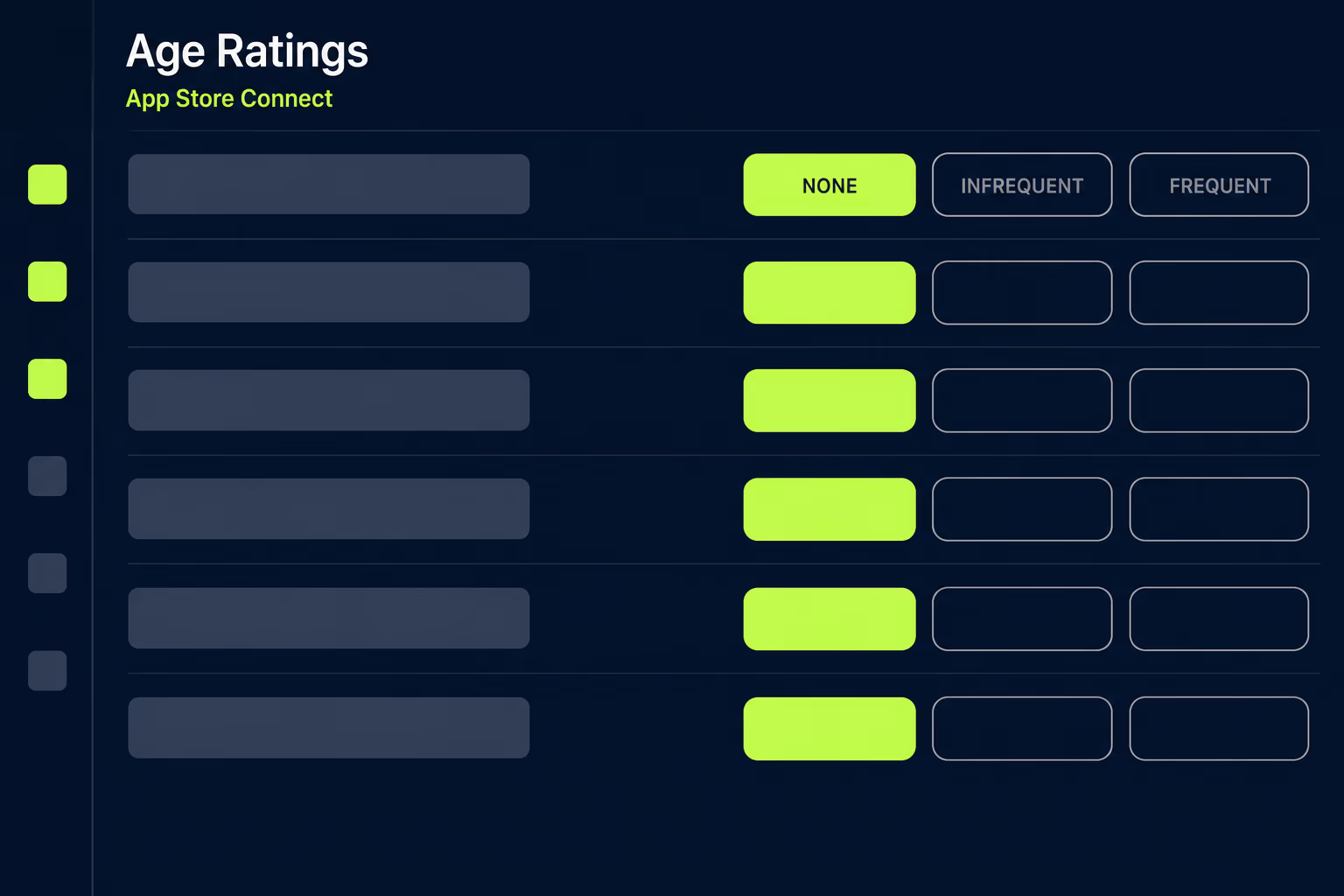
Apple groups its questions into in-app controls, capabilities, mature themes, medical or wellness content, sexuality or nudity, violence, and chance-based activities. Capabilities is the group business apps get wrong most often, because it asks about unrestricted web access, user-generated content, social media, messaging and chat, and advertising. Those are features rather than content, so a straightforward field service app with an in-app support chat and an embedded web view can land a higher rating than its owner ever expected. Most of the content questions ask for a frequency of NONE, INFREQUENT or FREQUENT rather than a simple yes or no, and the frequency you choose moves the final result.
None of this is merely cosmetic, because an app left Unrated can’t be published on the App Store at all, though Apple does permit unrated apps on the alternative marketplaces that exist in some regions. Google Play treats a missing questionnaire the same way and expects every app without a rating to complete one.
What changed in Apple’s age rating system?
Apple replaced the old 12+ and 17+ steps with three finer ones, so the global scale now runs 4+, 9+, 13+, 16+ and 18+. Ratings for every app and game already on the store were converted to the new scale automatically, and the updated badges show on devices running at least iOS 26, iPadOS 26, macOS Tahoe 26, tvOS 26, visionOS 26 and watchOS 26.
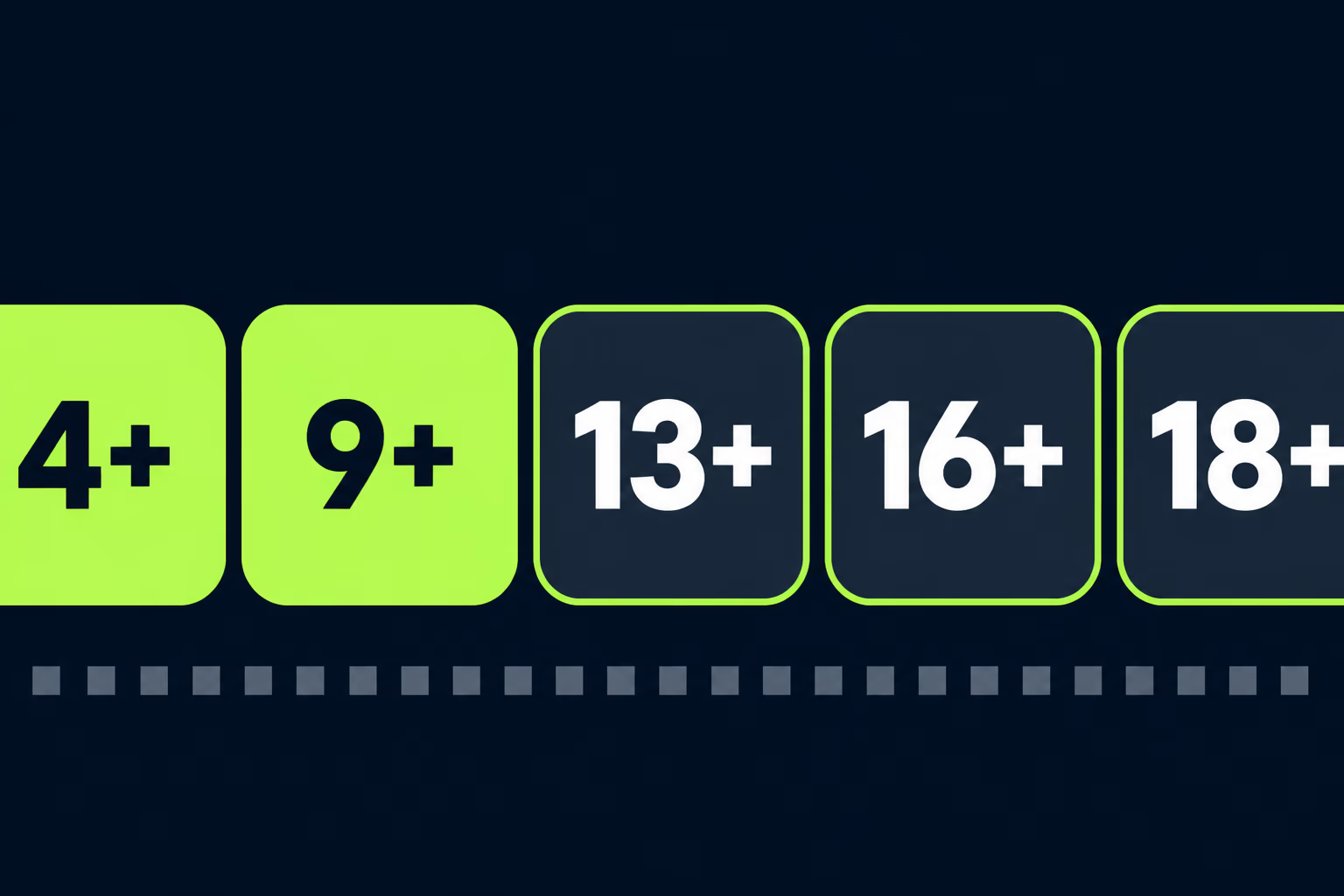
Four new question areas arrived with the new tiers, covering in-app controls, capabilities, medical or wellness topics, and violent themes. Apple asked developers to answer them by a stated deadline, in its own words to “provide responses to the updated age rating questions for each of your apps by January 31, 2026, to avoid an interruption when submitting your app updates in App Store Connect”. That date has passed, so any app whose questionnaire wasn’t revisited is now carrying an automatically converted rating and a set of unanswered questions that will surface the next time somebody tries to ship.
Two smaller changes are worth knowing about. You can now deliberately override upward, which matters if your own terms of service set a higher minimum age than Apple’s calculation produces. Apple also asks you to think about how every feature affects the frequency answers, and it calls out AI assistants and chatbot functionality specifically, which is a fair warning for anyone who added a language model to an app that was rated before that feature existed.
Regional values still vary underneath the global scale. Australia shows R 18+ at the top, Brazil uses its own AL, A6, A10, A12, A14, A16 and A18 pictograms, and the Republic of Korea shows All where the rest of the world sees 4+. Korea also accepts a Rating Classification Number from GRAC, which you enter against your app and which locks once App Review has approved it.
What does Apple require from September 2026?
Responses to the new social media questions become mandatory. Apple added them to the questionnaire in July 2026 and stated that “beginning in September 2026, responses will be required when submitting new apps or updates to the App Store, or when submitting apps for notarization for alternative distribution”. An app with an update planned for the fall needs those answers in place first.
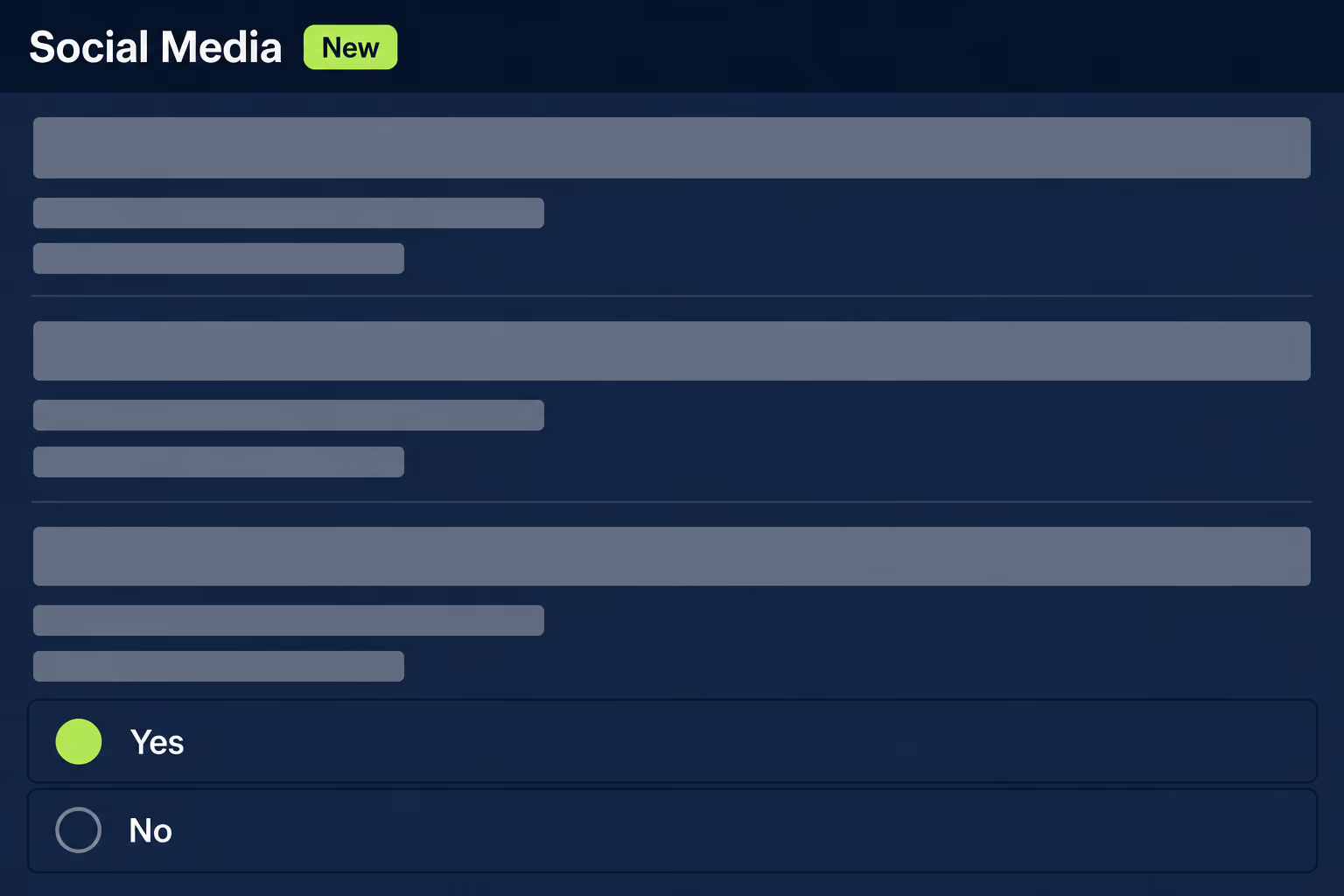
Apple defines a social media capability as the ability to redistribute, amplify, or interact with user-generated content through a social feed or similar discovery method. That definition is broader than it sounds and reaches well past the obvious social products. An internal comms app with a company activity feed qualifies, and so does a marketplace where buyers can react to listings, even though neither would describe itself as social media in a pitch deck.
Apps that qualify get a new Social Media content descriptor on their product page. The answers also decide which Time Allowance category the app falls into, and Apple applies that based on the social media capability regardless of which category you picked in App Store Connect. If those features are switched off for younger users, you can say so by indicating that the capabilities are “disabled for anyone under 13”, which keeps the app out of that categorization for those accounts. Working out which of those applies to your product is worth half an hour now rather than during a release you’ve already promised to a customer.
How do you set or change an age rating in App Store Connect?
You edit it in App Information, and in most cases it takes effect without a new build. Open your app, click App Information in the sidebar under General, then either click Set Up Age Ratings if the app has never been rated or Edit at the top of the page if it has.
- Answer the in-app controls and capabilities questions, then click Next.
- Work through each content section, setting NONE, INFREQUENT or FREQUENT per description.
- Handle Age Categories and Override, choosing Not Applicable, Made for Kids, or a higher rating.
- Add an Age Suitability URL if you have a page explaining your own age policy.
- Click Save, and check the resulting rating against what you expected.
Two things in that flow deserve real care. Made for Kids is only offered for apps rated 4+ or 9+, and once App Review approves it you can’t change the selection, with every later update having to follow the Kids category rules from then on. Region-specific ratings are the one case where App Review may contact you and where a change stops being a same-day fix. Everything else you can correct on a live listing without touching the release schedule, which is unusual enough in store work to be worth remembering; most listing problems cost you a submission and a wait, and if you want the current numbers on that, we’ve written up how long App Store review takes separately.
How does Google Play content rating work instead?
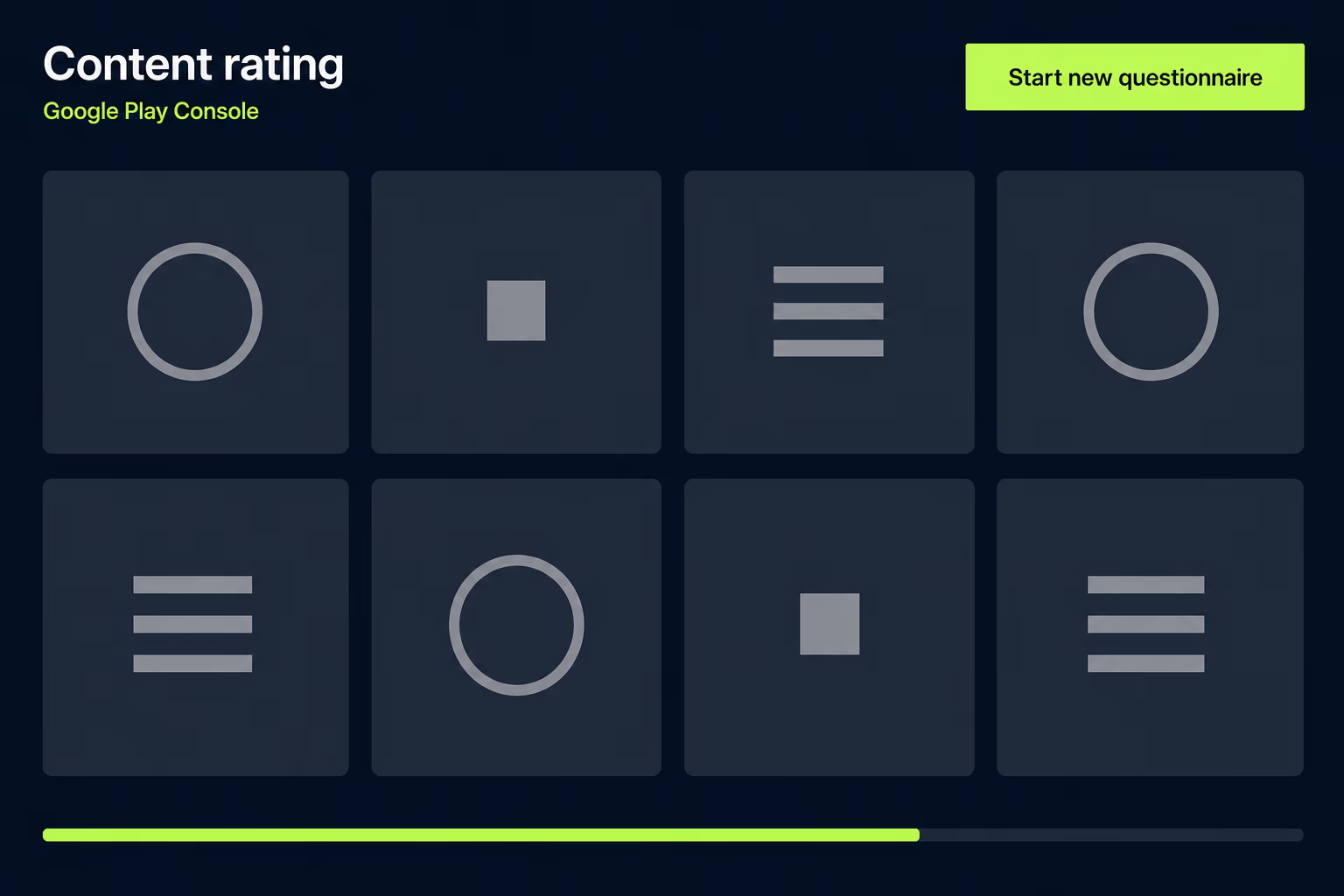
Google Play runs one questionnaire and returns many ratings. You open the App content page in Play Console, click Start, give an email address for correspondence with the International Age Rating Coalition, choose a category, and answer the questions. The Summary page shows you the calculated ratings from each body before you submit, and that summary is the moment to check whether anything looks wrong, because the regional bodies apply their own standards to your answers.
The result is a set of badges that differ by territory in a way Apple’s single global scale doesn’t.
| Store or body | Region | Rating values |
|---|---|---|
| App Store | Global | 4+, 9+, 13+, 16+, 18+ |
| ESRB | Americas | Everyone, Everyone 10+, Teen, Mature, Adults Only |
| PEGI | Europe and Middle East | 3, 7, 12, 16, 18 |
| USK | Germany | All ages, 6+, 12+, 16+, 18+ |
| ClassInd | Brazil | L, 10+, 12+, 14+, 16+, 18+ |
| IARC generic | Everywhere else | 3+, 7+, 12+, 16+, 18+ |
Two more bodies apply only to games, so ACB classifies games in Australia from G through R18+, and GRAC classifies games in South Korea as All, 12+, 15+ or 19+. Changing your answers later means clicking Start new questionnaire on the Content rating page and completing it again, and Google expects you to do that whenever a change to your content or features would alter your original responses. Rating bodies can also override a rating after reviewing it, in which case retaking the questionnaire is how you respond.
What happens when your age rating is wrong?
The two stores punish it differently, and Google’s version is the one to worry about. Google states plainly that misrepresentation of your app’s content may result in its removal or suspension, which puts an inaccurate rating in the same bracket as a policy violation rather than treating it as an administrative slip. Apple’s consequence is quieter and lands at submission time, so an app with unanswered questions doesn’t get a warning email that somebody might act on, it gets a blocked update at the moment a team is trying to ship a fix.
A rating that’s too high causes a slower kind of harm that never shows up as an error anywhere. It narrows who can find and install the app, it changes how the listing behaves under parental controls, and nothing in either console tells you it’s costing you installs. A rating set too cautiously can stay wrong for years without anyone noticing, because answering FREQUENT to a question about occasional workplace language costs nothing visible on the day it’s saved. The bill arrives much later, usually when somebody asks why the app won’t install on a managed device for a customer.
The encouraging part is that neither problem is expensive to fix. Both stores let you retake the questionnaire whenever you want, and on Apple’s side the correction usually reaches the live listing without a release. Compared with the store problems that genuinely do cost you weeks, like the App Store rejection reasons that send an update back to the start of the queue, a wrong rating is one of the cheaper things on the list to put right.
How do you re-rate an app you inherited?
Start by treating the existing rating as unverified, because whoever filled in the questionnaire is usually gone and their reasoning wasn’t written down anywhere. An app that arrives through taking over an app from a previous developer tends to carry a rating that matched the product at launch and has quietly drifted since, particularly if features like chat, feeds, links out to the web or advertising were added later by different people.
- Read the current answers in both consoles before changing anything, and screenshot them.
- List the features added since the last rating, especially chat, feeds, web views and ads.
- Re-answer both questionnaires from the app as it exists today, not from the old answers.
- Compare the new calculated ratings against the old ones and note anything that moved.
That comparison is the useful output, because a rating that jumps two steps usually means a real capability went undeclared for years, while one that drops usually means somebody was being cautious rather than accurate. Either way you now have a defensible answer if App Review or a rating body asks. It’s the same discipline that keeps store deadlines from turning into emergencies, whether that’s a rating questionnaire or the Google Play target API level deadline that removes an app’s visibility to new users when it passes.
Getting your rating right before the next submission
The work here is small and the timing is the only awkward part. Apple’s social media answers stop being optional in September 2026, and any app that hasn’t been through the questionnaire since the tiers changed has both those questions and the four earlier ones waiting. Doing all of them in one sitting takes less time than arguing about them later, and it removes a failure mode that only ever appears when a team is already under pressure to release.
If you own an app and can’t say who last answered the questionnaire or what they said, that’s the signal to go and look rather than a reason to leave it alone. Check what Apple currently calculates for your app, check what the IARC bodies return in Play Console, and compare both against the app as it actually behaves today. Where the two disagree, the app is right and the paperwork is wrong. RapidLabs handles this as part of ongoing mobile app maintenance for the apps we look after, because store requirements like this one arrive on Apple and Google’s schedule rather than yours, and they’re much cheaper to absorb as routine work than as a blocked release. If you’d rather have someone go through it with you, talk to a senior engineer about your app.
Frequently asked questions
What are the App Store age rating levels in 2026?
Apple's global scale runs 4+, 9+, 13+, 16+ and 18+, plus an Unrated state that blocks publication on the App Store itself. The 13+, 16+ and 18+ steps replaced the older 12+ and 17+ ratings, and every app already on the store was converted to the new scale automatically. The new badges appear on devices running at least iOS 26, iPadOS 26, macOS Tahoe 26, tvOS 26, visionOS 26 and watchOS 26. A few countries see different values, so Australia shows R 18+, Brazil uses the AL through A18 pictograms, and the Republic of Korea shows All in place of 4+.
How do I change my app's age rating in App Store Connect?
Open your app, click App Information in the sidebar under General, then click Edit at the top of the page and work back through the age rating questionnaire. You answer the in-app controls and capabilities questions first, then set a frequency of NONE, INFREQUENT or FREQUENT for each content description, then handle the Age Categories and Override section before saving. In most cases the change takes effect without shipping a new version of the app, so you can correct a wrong rating on a live listing the same afternoon. The exception is when App Review contacts you about a region-specific rating.
Does an age rating change require a new app submission?
Usually not, because the age rating belongs to your app information rather than to a particular build, and saving the questionnaire updates the live listing on its own. That makes it one of the few store problems you can fix without a release, which matters when the alternative is a two-week wait behind a queued update. Region-specific ratings are the exception and can involve App Review directly. The Made for Kids selection is also permanent once App Review has approved it, so that one really does need thinking about before you save.
What is the September 2026 social media requirement?
Apple added questions about social media capabilities to the age rating questionnaire in July 2026, and from September 2026 responses to them are required when you submit new apps or updates to the App Store, or when you submit apps for notarization for alternative distribution. Apple defines a social media capability as the ability to redistribute, amplify, or interact with user-generated content through a social feed or similar discovery method. Apps that have one show a new Social Media content descriptor on their product page. You can answer the questions now rather than discovering them halfway through a release.
How is Google Play content rating different from the App Store?
Google Play doesn't produce one global badge and instead runs your answers through the International Age Rating Coalition questionnaire, which returns a separate classification from each regional body. ESRB covers the Americas with Everyone through Adults Only, PEGI covers Europe and the Middle East with 3 through 18, USK covers Germany, ClassInd covers Brazil, and GRAC covers games in South Korea. Territories without their own body get the IARC generic scale of 3+, 7+, 12+, 16+ and 18+. One questionnaire in Play Console therefore sets your rating everywhere at once, but the badge a user sees depends on where they are.
What happens if my app store age rating is wrong?
On Google Play, misrepresentation of your app's content may result in its removal or suspension, which is the harshest consequence either store attaches to a rating. Apple's version is quieter and interrupts you at submission time instead, so an unanswered questionnaire turns into a blocked update rather than a warning email you can act on early. A rating that's too high is a slower kind of damage, because it narrows who can find and install the app without ever generating an error. Both stores let you retake the questionnaire at any point, so neither problem needs to survive past the day you notice it.
Have a product decision to make?
RapidLabs helps founders and operators shape, build, and launch focused software.
Email the studio