Privacy Nutrition Labels for an Inherited App
A privacy nutrition label is the summary of data practices that Apple shows on an app’s App Store page, built from answers the developer gives in App Store Connect. On an app you inherited, the label is usually a snapshot of what someone believed three SDK versions ago. Apple’s own page says you are responsible for keeping those answers accurate and up to date, and that you can change them at any time without submitting a new build, so the fix is an audit followed by an edit.
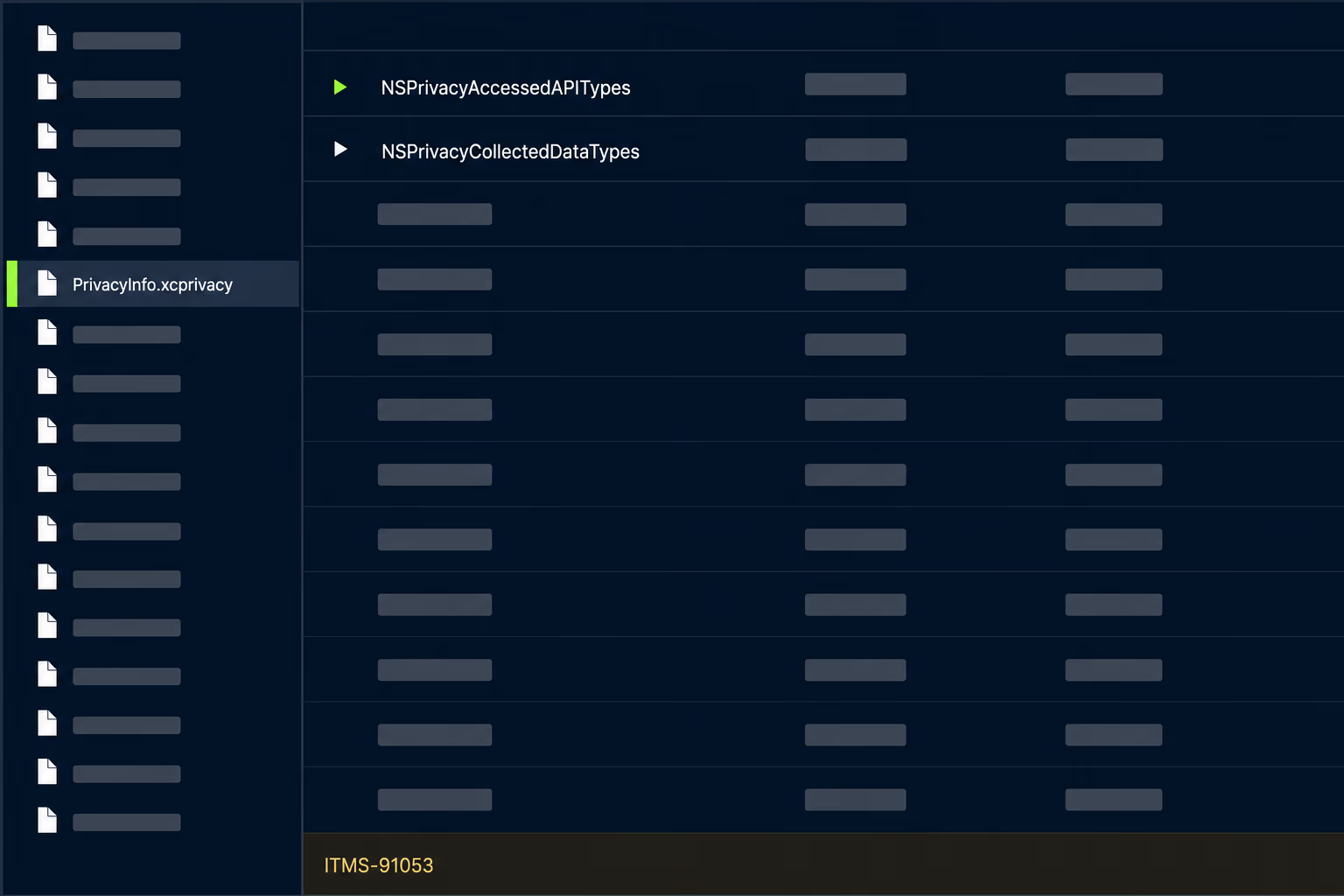
The pages that rank for this topic explain what the labels are and where Apple’s categories come from. None of the ones I read covers the situation that brings an engineering lead to search for it, which is taking over an app whose label nobody has opened since launch and working out whether it is still true. This article covers that audit, built from Apple’s current App Privacy Details page and App Store Connect help, plus the Firebase and Google Play documentation that apply to most inherited apps.
What do privacy nutrition labels make you declare?
They make you declare every type of data you or your third-party partners collect, and what each type is used for. Apple’s App Privacy Details page groups the data types into categories such as Contact Info, Health & Fitness, Financial Info, Location, Contacts, User Content, Browsing History, Search History, Identifiers, Purchases, Usage Data, Diagnostics, Surroundings, Body and Other Data, with specific types inside each, for example Crash Data and Performance Data under Diagnostics, or User ID and Device ID under Identifiers.
For every type you collect, you also say how it is used. Apple lists six purposes: Third-Party Advertising, Developer’s Advertising or Marketing, Analytics, Product Personalization, App Functionality and Other Purposes. You then say whether the data is linked to the person and whether it is used for tracking, which Apple defines as linking data collected from your app about a particular user or device with third-party data for targeted advertising or advertising measurement, or sharing it with a data broker.
The word “collect” carries most of the weight, and Apple defines it narrowly. It means transmitting data off the device in a way that allows you or your partners to access it for longer than is necessary to service the request in real time. A value that stays in local storage is not collected. A crash report that gets uploaded and kept so an engineer can read it next week is.
A small set of data can be left off the label, but only if all of Apple’s optional-disclosure criteria are met together. The data cannot be used for tracking, advertising, marketing or other purposes. It has to be collected only in infrequent cases that are not part of the app’s primary function and are optional for the user. And it has to be provided by the user through the app’s interface, with clear disclosure and affirmative consent each time. In practice almost nothing an SDK sends in the background qualifies.
Why is the label on an inherited app probably wrong?
It is probably wrong because the label was filled in once, from memory, and the code kept changing underneath it. Labels get written during the first submission by whoever is nearest to the App Store Connect login, and from then on nothing in the build process reminds anyone that the answers exist. Every analytics SDK added later, every swapped crash tool and every new login provider changes what leaves the device while the label stays frozen.
Apple’s page sets the standard in plain words: you must identify all the data that you or your third-party partners collect. The phrase that matters for an inherited app is “third-party partners”, because the previous developer made those choices and you now own the consequences. A label that was accurate at launch can drift in two directions. It can understate collection, which is the risky direction, or it can overstate it after an SDK was removed, which makes the app look worse than it is on its own store page.
There is also a plain ownership problem. Apple says the Account Holder, Admin and App Manager roles can manage the answers. After an agency hand-off, a founder leaving or an Apple app transfer, the person with access to edit the label is often not the person who knows what the code does, and the person who knows what the code does has the Developer role, which cannot edit it. Nobody ends up responsible, and the label stays untouched.
The privacy policy is the second document that drifts. Apple’s guideline 5.1.1(i) says every app needs a privacy policy that identifies what data the app collects, how it collects it and all uses of it, and that confirms any third party receiving data, including analytics tools and SDKs, gives the same level of protection the policy describes. A label and a policy that disagree with each other, and with the build, are the normal state of an app that changed hands. The label is just the version that sits on the product page where customers look first.
How do you build a data inventory from the shipped build?
Build it from the binary and the network, not from the dependency file or from anybody’s recollection. A Podfile or package.json tells you what someone intended to include, while the archived app shows what actually ships, and the two diverge in exactly the old projects where this matters. Start from the last build that went to the App Store, because that is the version the label describes.
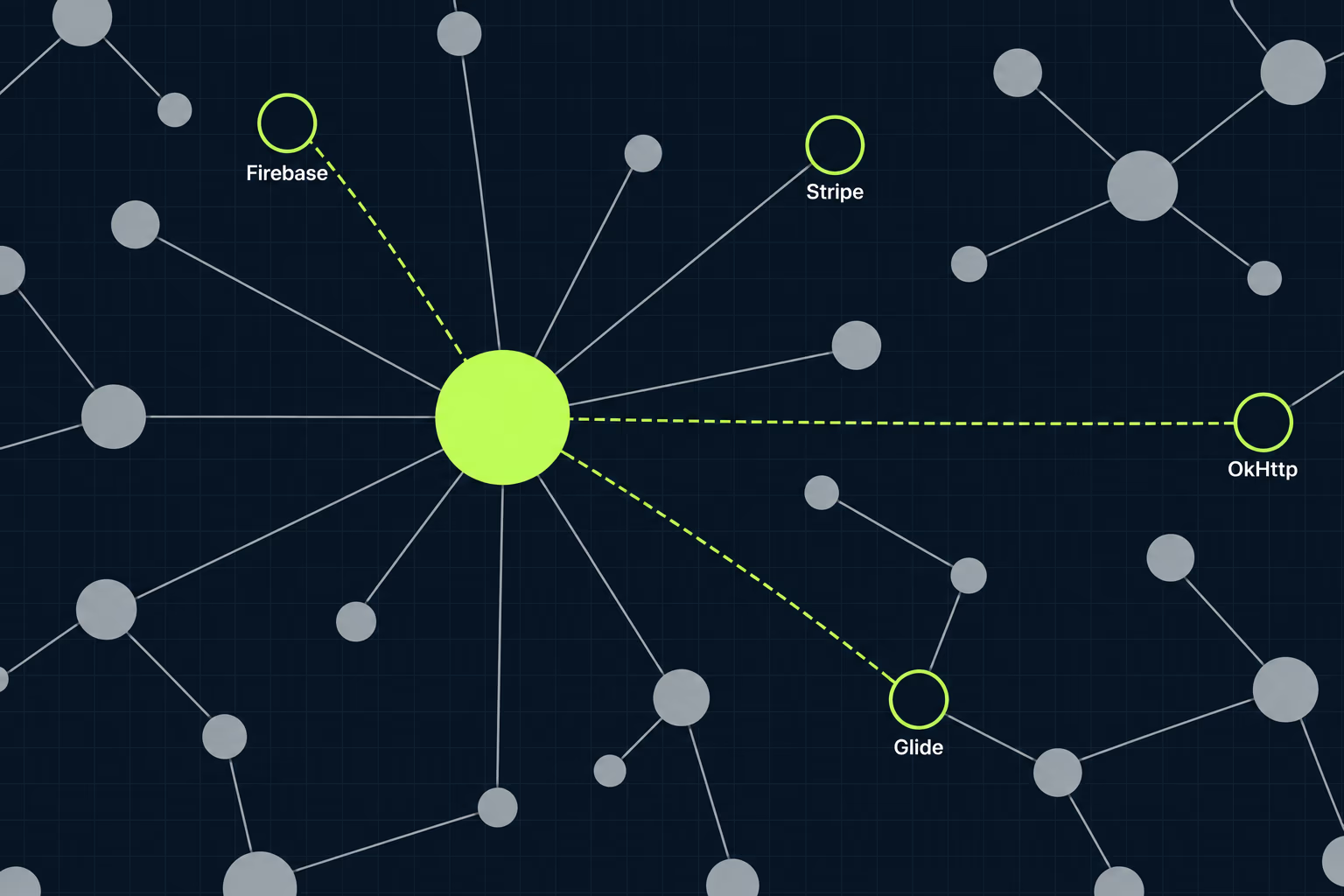
Unzip the IPA, list every framework inside the Payload bundle, and write down the ones that are not Apple’s. Each of them is a candidate for collecting something. If you read our guide to the iOS privacy manifest you already know the file to look for, since an SDK that ships a PrivacyInfo.xcprivacy file declares the data types it collects, and Xcode can combine those declarations into a single privacy report for the archive. That report is a useful cross-check, but it only covers SDKs that carry a manifest, so a framework without one still needs a manual look.
Then watch what the app actually sends. Run the build on a test device through a proxy such as Charles or mitmproxy, use the app for ten minutes the way a real user would, and sort the hosts it talks to. Hosts for analytics, crash reporting, push delivery, attribution and ad networks are the interesting ones, because each corresponds to a vendor whose documentation says which data it collects. A host you can’t identify is a finding in itself, and it often turns out to be a library the previous developer added for a feature that no longer exists.
Finish with your own code, because SDKs are not the only collectors. Search the project for anything that writes a user identifier, an email address, a location or a purchase record to your own backend, and for custom keys and logs attached to crash reports. Those last ones are easy to forget, and they are the case where Firebase’s own documentation says the developer is responsible for disclosing what they attach.
Write the result down as a plain table with three columns: the data type in Apple’s wording, which SDK or code path collects it, and what it is used for. That sheet is the audit, and it also becomes the thing you hand to the next person, which is how an inherited label stops being a mystery again.
How do you map SDK data to Apple’s categories?
You map it by reading each vendor’s own disclosure page and translating its wording into Apple’s data types, then adding anything your own usage changes. Vendors publish this because every customer has to fill in the same form, and the good ones list data by Apple category. The Firebase page for App Store data disclosure is the one most inherited apps need, since Firebase is in a large share of the apps we see.
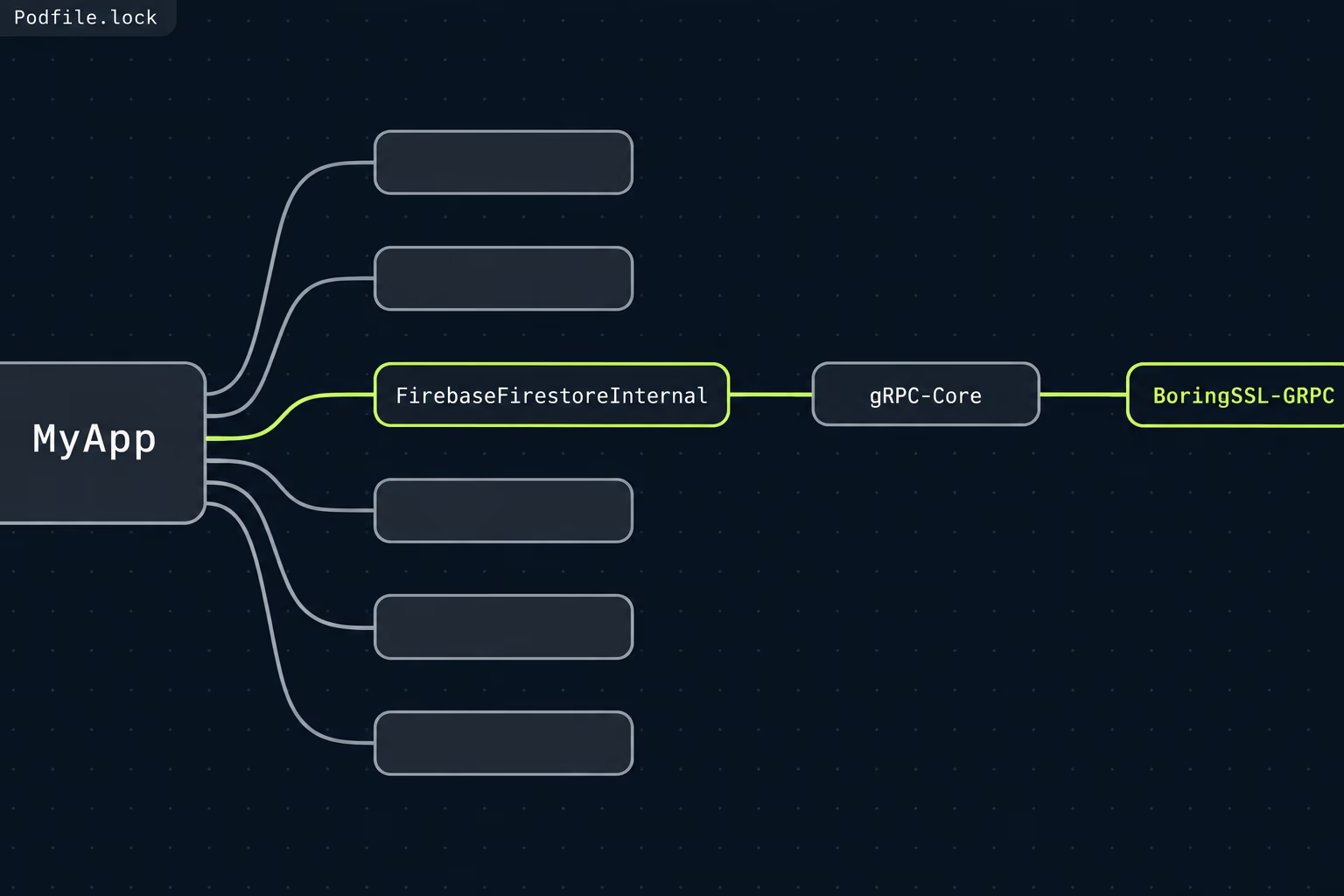
For Crashlytics, Firebase lists stack traces and relevant application state when an app crashes, plus device and operating system information, as always collected. Custom keys, logs and user IDs that you attach to reports are collected only when you use them, and so are breadcrumb logs when Crashlytics runs alongside Analytics. Mapped to Apple’s wording, the always-collected part is Crash Data under Diagnostics, and the custom user ID is a User ID under Identifiers. Firebase’s page says plainly that you are responsible for disclosing the custom data you attach, which means two apps using the same SDK can have different correct labels.
Other Firebase products add their own entries. Firebase’s page says Cloud Messaging handles APNs tokens, app installation IDs, device model, language, timezone and operating system version, and that Performance Monitoring handles IP addresses, app metrics, CPU and memory usage and device information. For Analytics, Firebase sends you to a separate Google support article instead of listing the types, so that article is the one to read and cite in your audit notes. Whatever you decide, Firebase’s own caveat applies: your disclosures have to match how your app actually uses the product, not the defaults.
This is also where tool choice shows up on the label. Switching crash reporting changes which vendor is collecting Diagnostics data, which is one more thing to weigh in a Crashlytics versus Sentry decision. Advertising and attribution SDKs deserve the most care, because they are the likeliest to turn an Identifiers answer into a tracking answer, and tracking carries its own consent requirement. Apple’s guideline 5.1.2(i) says apps need explicit permission through the App Tracking Transparency APIs before tracking users, and an SDK that does it silently is the single most expensive thing an audit can find.
Anything you can’t map confidently gets answered conservatively, and the unanswered question goes on a list for the vendor. If a library is abandoned, there is nobody to ask, and that is a reason to treat it as a replacement candidate rather than a mystery to live with.
How do you update the label without shipping a new build?
You edit the answers in App Store Connect and publish them, with no new binary involved. Apple’s App Store Connect help says to select the app, open App Privacy in the sidebar, click each data type to update the answers, and then click Publish at the top right and confirm the agreement dialog. Those responses go live on the product page right after you publish.
Apple’s App Privacy Details page says the same thing from the other side: you may update your answers at any time, and you do not need to submit an app update to change them. That is useful when a label turns out to be wrong in the middle of a release freeze, because the correction doesn’t compete for a review slot with anything else. It also means there is no good excuse for leaving a known inaccuracy in place for another month.
The privacy policy URL is the exception. Apple’s help page says changes to it are saved in App Store Connect but release with your next app version, so a corrected policy needs a build to carry it. If the audit found that your policy is out of date, plan for that policy change to ride along with the next release instead of waiting for a dedicated one. Write the policy text first and fix the label right away, so the two don’t disagree for longer than the release takes.
Before you publish, check who is signed in. Only the Account Holder, Admin and App Manager roles can manage app privacy, and the Marketing role can edit the policy URL but not the data answers. If you can’t see the editing controls, that is the reason, and it is better to find out before the audit meeting than during it. Also record the name of the person who published the new answers in your audit sheet, together with the date, so the next engineer knows when the label was last verified.
A sensible habit is to treat the label as part of the release checklist. Whenever an SDK is added, removed or upgraded to a version that collects more, the audit sheet gets updated and the label is checked in the same pull request. That takes minutes when it’s routine and days when it has to be reconstructed from scratch.
What about the Google Play Data safety form?
It is the Android equivalent, and it needs its own answers, so an audit that stops at the iOS label is half finished. Google’s help page says all developers with an app published on Google Play must complete the Data safety form, with only internal testing tracks and system services exempt. It says developers must declare data collected and handled through third-party libraries and SDKs, so the same inventory feeds both stores.
Google also says developers can update the form independently of a release, with changes appearing on the store listing after Google’s review process, and that visibility across devices can take several days. That makes it slower to land than the Apple edit, which is worth knowing before you promise anyone a date. The two forms use different category names and different definitions, so don’t copy one set of answers into the other. Use the audit sheet as the source and translate it twice.
RapidLabs usually sees both stores neglected together, and anyone who has cleared the other recent Play requirements will recognise the pattern. A neglected listing collects small obligations quietly until one of them blocks a release, in the same way the Google Play target API level deadline does. Handling the Data safety form in the same sitting as the Apple label costs little extra, because the hard work, finding out what the app really collects, is already done.
What does a wrong label cost you?
It costs you accuracy on the one page every prospective user reads, and it leaves you holding the responsibility if a regulator, a competitor or a journalist looks closely. Apple’s page puts that responsibility on you in so many words. Jamf’s write-up of the labels describes them as self-declared and not audited by Apple, and I could not find a published penalty schedule for Apple, so I won’t invent one. What I can say is that an inaccurate label is a statement you made publicly and then failed to maintain.
On Google Play the stakes are written down. Google says it may take appropriate action, including enforcement action, when it finds discrepancies between an app’s behaviour and its declarations, and that apps can face blocked updates or removal if they don’t become compliant. For a business running one app, an update that cannot ship is the cost that matters, because it stops you patching a crash as well as a privacy problem.
There is a quieter cost in the other direction too. An overstated label, left over from an SDK that was removed years ago, tells prospective users that the app collects data it no longer does, and for an app competing on trust that is a conversion problem you can fix in an afternoon. Both errors come from the same root cause, which is that nobody owned the label after launch.
Where to start before your next release
Pick the last build that went live and run the inventory against it, in this order: frameworks in the bundle, hosts on the network, then your own backend calls. Fill the audit sheet, compare it to what App Store Connect shows today, and note every difference. Most inherited apps have a few, and the typical ones are a crash or analytics SDK that was never declared and an identifier that is used for more than the label says.
Then fix the label first, since it takes minutes and doesn’t need a build, and queue the privacy policy change for the next release. Do the Play Data safety form in the same sitting, and ask the Account Holder for the right role if you can’t see the controls. If the audit turns up an SDK that tracks without consent, or one that nobody maintains, that is a real piece of engineering work, and sizing it is the first thing RapidLabs does when scoping an app takeover or ongoing mobile app maintenance.
Keep the audit sheet in the repository next to the code. When the next SDK arrives, whoever adds it updates the sheet and the label together, and the label never again falls three versions behind the build.
Frequently asked questions
Do I need to submit a new build to change my privacy nutrition label?
No. Apple's App Store Connect help says privacy responses are published as soon as you click Publish, and Apple's App Privacy Details page says you may update your answers at any time without submitting an app update. That makes a wrong label one of the cheaper store problems to repair, because the fix is a change of answers rather than a release. The one exception is the privacy policy URL, which Apple says goes out with your next app version.
Which roles can edit the App Privacy answers in App Store Connect?
Apple lists three roles that can manage app privacy: Account Holder, Admin and App Manager. The Marketing role can edit the privacy policy information but is not on the list for the data answers. If you inherited an app and your own role is Developer, you will not see the editing controls, so ask the Account Holder to raise your role or to make the change themselves.
Does Apple check my privacy nutrition label against my app?
Apple's published pages don't describe a verification step for the answers themselves, and Jamf's write-up of the labels describes them as self-declared and not audited by Apple. Apple's own page does put the responsibility on you, stating that you are responsible for keeping your responses accurate and up to date. I could not find a published penalty schedule, so treat the enforcement risk as unknown rather than as zero.
Do I have to list data collected by third-party SDKs?
Yes. Apple's App Privacy Details page says you need to identify all of the data that you or your third-party partners collect, unless the data meets every criterion for optional disclosure. That includes analytics, crash reporting, push and advertising SDKs, even if you never wrote a line of code that touches the data. For an inherited app this is the part that most often makes the existing label wrong.
What counts as collecting data for the label?
Apple defines collect as transmitting data off the device in a way that lets you or your third-party partners access it for longer than is necessary to service the request in real time. Data that stays on the device, or that is processed in real time and discarded, falls outside that definition. A crash report that is uploaded and kept for debugging is collected, which is why crash tools show up on almost every label.
Is the Google Play Data safety form the same thing?
It is the Android counterpart, but it is a separate form with its own answers, so you have to maintain both. Google says every developer with an app published on Google Play must complete it, that it covers data handled through third-party libraries and SDKs, and that you can update it without a new release. Google also says it may take enforcement action, including blocking updates or removing the app, when declarations and behaviour differ.
Have a product decision to make?
RapidLabs helps founders and operators shape, build, and launch focused software.
Email the studio