Google Play App Transfer: What Stays Behind
A Google Play app transfer moves an app from one developer account to another while it stays live on the store, carrying its users, download statistics, ratings, reviews, content rating and store listing across with it. Google’s support team reviews and replies to transfer requests within two business days, once the original account has submitted the request and the receiving account has approved it. What catches teams out is the list of things that don’t come along, including earnings and payout reports, promotions, every testing track, and every permission linking the app to Firebase, AdMob or Google Analytics. There’s also a second route, transferring ownership of the entire developer account, which sits behind a seven-day security hold and suits a completely different situation.
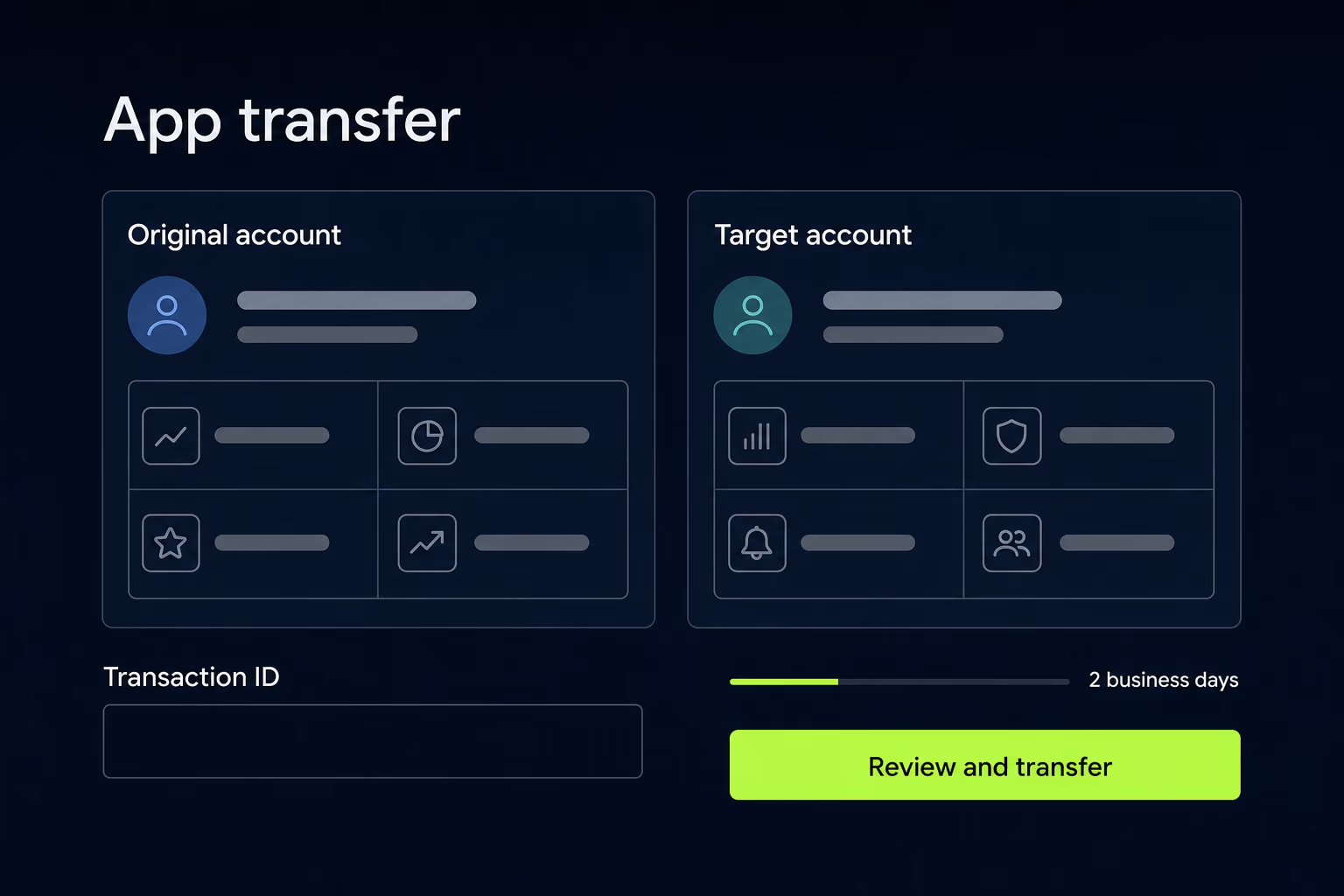
Most of what’s written about this walks you through the request form and stops there. This one covers both routes, everything Google’s own documentation says will stay behind, and the order of operations that keeps you able to ship while the move is in progress.
What does a Google Play app transfer actually move?
The transfer moves the app along with almost everything users can see, so the listing doesn’t change from the outside and nobody has to reinstall anything. Google states that all users, statistics, data, comments, ratings, subscriptions and related items travel with the app, together with content ratings and store listing information. Anything previously submitted through the App content page, such as policy declarations, moves as well, which spares the receiving team from filling in the same declarations again.
The package name stays exactly as it was, and that’s the detail making the whole thing worth doing. An app republished under a new listing starts from zero installs, zero reviews and zero ranking history, and every existing user has to find and install a different app before they see another update. A transfer avoids all of that, which is why it’s almost always the right move when a business changes agencies or buys a product. The boundary is the account rather than the app.
Should you transfer the apps or hand over the whole developer account?
Google offers two genuinely different processes, and picking the wrong one costs weeks. An app transfer moves selected apps into a different developer account that continues to exist alongside the original. An account ownership transfer leaves every app where it is and changes who owns the account they sit in.
The app transfer route fits the common case, where an agency or previous owner holds an account containing other clients’ apps and only yours should move. Both accounts survive the process, and each keeps its own reporting, payouts and team.
Account ownership transfer fits the opposite situation, where the account exists solely for this app and the whole thing is changing hands. Only the current account owner can start it, from the Users and permissions page, by opening the target user’s details and selecting Make account owner. The prospective owner has to be an existing user on the account, and Google blocks anyone who already owns a Play Console account under the same Google Account. Organization accounts have to declare whether the new owner belongs to the same entity, and same-entity transfers require the incoming owner to hold admin access on the payment profiles the account uses, usually granted in the Google Payments Center first.
Then Google places the transfer on a seven-day security hold, during which any user on the account can cancel it from the Users and permissions page, a safeguard against both honest mistakes and account hijacking. After the hold expires the prospective owner receives an email invitation and works through a setup wizard covering payment profile, organization details and contact details verified by one-time password. Nobody else can cancel once they start, and Google may ask for identity documents before finishing.
What do you need before you can submit the transfer request?
Both Google Play developer accounts have to be registered and fully active before a request goes anywhere. For the original account that simply means you can sign in. For the receiving account it means registration is complete, and Google’s advice is to check for a “Why can’t I publish” message in the app header, which signals missing information you have to resolve first.
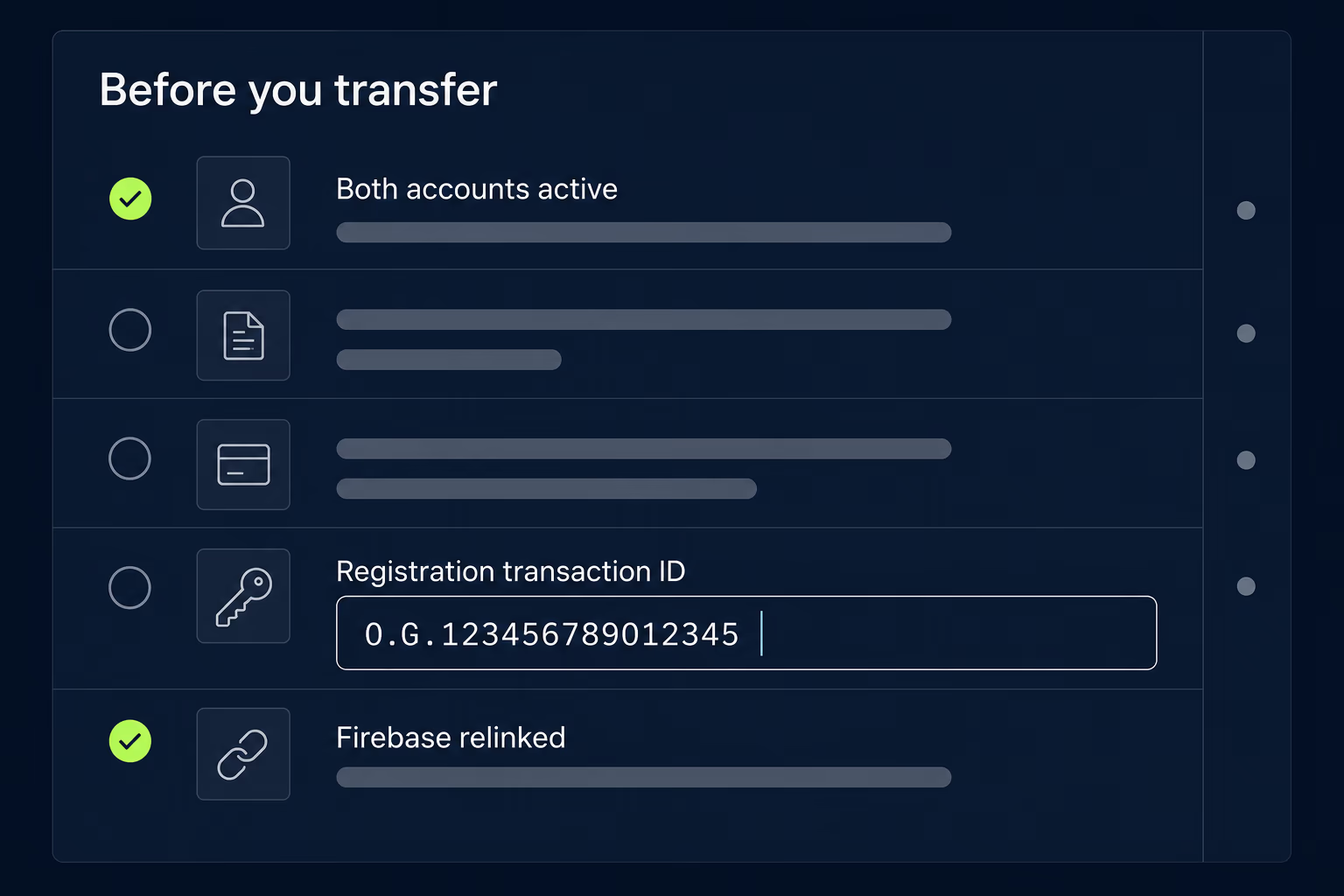
You also need the registration transaction ID for both accounts, and this is where people stall. That ID lives in the receipt email the account owner received when they paid the registration fee, findable by searching that inbox for “developer registration fee”. If the receipt is gone, sign in to Google Payments with the owner’s address, open Activity, and look for the developer account registration transaction, where the ID sits near the bottom of the details. Google lists several formats it can take, including one that looks like 0.G.123456789012345 and one beginning with Registration-. When you enter it in the request, strip the leading portion, discarding 0.G. or whatever precedes the words token or Registration.
What stays behind with the original account?
Everything on the money and testing side stays with the account you’re leaving, and none of it can be recovered afterwards. Google is explicit about which items don’t travel:
- Bulk export reports, estimated sales reports, payout reports and earnings reports
- Orders created before the transfer, refundable only from the original account or through the Google Play Developer API
- Promotions, although promo codes already issued to users should still work
- Test groups on every track, including open, closed, internal test and internal sharing
- Permission and linkage settings for integrated services
Download every report you might want before you start, because new versions get created in the receiving account and the historical ones aren’t reproduced there. Anyone doing accounting, valuation or investor reporting on this app needs that export in hand, and the request is much harder to satisfy a month later.
The refund rule deserves attention if the app sells anything, because an order placed the day before the transfer stays attached to the original account and can only be refunded by the previous owner or through the Developer API. Agree who handles that before the accounts change, and put a date on it. Testing tracks hurt differently, since closed testing groups have to be recreated and Google warns that users may need to opt in again.
Which integrated services have to be sorted out first?
Every connection between the app and another Google product has to be rebuilt by hand, because permission and linkage settings aren’t part of the transfer. Getting this wrong is the most common reason a transfer that appeared successful starts producing broken analytics and missing revenue a week later.
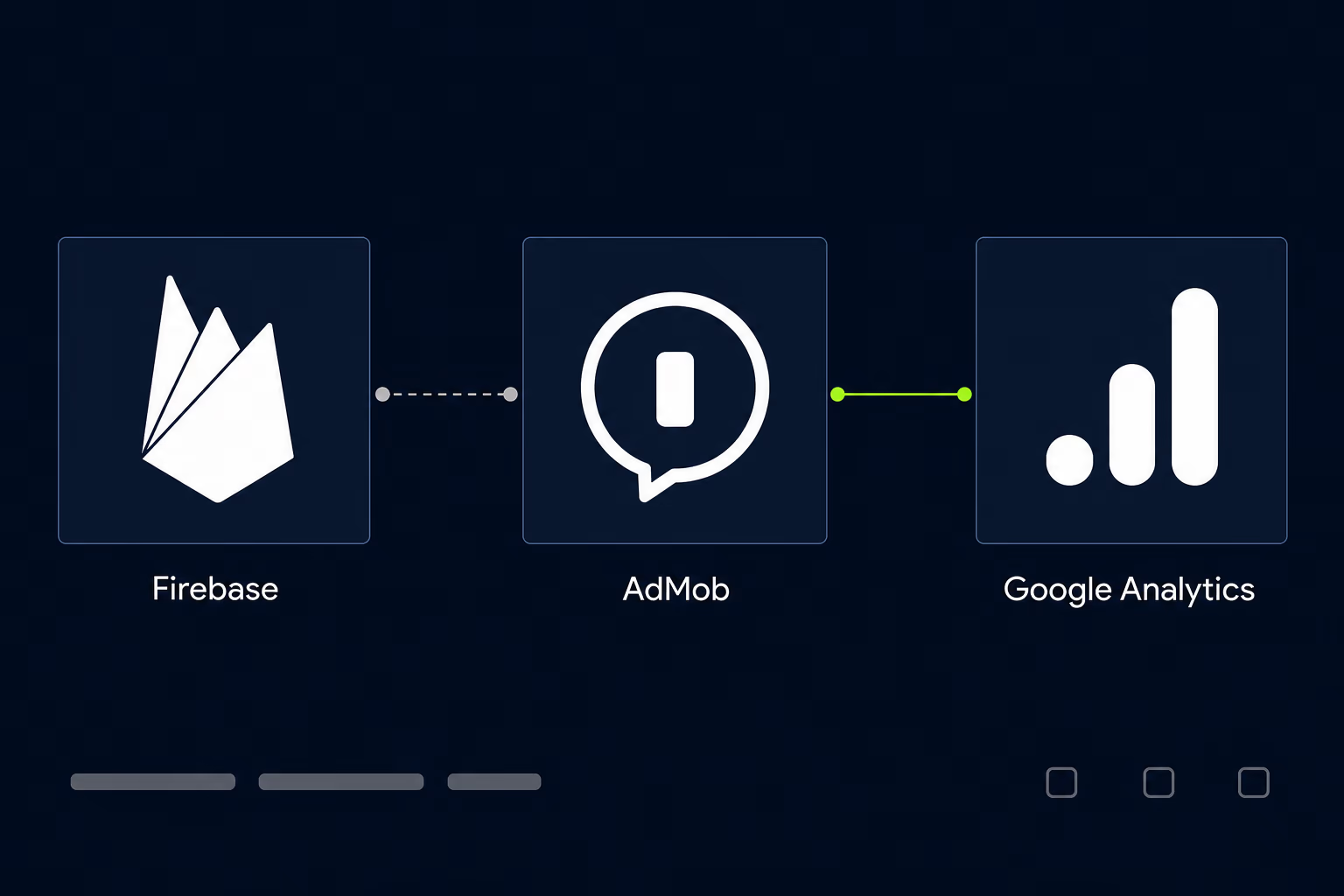
Google Analytics needs permissions added for the receiving account on the property the app reports into, and any Google Developers Console project the app depends on, covering Play Games Services and other Google APIs, needs that account added as an Owner. Firebase projects have to be unlinked from the original Play Console account and then linked to the receiving one, which is a deliberate step rather than something the transfer performs for you.
Ad integrations are the awkward one. Google’s instruction is that all ad SDK integrations, AdMob included, have to be updated inside the app’s own files after the transfer so ad traffic is credited to the correct account. That’s a code change and a release rather than a console setting, so a monetised app should have that update built, tested and ready to submit before the transfer completes.
One smaller condition blocks the process outright, since any translation project in progress through Google Play’s translation service has to be finished before the app can transfer.
What happens to your app signing keys?
Nothing has to happen to them, and for most transfers nothing should. Google treats new keys as an option for teams with a real concern about sharing keys with the previous owner, not as a required step, so an app enrolled in Play App Signing carries on being signed the same way after it changes accounts.
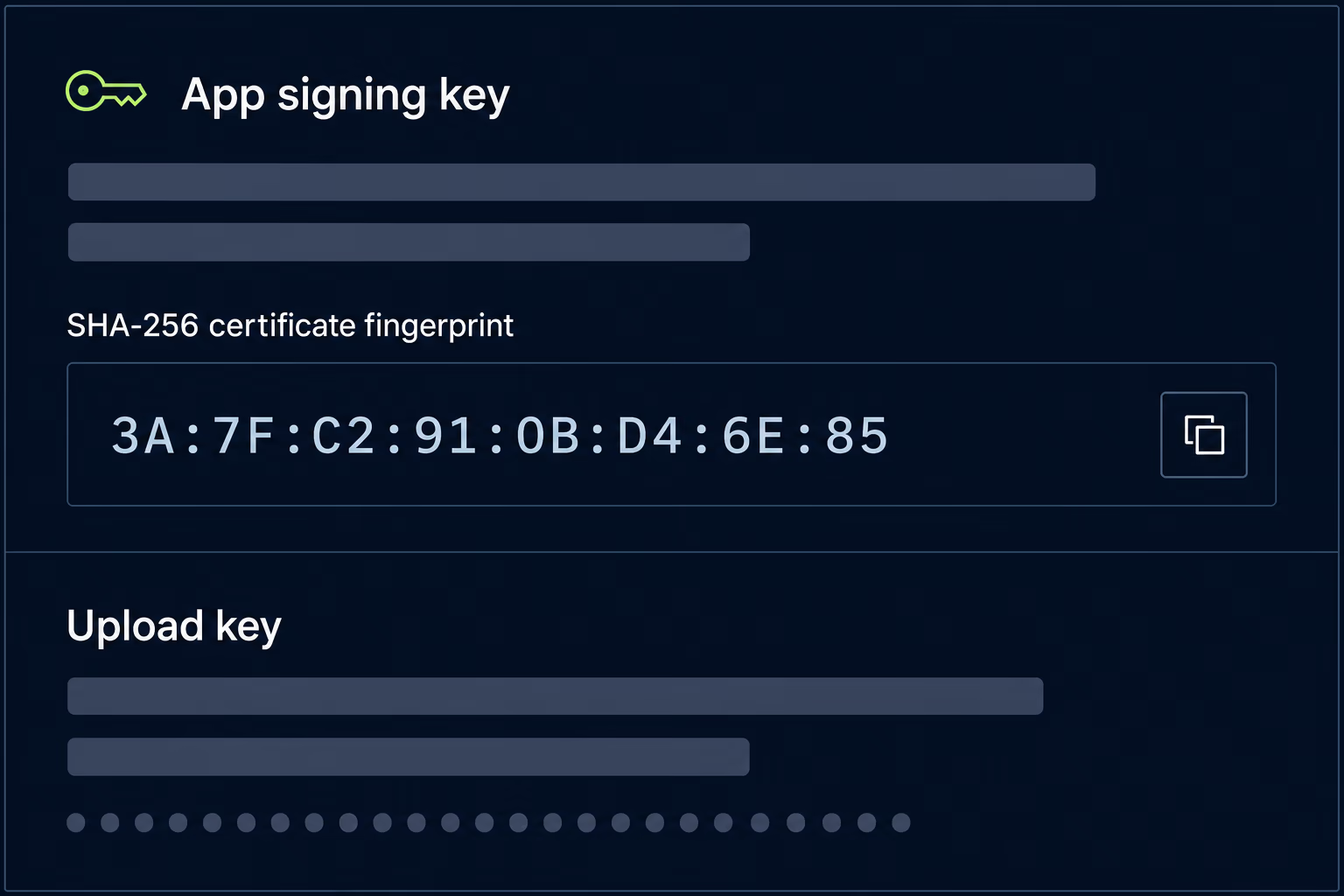
Two keys are involved and they behave differently. The upload key is the one you hold in a Java keystore and use to sign the bundle you send to Google, which uses it to confirm the upload came from you. The app signing key is held by Google and signs what actually reaches devices. If the receiving team doesn’t want to keep an upload key the previous developer also has, Google can reset it, and that affects neither the app signing key nor a single user. Changing the app signing key is a bigger decision, because Google’s key upgrade applies to new installs rather than to everyone.
The trap sits one step further out. API providers authenticate your app against the fingerprint of the key Google signs with, not the upload key you hold, so services like Google Maps, OAuth logins and Facebook Login all check the app signing key fingerprint. Those fingerprints have to be registered in each provider’s console, and any key change means registering the new ones everywhere before the first affected build reaches users. Teams that skip this discover it as maps failing to load and logins bouncing on a release that tested fine internally.
What does a transfer cost, and how does it affect your service fee?
The transfer itself is free, so the only direct cost is the US$25 registration fee if the receiving account doesn’t exist yet. The indirect cost is engineering time spent relinking services, rebuilding testing tracks and shipping the release that repoints your ad SDKs.
One commercial rule catches larger apps and almost nobody writes about it. For developers in the 15% service fee tier, when an app moves between developer accounts in separate Account Groups, all of that app’s earnings count toward each Account Group’s total for the calendar year. Google’s own worked example uses an app that earned US$100,000, and that same US$100,000 counts on both the sending and the receiving Account Group against each one’s first US$1 million in earnings. A profitable app transferred mid-year therefore consumes part of the receiving business’s lower-rate allowance, and the sender doesn’t get its allowance back either.
Anyone modelling the economics should read Google’s current service fee table rather than an older one, because the published rates for the United States, the United Kingdom and the European Economic Area moved to a new structure on June 30, 2026. Paid apps and apps with in-app products also need an active payments profile on the receiving account. If that account uses a different default currency, Google applies the change automatically to paid app prices, and an app selling only in-app purchases gets unpublished after the transfer until you publish it again.
In what order should you run the transfer?
Run it in the order that never leaves you unable to ship, which means preparing everything reversible first and touching the app itself last:
- Confirm both accounts are registered and active, and clear any publishing blockers on the receiving side.
- Download every earnings, payout, sales and bulk export report you might need later.
- Relink Firebase, add Analytics permissions, and add the receiving account as Owner on Developers Console projects.
- Collect both registration transaction IDs, strip the leading portion, and agree who handles pre-transfer refunds.
- Submit the request from the original account, approve it from the receiving account, and wait for Google’s reply.
- Recreate testing tracks, then ship the update carrying the repointed ad SDKs and any new key fingerprints.
Google replies to transfer requests within two business days, so budget roughly a week end to end for two prepared accounts and longer when the receiving account is new. Freeze non-urgent releases for the couple of days the request sits with Google, because a submission caught mid-transfer creates support tickets nobody enjoys. Keep one build ready to submit from the receiving account the moment the transfer lands. If your releases are already slow for reasons unrelated to the handover, our breakdown of App Store and Google Play review time is the better place to start.
What if the previous developer has vanished?
Neither route works without cooperation, which is the hardest answer here. The app transfer process requires the original account to submit the request, and account ownership transfer can only be started by the current account owner. There’s no unilateral path, and no amount of documentation proving you paid for the work changes that.
What’s left is a narrow set of options. If anyone at your company was ever added as a user on the account, check what permissions they still hold, because an admin who can reach Users and permissions is in a far better position. Failing that, Google’s support channels handle account recovery, and going through them with clear ownership evidence beats emailing a developer who has stopped answering. The last resort is publishing under a new listing, which works technically and costs you the reviews, the install base and the ranking history built over years. RapidLabs treats store account access as the first question in any mobile app takeover, before a single line of code gets read.
Getting a Play transfer right the first time
A Google Play app transfer rarely fails on the paperwork and frequently fails on everything around it. The work determining whether the move feels invisible or painful happens beforehand, in relinking services, exporting reports you can’t get back, rebuilding testing tracks and preparing the release that repoints your ad SDKs.
Two decisions matter more than the rest. Choose the right route early, because moving apps into an existing account and handing over a whole account with its seven-day hold are different projects on different timelines. Then treat the integrated services list as the real scope of work, since that’s where a clean transfer quietly turns into three weeks of broken analytics.
A transfer also tends to arrive alongside a bigger question about who maintains the app next. If your team is inheriting a codebase along with the listing, an app maintenance audit before the first release tells you what you’ve actually taken on, and the Android side of that usually starts with the Google Play target API level deadline waiting in the near future. Teams that would rather not build the capability in-house can hand the whole thing to a partner on a mobile app maintenance arrangement, which is how most of the apps RapidLabs takes over end up being looked after.
Frequently asked questions
How long does a Google Play app transfer take?
Google's documentation says its support team reviews and replies to transfer requests within two business days, and that clock only starts once the receiving account has approved the request in its own Play Console. The preparation before that usually sets the real pace, because both accounts have to be fully registered and active and every Firebase, Analytics and Developers Console link has to be sorted out first. Handing over ownership of an entire developer account takes longer, because Google places a seven-day security hold on that route before the new owner can even begin.
Does a Google Play app transfer lose ratings and reviews?
No, the app carries its users, download statistics, ratings, reviews, content ratings and store listing information into the receiving account, and people who already installed it keep getting updates without doing anything. The losses are on the reporting and testing side rather than the public side. Every earnings, payout, sales and bulk export report stays with the original account, promotions don't move even though promo codes already issued still work, and every testing track has to be rebuilt.
How much does it cost to transfer an app to another Google Play account?
Google charges nothing for the transfer request itself. The only direct cost is the US$25 one-time registration fee for the receiving developer account, and that applies only if you're creating a new one rather than moving the app into an account that already exists. Google also states that its support team can refund the registration fee for the original account if you decide to close it afterwards. Everything else that looks like a cost is really engineering time spent relinking services and rebuilding testing tracks.
Can you transfer a Google Play app without the previous developer?
Not through the app transfer process, because it requires the original account to submit the request and the receiving account to approve it, so both sides have to cooperate. Transferring ownership of the whole developer account has the same problem, since only the current account owner can start it. If the previous developer is genuinely unreachable, the realistic paths are recovering access to the original account through Google's support channels, or publishing under a new listing and losing the reviews and install history.
What happens to Firebase and AdMob when an app is transferred?
Neither one follows the app automatically, because permission and linkage settings for integrated services aren't part of what Google moves. Firebase projects have to be unlinked from the original Play Console account and linked to the receiving account, and that account needs to be added as an Owner on any Google Developers Console projects the app depends on. AdMob and other ad SDK integrations are worse, because Google says they have to be updated inside the app's own files after the transfer for ad traffic to be credited correctly. That means shipping a release rather than flipping a setting.
Can a private app on managed Google Play be transferred?
It depends on how the private app was created. A private app can be moved if the receiving account is associated with your organization, though it has to be temporarily unpublished and its organization restrictions removed first, and Google says existing users can still use and reinstall it meanwhile. A private app created with the managed Google Play iFrame can't be transferred at all, which is worth checking on day one.
Have a product decision to make?
RapidLabs helps founders and operators shape, build, and launch focused software.
Email the studio