Firebase Dynamic Links Alternative for Live Apps
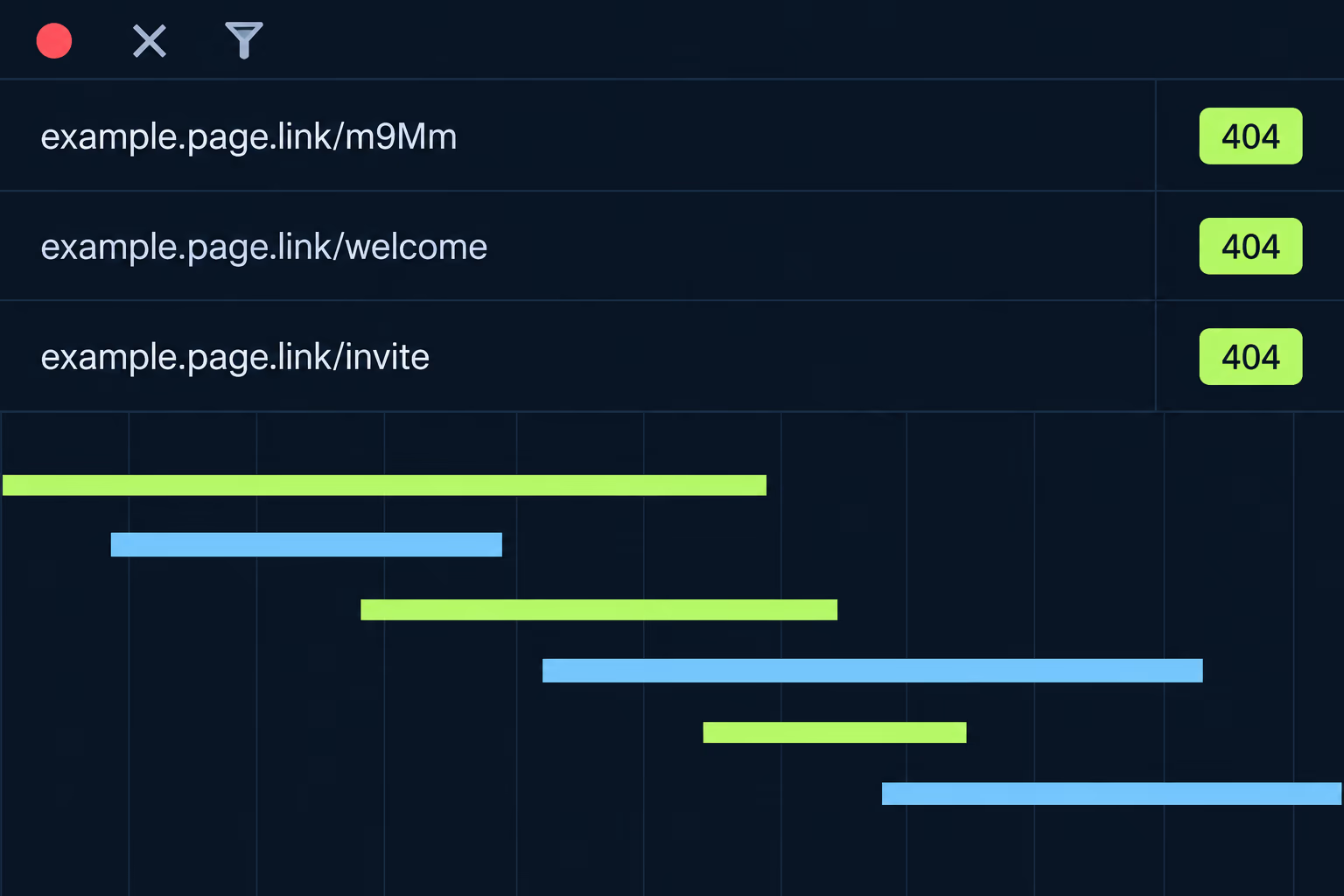
If your app still uses Firebase Dynamic Links, the shutdown on August 25, 2025 already happened, and every link that was served from a page.link subdomain or a custom domain now returns an HTTP 404. The replacement depends on what the links were used for: Universal Links and App Links cover opening an installed app at the right screen, and a deep linking provider or your own server is needed for sending a new user to the store and continuing after install. If you inherited the app, the first job is finding out which of those behaviors your product actually relied on.
The pages that rank for this term fall into two kinds. Google’s own migration guide explains the platform-supported route and stops there, while the deep linking vendors that also rank, such as AppsFlyer, Kochava and Dub, explain why their product is the answer. Neither helps with the situation that brings most owners here, which is an app built by someone else that nobody has opened in a year and that has a dynamic link buried in an invite screen, an email template or a printed QR code. This article walks through what broke and how to find it, then compares the real replacement options. RapidLabs does this kind of cleanup on inherited apps, so the focus is on what to verify in your own code before you pick a tool.
What actually happened when Firebase Dynamic Links shut down?
Google turned the service off on August 25, 2025, and its deprecation FAQ describes the result in plain terms. Every link clicked returns an HTTP 404, whether it was hosted on a page.link subdomain or on a custom domain, and the Short Links and Link Stats APIs return 400 or 403 errors. Google also says the page.link domains themselves are not transferable, so there is no way to keep an old short link alive by moving it.
The part that matters for an app owner is how the failure shows up inside the app. Google’s FAQ says the SDKs will not crash your app, and it spells out the behavior per call. On iOS, creating a short link returns a 403 with a failure reason, while first-open attribution returns a 400 and an object with empty data. On Android, buildShortDynamicLink returns a 403 error, and getDynamicLink returns a successful task whose link data is empty.
That last detail is the dangerous one, because nothing throws. An invite screen that builds a share link will show an error you may never have tested, and the code that reads an incoming link will quietly receive nothing and carry on to the home screen. Users don’t report that as a bug. They report that the invite from a friend didn’t take them anywhere.
How do you find every place your app still depends on dynamic links?
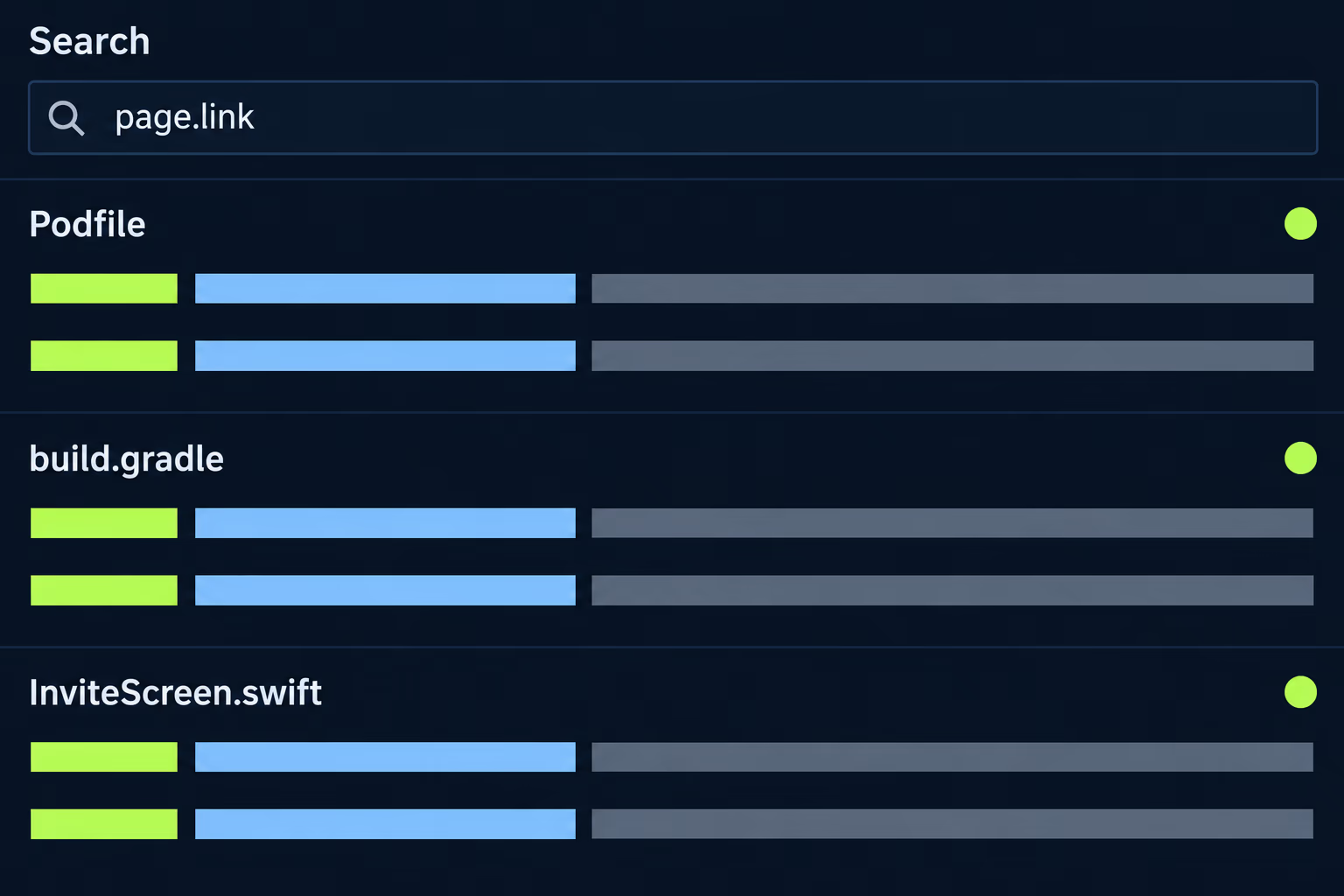
Search the code, the backend and the content, because dynamic links hide in all three. Start with the app itself and look for the SDK, since the dependency is the clearest evidence that the feature was ever used. On iOS that means the FirebaseDynamicLinks pod or package in the Podfile or Package.swift, and on Android it means the firebase-dynamic-links artifact in the Gradle files. Then search the source for the strings page.link, handleUniversalLink and getDynamicLink, which Google’s FAQ lists as the calls that stop working.
The second place is everything that creates links outside the app. A backend might call the Short Links API to build invite or password-reset links, and those calls now fail with a 403. A marketing email, a Zapier flow or a CMS template might contain hard-coded page.link URLs, and a printed QR code on packaging or a poster can’t be edited at all. If a link already left the building, the only fix is something that answers on the same URL, which a shut-down page.link domain can’t do, so the realistic answer for printed material is a new code.
The third place to look is analytics. If the product team used Firebase click data to measure campaigns, that data stopped on the shutdown date, and nobody may have noticed because a flat line looks like a quiet month. Here is the order I would work in when auditing an app I haven’t seen before:
- Search the iOS and Android projects and the backend for
page.linkand the SDK names above. - List every screen that creates or receives a link, such as invites, referrals, password reset, email verification and share buttons.
- Run each of those flows on a real device and write down what the user sees.
- Check email templates, push notification payloads and any marketing tools for hard-coded links.
- Ask the owner what link-related numbers anyone still reads, and which ones went flat in August 2025.
Step three is the one teams skip, and it is the one that finds the broken invite screen. If you want a second pair of eyes on a codebase before you commit to a replacement, the app maintenance audit covers this kind of dependency check as part of a wider read of an inherited app.
Which Firebase Dynamic Links features did your app really use?
Firebase Dynamic Links did several jobs under one URL, and the replacement options each cover a different subset. Google’s migration guide lists the features it provided: routing a user to the correct store for their device from a single click, continuing the journey after the user installs the app (a deferred deep link), opening deep-linked content in an app that is already installed, click analytics, short link creation, and metadata for social sharing.
Most apps used one or two of these, and the split decides everything that follows. A link that only has to open an installed app on the right screen is the simple case. A link that has to survive an install is the hard case, because the user’s first launch has to remember where they came from, which is the thing platform links can’t do on their own.
I would sort your flows into three buckets before looking at any product. The first bucket is links sent to people who already have the app, such as a receipt, a password reset or a notification, where Universal Links and App Links are enough. The second is links sent to people who may not have the app yet, such as a friend invite or a referral, where you need store routing and deferred deep linking. The third is links nobody can name a purpose for, which you can drop, and it is surprisingly common in inherited apps to find the SDK installed with no live flow behind it.
When are Universal Links and App Links enough?
Universal Links and App Links are enough when every link recipient already has the app installed. Apple and Google each built a way for a normal web URL on your own domain to open your app directly, and Firebase Dynamic Links used both under the hood for the installed-app case. Google’s guide says as much, noting that Dynamic Links relied on App Links on Android and Universal Links on iOS in its own implementation.
The same guide is clear about the limit. These links will open your app and take the user to a specific screen, but they will not send a user without the app to the store, and they will not continue the journey after the first install. Smart App Banners on iOS can fill part of that gap, since a banner can send a visitor to the App Store when the app is missing and into the app when it is installed.
For most small business apps this is the right answer, and it has two real advantages over a vendor. You own the domain, so no third party can switch the links off again, and there is no per-click or per-month cost. The price is that you have to host two small files correctly, and that is where inherited apps go wrong, which the next section covers.
How do you set up Universal Links and App Links without the usual breakage?
You host one file per platform on the link domain, declare that domain in each app, and handle the incoming URL in code. Google’s migration guide uses Firebase Hosting for the files, and the free project subdomain in the form your-project-domain.web.app is enough to start, although a custom domain you control is the better long-term choice.
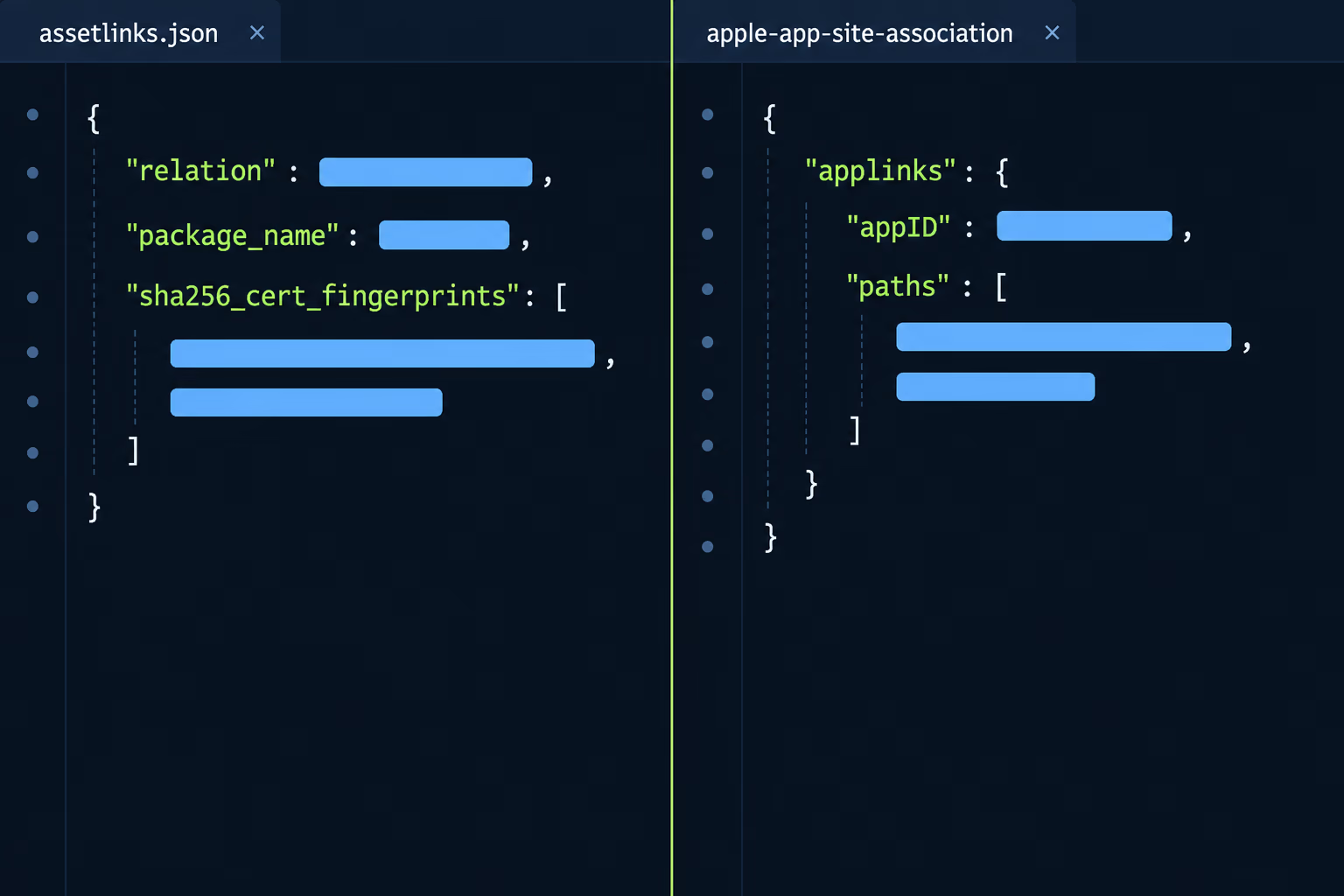
On Android, the file is assetlinks.json and it lives at /.well-known/assetlinks.json on each host. It names your package and the SHA-256 fingerprint of the certificate that signs your app, and the manifest needs an intent filter with android:autoVerify="true". Google’s documentation says the system verifies the hosts when the app is installed on Android 6.0 (API level 23) or higher, and it recommends waiting at least 20 seconds for the asynchronous check before you test with an adb command.
The fingerprint is where inherited apps usually fail. If the app uses Play App Signing, the certificate that signs what users download is held by Google, so a fingerprint copied from a developer’s local keystore won’t match the installed app. Copy the fingerprint shown for the app signing key in the Play Console, and add the upload key fingerprint too if you also test builds that are signed with it.
On iOS, the file is apple-app-site-association at /.well-known/ on the link domain, and its appID is your Team ID followed by the bundle ID. Apple’s documentation says to host it over HTTPS with a valid certificate and with no redirects, which rules out a web server rule that bounces the bare domain to www. You also add the Associated Domains capability in Xcode with an entry of the form applinks:yourdomain.com.
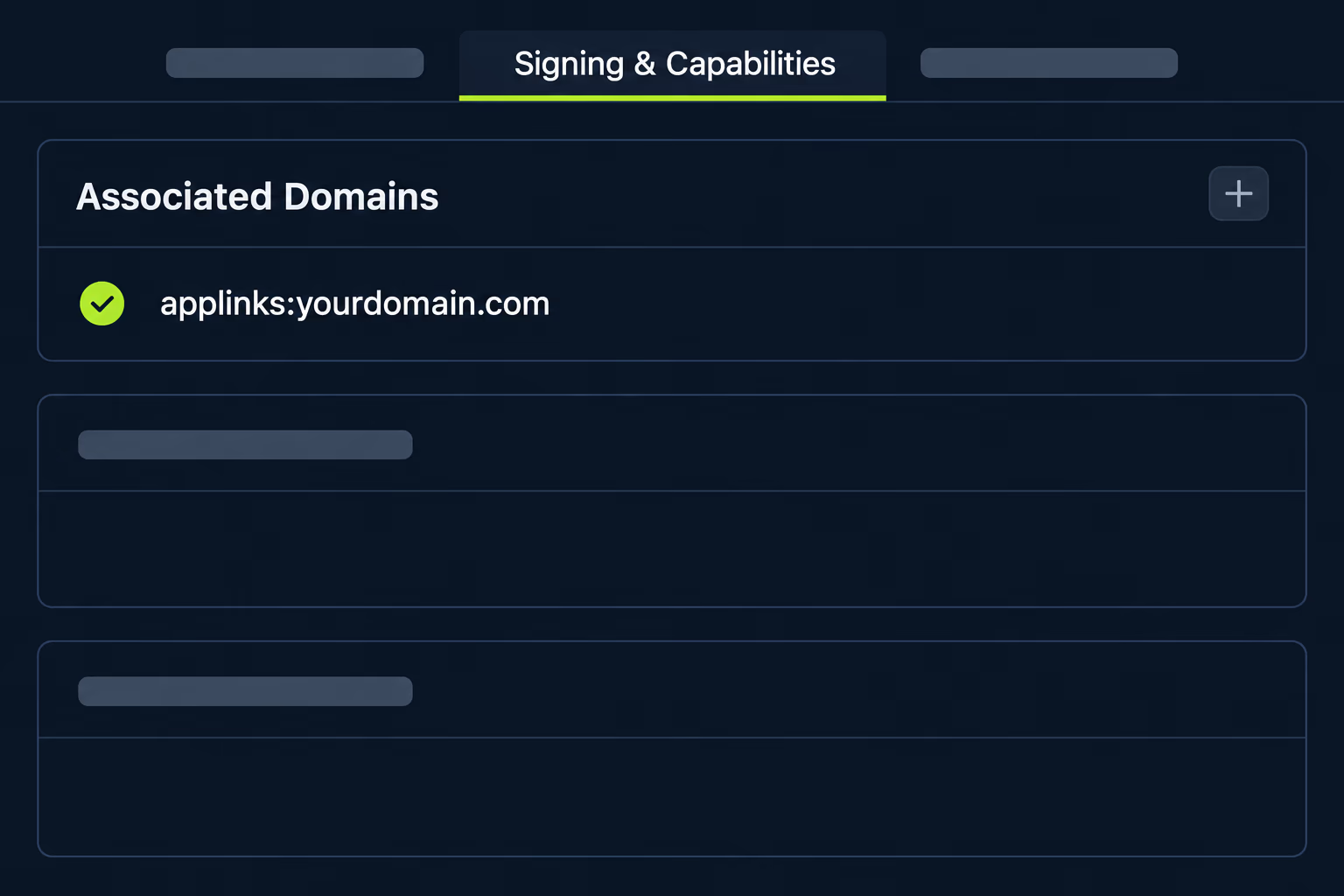
If the app moved between developer accounts, the Team ID in the file has to be the current one, and the Apple app transfer article explains what else changes when an app changes hands.
One behavior catches people while testing. Apple’s documentation says that since macOS 11 and iOS 14 apps no longer request the association file from your server directly, and ask an Apple-managed content delivery network instead. A fix you deployed a minute ago may not be visible to the device yet, so a failing test right after a change doesn’t prove the change is wrong.
Last comes the code that receives the link. On iOS the app has to handle the incoming web URL in the app delegate and in the scene delegate, because which one fires depends on whether the app was already running. On Android the activity reads the URL from the launch intent. In both cases the existing handler that parsed the old dynamic link is the place to start, since the new URL carries the same deep link parameters that used to sit inside the dynamic link.
When should you pay for a deep linking provider instead?
Pay for one when your product depends on the install-then-continue journey. That means referral programs, invites that credit the sender and campaigns where the first screen after install must reflect the ad that was clicked. Google’s FAQ points these cases to third-party providers and lists Adjust, Airbridge, AppsFlyer, Bitly, Branch, Kochava and Singular as examples, with the caveat that it hasn’t vetted any of them.
Two cautions apply before you sign anything. The first is that the vendors who rank for this keyword sell the product they are describing, so their comparisons are written to end with their own name. The second is that moving to another vendor repeats the exposure you just lived through, because your links will sit on their domain and their service. If you go that route, use a subdomain of your own domain for the links where the provider allows it, and export your link data on a schedule.
Whatever you choose, treat the install-then-continue part as something to test rather than trust. Google’s FAQ itself says the ecosystem changes made first-install continuation hard to keep stable, which was part of its reason for retiring the service. Run the flow on a clean device, from a link tapped in a messaging app, and check that the user lands where you expect.
| What you need | Universal Links and App Links | Deep linking provider | Own server |
|---|---|---|---|
| Open the installed app at a screen | Yes | Yes | Yes |
| Send a new user to the right store | No | Yes | Yes, with effort |
| Continue after first install | No | Yes | Yes, with effort |
| Click analytics | Your own | Included | Your own |
| Ongoing cost | Hosting only | Subscription | Engineering time |
| Who can switch the links off | You | The vendor | You |
A custom server is the third column, and it is only worth considering when your team already runs a backend and wants full control. It has to detect the platform, redirect to the store, and match the first launch to the click, which is the same work the vendors do.
What should you replace first if the budget is small?
Fix the flows that break a promise to a customer before you rebuild anything that merely measured a campaign. Password reset and email verification links come first, because a customer who can’t get back into their account contacts support or leaves. Invite and share buttons come second, since they were broken silently and the people who tried them have already moved on.
Then deal with the invisible dependency. If the SDK is still in the project and nothing uses it, remove it in the next release, because it adds weight and startup work for a feature that returns empty data. If a React Native or Flutter wrapper plugin pulls it in, check the plugin version, since an old wrapper may be pinned to the same native library.
Finally, put the replacement on a device checklist. The mobile app testing checklist is a reasonable base, and links deserve their own rows: cold start, app already open, app in the background, and a first install from the store. If the codebase is in worse shape than a single dead dependency suggests, the app takeover and mobile app stabilization pages describe how RapidLabs approaches a full rescue.
What is the practical plan for an inherited app?
Start by finding every dependency, then sort the flows by who receives the link, and replace only what a real user depends on. For links that go to people who already have the app, Universal Links and App Links on your own domain are free, stable and fully under your control. For links that must survive a first install, pick a provider or build the redirect yourself, and test it on a clean device before you trust it.
Two habits keep this from repeating. Keep every link domain under your own registrar account, so a service shutting down can’t take your URLs with it. And write down, in the repository, which flows depend on which link, because the owner who inherits the app after you will be asking the same questions you asked this week.
Nothing in this plan requires guessing about your specific app. The audit tells you what your code does, the buckets tell you what each flow needs, and the table tells you which route covers it, so the decision follows from what you find rather than from a vendor’s pitch.
Frequently asked questions
Is there a Firebase Dynamic Links alternative that works the same way?
Google's own answer is that full feature parity means moving to a third-party deep linking provider, and its deprecation FAQ names Adjust, Airbridge, AppsFlyer, Bitly, Branch, Kochava and Singular as examples, while noting that Google has not vetted them. If you only need links that open an app that is already installed, Apple Universal Links and Android App Links are the platform-supported replacement and cost nothing beyond hosting two small files.
What happens to my app if it still uses Firebase Dynamic Links?
Google's FAQ says the SDKs themselves will not crash the app, but your own code has to handle the changed responses. Creating a short link returns a 403 error, and reading a link on first open or reopen returns a 400 with empty link data, so any screen that waits for a dynamic link to arrive can end up with nothing to show. Every link a user taps returns an HTTP 404.
Can I keep my page.link domain or my old short links?
No, because Google says the page.link domains stop being available once the service shuts down, and every link on a custom domain or a page.link subdomain stops working. If you need the same behavior on new links, Google's guidance is to export your link metadata and recreate the links with another provider on a new domain.
Do Universal Links and App Links send a new user to the store?
No. Google's migration guide states that Universal Links and App Links will not route a user to the correct store when the app isn't installed, and will not continue the journey after the first install. They open the app when it is already installed, and that is the whole job. Install-then-continue behavior needs a deferred deep linking provider or your own server.
How do I check that an App Link is verified on Android?
Android verifies the hosts in your intent filters when android:autoVerify is set and the app is installed on Android 6.0 or higher, and the system looks for the file at /.well-known/assetlinks.json on each host. Google's documentation says to wait at least 20 seconds after install for the asynchronous check and then use an adb command to confirm the link handling policy.
Where do the Universal Link and App Link files have to live?
Both files go in the .well-known folder at the root of the link domain. Apple's documentation says the apple-app-site-association file has to be served over HTTPS with a valid certificate and with no redirects, and Android looks for assetlinks.json at the same well-known path on each host in your manifest.
Stuck on a release, a crash, or an app nobody owns?
RapidLabs maintains, stabilizes and takes over existing iOS and Android apps. Send the app link, the stack, and what is going wrong, and you will get a plain answer on whether you need help at all.
Talk to a senior engineer about your app