Project Overview: SafeWorks Injury Reporter
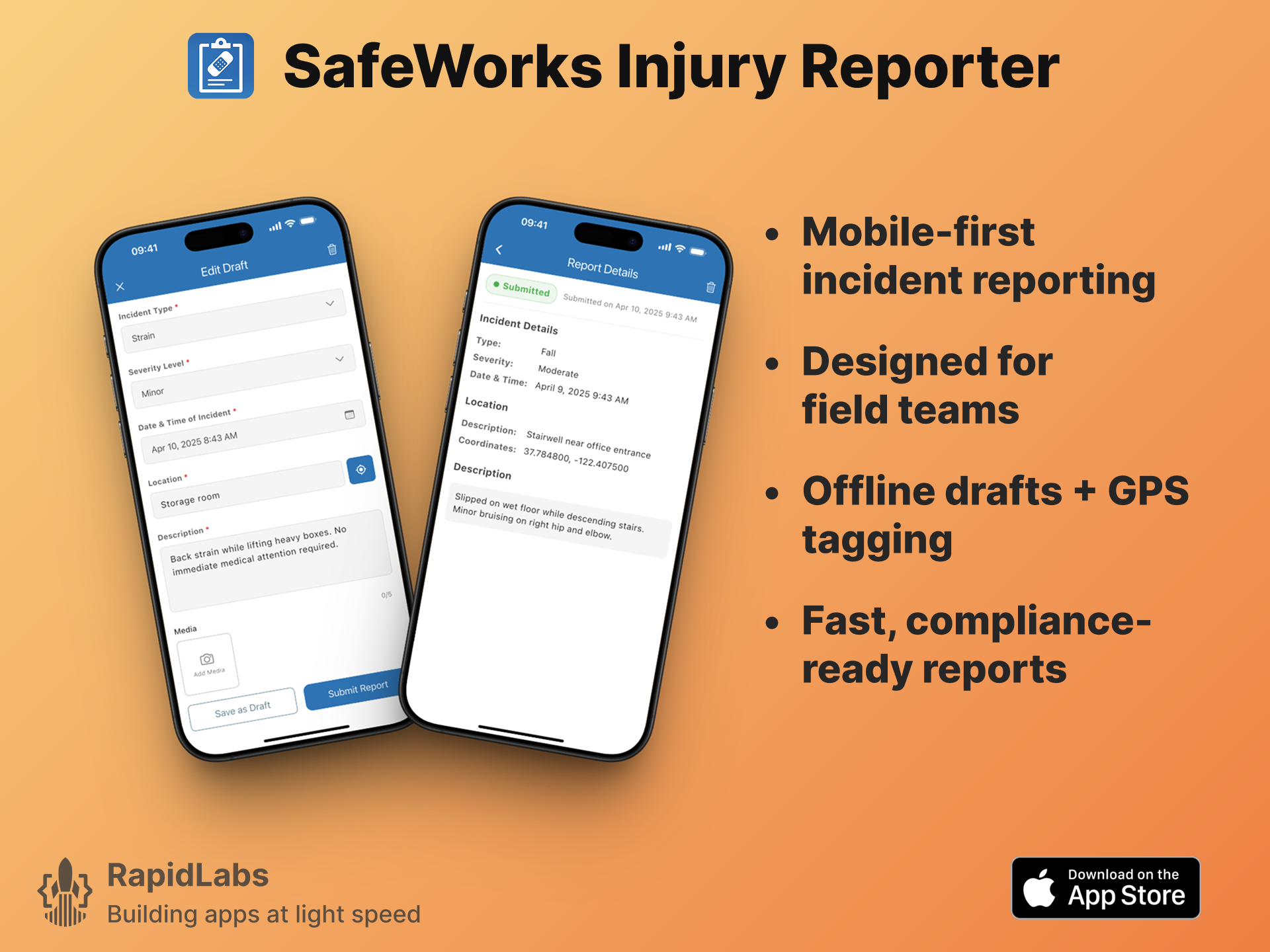
SafeWorks Injury Reporter is a focused iOS app built to replace outdated paper forms and manual workflows in workplace injury reporting. Developed by RapidLabs LLC for SafeWorks Inc., the app lets field teams record incidents quickly with auto-tagged metadata and optional media, helping businesses stay audit-ready with minimal friction.
The Challenge: Outdated Tools Risked Compliance and Contracts
SafeWorks Inc., a workplace safety service provider, was using paper-based forms and basic desktop tools to handle incident reporting. When a key enterprise client demanded a digital reporting system as part of a compliance SLA, with only a two-week delivery window, SafeWorks risked losing a $95,000/year contract.
A traditional dev agency estimated 6 weeks and $4,000+ to deliver.
SafeWorks turned to RapidLabs for a faster, leaner alternative, one that would hit the deadline and solve the client’s compliance need without overbuilding.
RapidLabs’ Solution: A Fast, Focused MVP
RapidLabs designed and built the entire MVP in just 7 days, shipping a field-ready iOS app built to do exactly what the client needed and nothing more.
Key priorities:
- Enable fast, accurate incident reporting from job sites
- Eliminate paper workflows and manual submission
- Support offline entry and automatic syncing
- Deliver structured, audit-friendly reports
- Keep the interface clear and frictionless for field users
Key Features Delivered by RapidLabs:
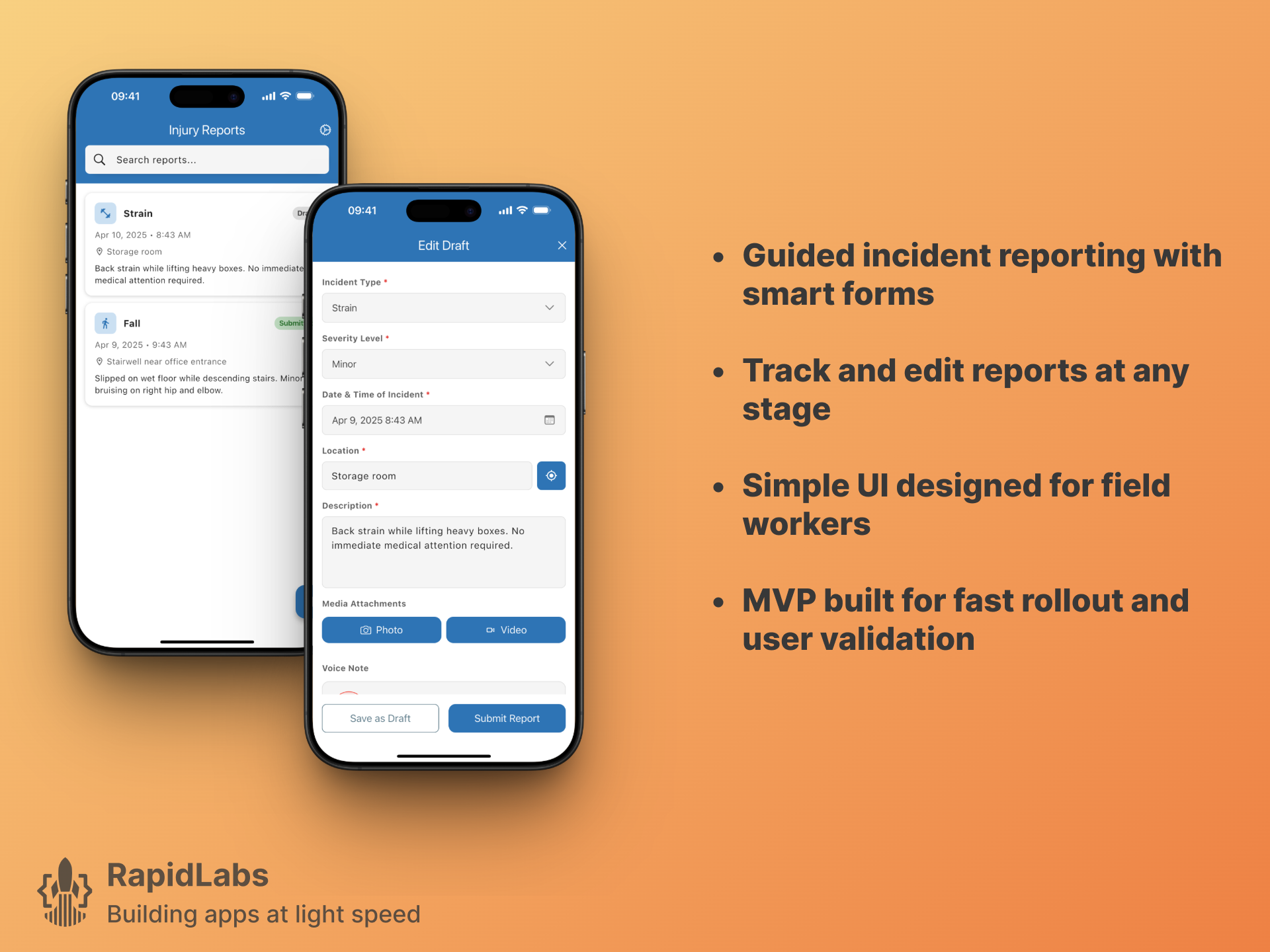
- Guided Report Form: Workers can log injury type, severity, location, and description through a simple, structured form.
- Media Capture: Attach photos, video, or audio recordings directly to a report.
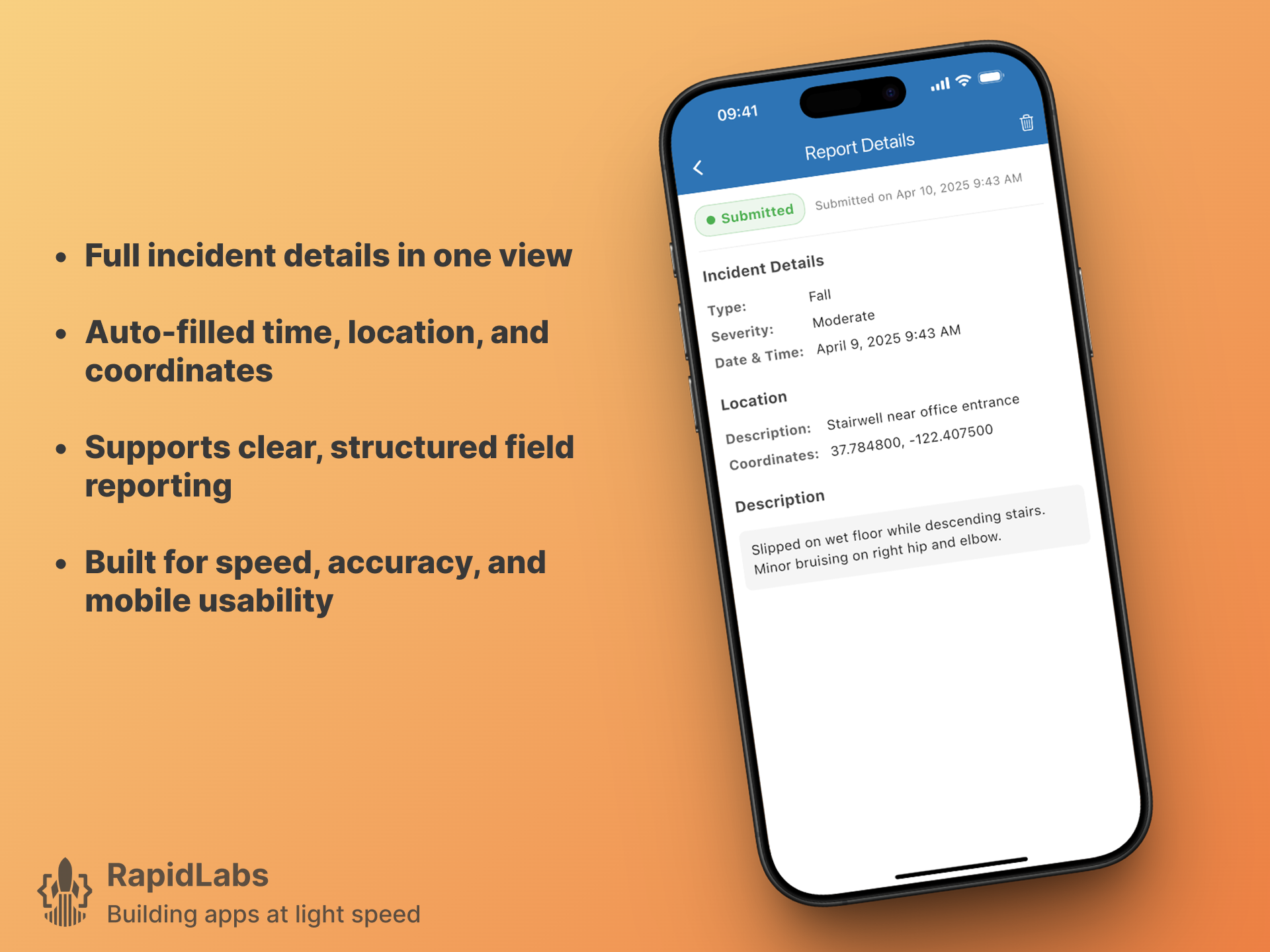
- GPS + Time Auto-Tagging: All submissions are tagged with time and coordinates automatically.
- Offline Draft Mode: Reports are saved as drafts when offline, and sync automatically once the device is reconnected.
- Submission Management: Workers can save drafts or submit reports directly from the app.
- Audit-Friendly Recordkeeping: Reports are saved with a consistent schema for easy export or API integration.
MVP Strategy: What We Left Out (On Purpose)
To stay fast and focused, the MVP intentionally excluded dashboards, analytics, or admin portals. The goal: deliver a minimal, usable tool that could be handed to field teams immediately, and prove its value with real-world use.
This lean approach:
- Reduced cost and timeline
- Gave SafeWorks a tool to retain their client
- Positioned the app for later expansion, based on real user feedback
The Results & Business Impact
- Contract Secured: SafeWorks delivered the mobile solution on time, meeting their client’s SLA and protecting a $95K/year deal.
- 80% Cost Savings: Compared to the dev agency quote, RapidLabs delivered at a fraction of the price.
- Real-World Validation: The app is now used actively by field teams and available on the App Store.
- Rapid Development: From spec to App Store in just 7 days.
Build Focused Software with RapidLabs
This case study shows what’s possible when speed, clarity, and focused execution align. Whether you’re replacing paper, digitizing compliance workflows, or launching your first app, RapidLabs can help. A compliance-critical app like this one also needs mobile app maintenance after launch, so it keeps meeting the SLA it was built for.
A one-week build leaves no room for a broad regression suite, so the testing that does happen has to be aimed at the paths that carry the risk: offline capture, the sync that runs when the device reconnects, and the submission itself. That prioritization is the same one described in our mobile app testing checklist, sized to whatever time the release actually has.
Let’s turn your business-critical process into focused software.
Closest service
If this is the shape of your problem, the engagement is described in full on Mobile app maintenance .