Play Integrity API on an App You Inherited
The Play Integrity API is Google’s check that a request reaching your server came from your genuine app binary, installed by Google Play, running on a certified Android device. It replaced the SafetyNet Attestation API, which Google deprecated in 2022 and turned off completely in January 2025. If the app you took over still calls SafetyNet, those calls now fail with a status code that reads as a network problem, which is exactly why nobody has reported it as broken. What follows covers the verdicts in plain terms, the daily request ceiling, and how to switch enforcement on without shutting out people who pay you.
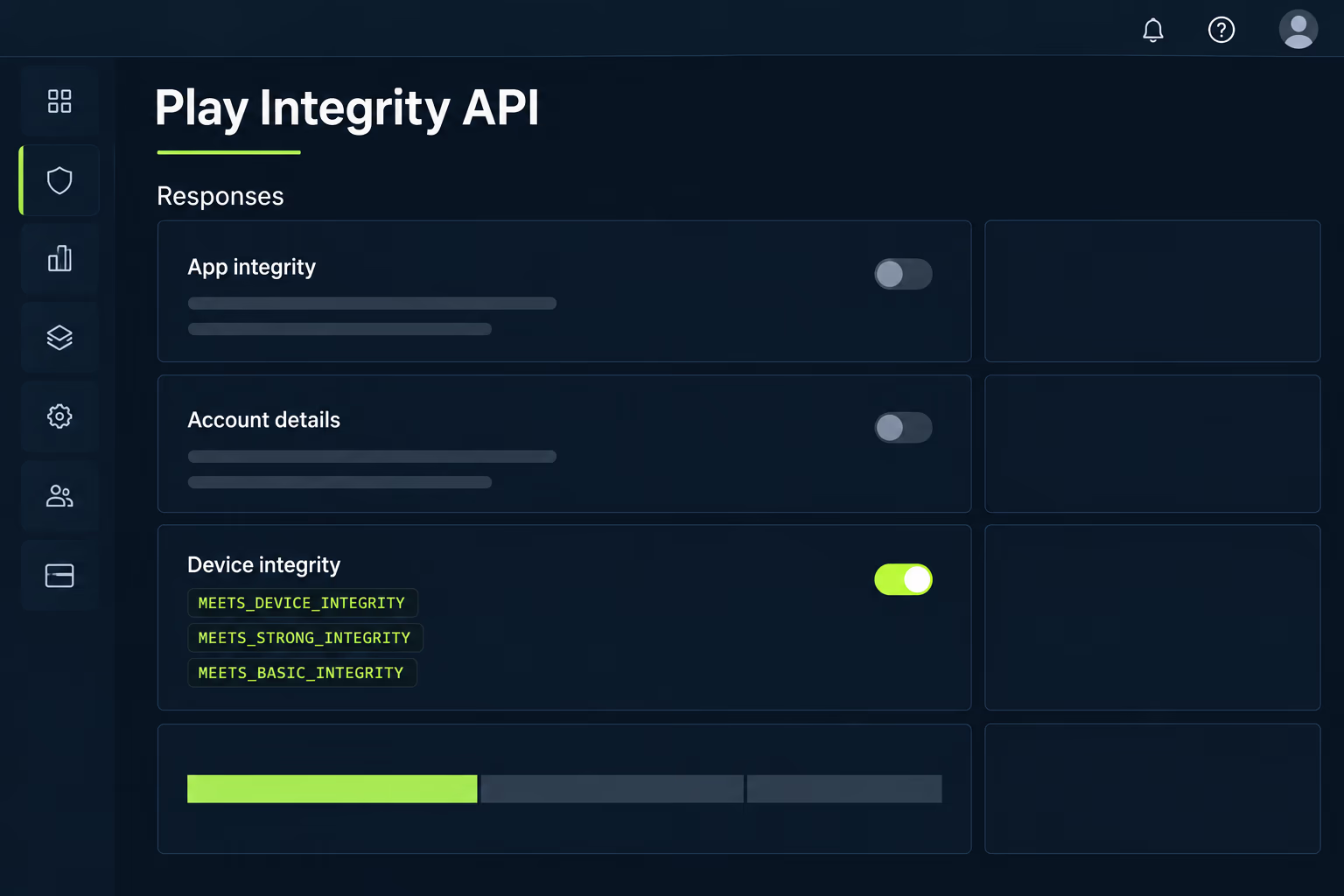
Search for this API and you get Google’s reference documentation, a Wikipedia entry and a long thread from people trying to defeat the checks on modified phones. All of that is written either for somebody starting a fresh integration or for somebody on the other side of it. This is written for whoever owns an Android app they didn’t build, and needs to decide what to do about integrity checks that are missing, silently dead, or turned up so high that support tickets are arriving. Every value and limit quoted below was checked against Google’s own documentation while this was written.
What does the Play Integrity API actually check?
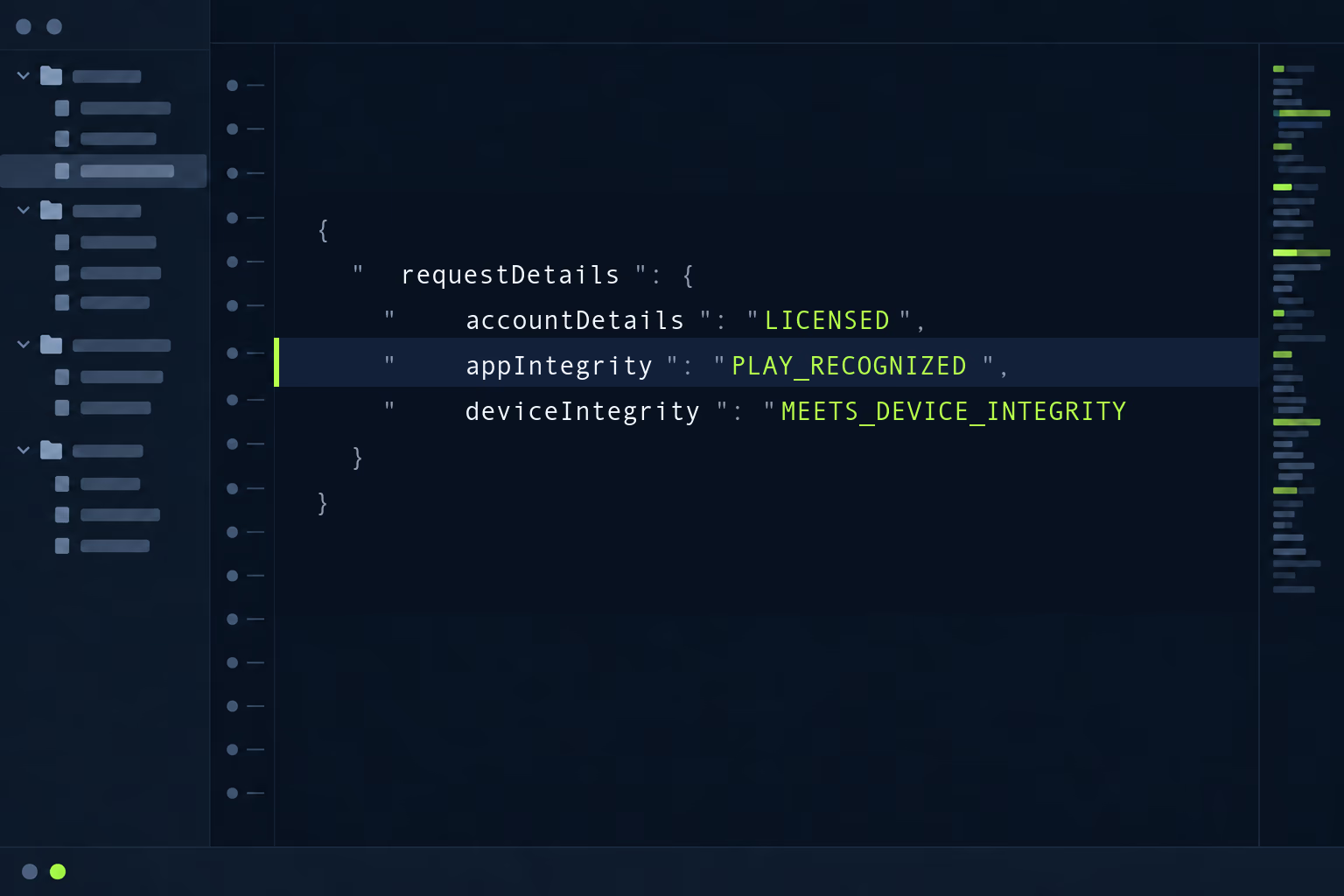
It answers three separate questions about a single request, and keeping them separate is what makes the results usable. The account question asks whether this user obtained the app from Google Play, and comes back as an appLicensingVerdict of LICENSED, UNLICENSED or UNEVALUATED. The app question asks whether the binary making the call matches what Google Play distributes, returned as an appRecognitionVerdict of PLAY_RECOGNIZED, UNRECOGNIZED_VERSION or UNEVALUATED. The device question asks how much the hardware can be trusted, and it returns a list of labels rather than a single value.
Those three arrive inside one JSON payload alongside a requestDetails block, which carries your package name, your own request identifier and a timestamp. Google is explicit that you check requestDetails first and only then read the verdicts, because a token that isn’t tied to the request you made can be replayed from somewhere else. An optional environmentDetails block carries two more signals for teams that opt in, covering whether Play Protect has found dangerous apps installed and whether anything on the device is in a position to capture the screen or drive it through the accessibility permission.
What the API deliberately doesn’t tell you is whether the person is trustworthy. It has no view of stolen payment details, shared logins or someone exploiting a pricing mistake in your own backend from a perfectly ordinary phone. Google’s guidance says plainly that this works best alongside the rest of your anti abuse strategy and not as your only defence, which is worth repeating to any stakeholder who expects the integration to end fraud by itself.
Is the app you inherited still calling SafetyNet?
This is the first thing to check, and a search of the codebase for the package com.google.android.gms.safetynet settles it in a couple of minutes. SafetyNet Attestation was deprecated in 2022 and fully turned down in January 2025, so any call still in the code has been failing for months. The detail that hides the problem is how it fails: Google documents that the attest call now always invokes the failure listener with an ApiException carrying a status code of 7, which is NETWORK_ERROR.
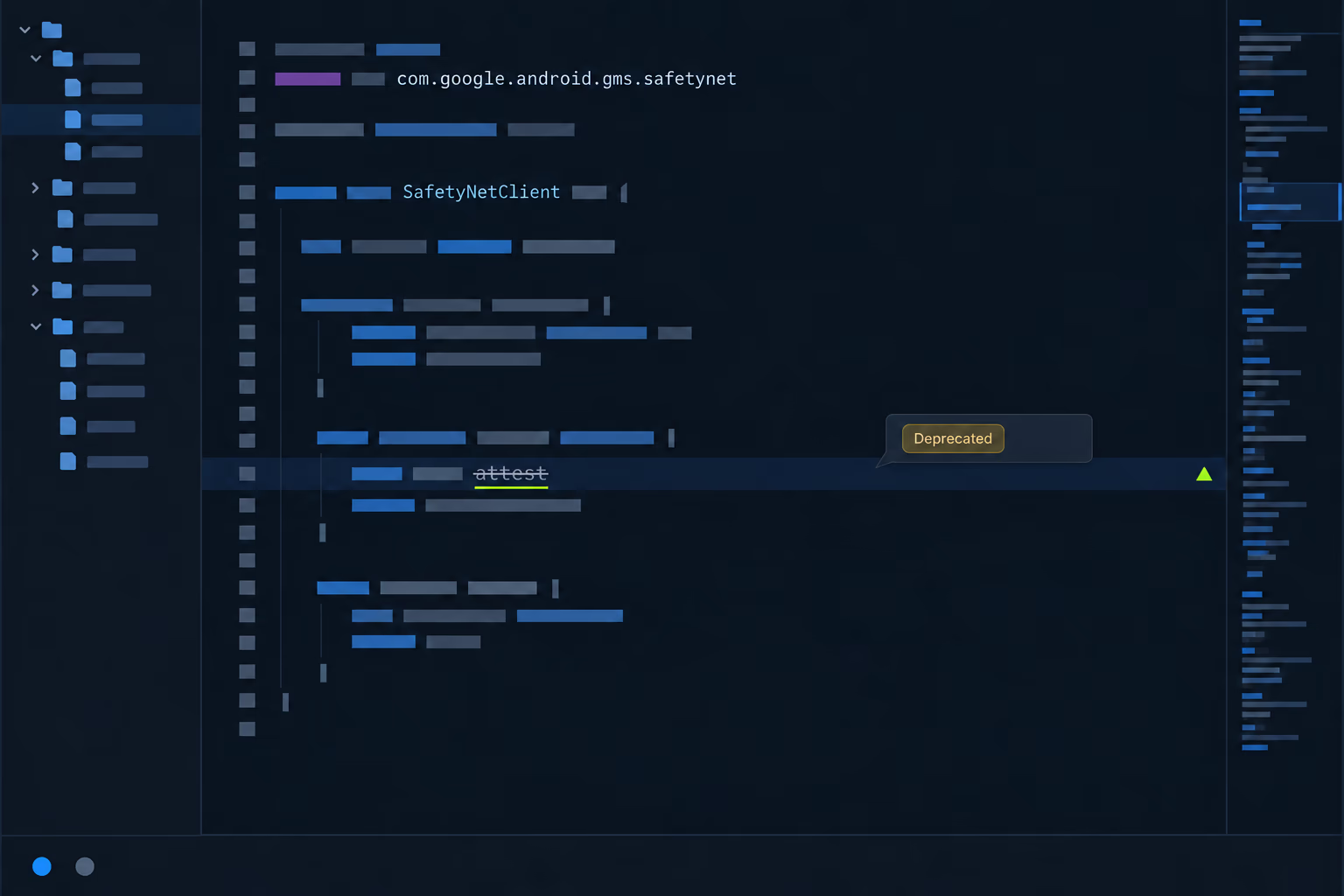
A network error is the one failure every mobile codebase already handles quietly. It gets caught, logged at a level nobody reads, and the user is let through because failing a payment on a flaky connection would be worse. So the check you believed was protecting the app has been returning nothing but errors, on every device, for as long as the turndown has been in effect, and the dashboards look normal. Teams find this during a security review or after an abuse incident.
The fix is a client update plus server work, and it isn’t a like for like swap of one method call. Google describes the two APIs as conceptually similar, which is fair at the level of what they answer, though the token format, the setup in the Play Console and the server verification all differ. There’s also a distribution problem underneath it. Users who never update sit on a version whose integrity check is permanently dead, so the rollout only helps once they upgrade, which is one more reason the app takeover work we do at RapidLabs starts with an honest look at version adoption before anything gets rewritten.
What do the verdict values mean for a real user?
The device labels are where teams misread the results, because they read as a simple ranking and aren’t one. MEETS_DEVICE_INTEGRITY is the default label and means a genuine certified Android device, with hardware backed proof on Android 13 and above that the bootloader is locked and the operating system is a certified manufacturer image. Two more labels are available once you opt in through the Play Console, and a single device returns every label whose criteria it satisfies rather than one verdict.
MEETS_STRONG_INTEGRITY is the one that catches people out, because its meaning changes with the Android version. On Android 13 and higher it requires device integrity plus security updates within the last year across all partitions, including both the operating system patch and the vendor patch. On Android 12 and lower it asks only for hardware backed proof of boot integrity and doesn’t require a recent security update at all. An older phone can therefore return the strongest label while being months behind on patches, so Google recommends reading the Android version from the deviceAttributes field alongside it.
MEETS_BASIC_INTEGRITY sits at the other end and is genuinely weak. The bootloader can be locked or unlocked, the boot state can be verified or unverified, and the device may not be certified at all, which means Google offers no assurance about security, privacy or app compatibility. On Android 13 and higher it needs only that the attestation root of trust came from Google. When a device meets none of the criteria the deviceRecognitionVerdict field is omitted from the response entirely, and that absent field is your signal for a rooted phone, a hooked process or an emulator. Fewer devices reach the higher tiers than the lower ones, so a policy built only on the strongest label costs you reach.
What does the Play Integrity API cost to run?
There’s no invoice, and the real cost is the request budget. Google sets a default ceiling of 10,000 total requests per day across all of your installs, and you can apply to raise that maximum. That number doesn’t scale with your user base, so a busy app can exhaust it before lunch.
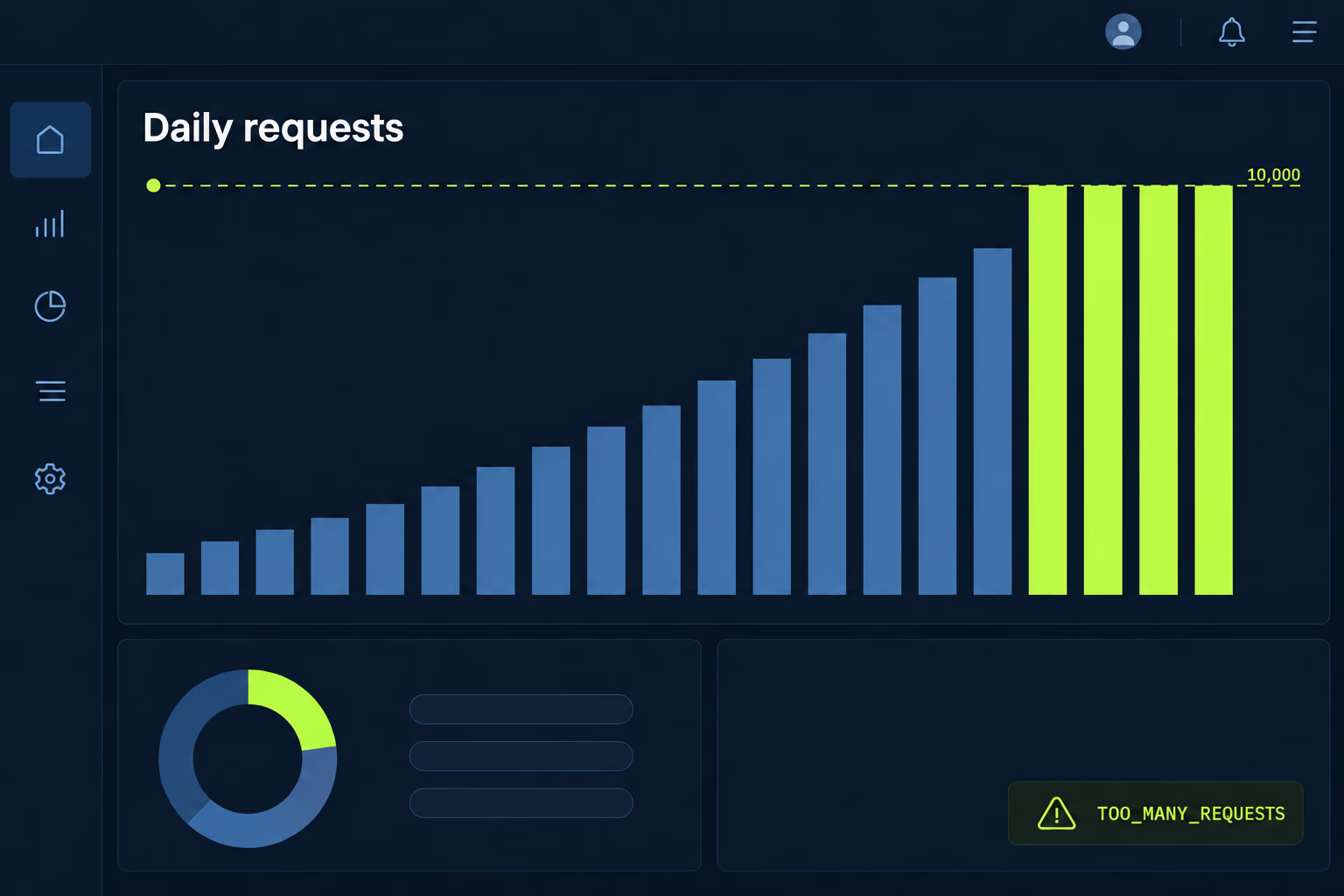
Once you’re over the limit the API returns TOO_MANY_REQUESTS, which is error code -8, and your server gets no verdict for those users. That failure mode decides your architecture more than any security consideration does. Calling the API on every app launch will burn the budget on people doing nothing interesting, so the checks belong on the actions that actually carry risk, such as account creation, a payout, a password change or a purchase. Google’s own advice points the same way, asking you to request a verdict as close as possible to the action you’re defending.
The engineering cost is easier to underestimate. You need a linked Google Cloud project, the client integration, a server endpoint that decrypts and verifies the token, decision logic for every combination of verdicts, and telemetry showing what your install base returns before you act on it. Verifying the token on the device instead of the server is the mistake that voids the whole exercise, since anybody capable of modifying the binary is equally capable of modifying the code that reads the answer. Caching verdicts is the other one, because a stored result from a clean device can be replayed from a compromised one.
Should you make standard or classic requests?
Standard requests suit almost every case, and classic requests are the original mechanism kept available for narrow ones. Standard requests warm up in advance and then return in a few hundred milliseconds, use on device caching handled by Google, and have Google Play mitigate replay attacks for you. Classic requests take a few seconds, consume more of the user’s data and battery because each one triggers a fresh assessment, and leave the replay protection to your own nonce logic.
The latency difference is what reaches your customers. A few seconds of waiting in front of a checkout button is an abandoned purchase, while a few hundred milliseconds behind a warm up nobody sees is invisible. Google recommends classic requests only as an infrequent one off check on a highly sensitive action, and says directly that if you’re considering making a classic request and caching it for later, you should make a standard request instead.
Both types return the same verdict format, which means the choice is about timing and cost rather than about what you learn. On version 1.4.0 and later of the Play Integrity library the minimum supported Android version is the same for both and follows the library’s own minSdkVersion. On 1.3.0 and earlier the floors differ, at Android 5.0 for standard requests and Android 4.4 for classic ones, which occasionally still matters in an old codebase that pins an old library version.
How do you turn on enforcement without blocking paying customers?
You run it in observation mode first, and you do that for long enough to see a full week of real traffic. Google’s recommended sequence is to integrate the API without enforcement, collect what your existing install base actually returns, then estimate the impact of any rule before you switch it on. Skipping that step is how a release ships on a Friday and support spends the weekend explaining to paying users why the app stopped working on their phone.
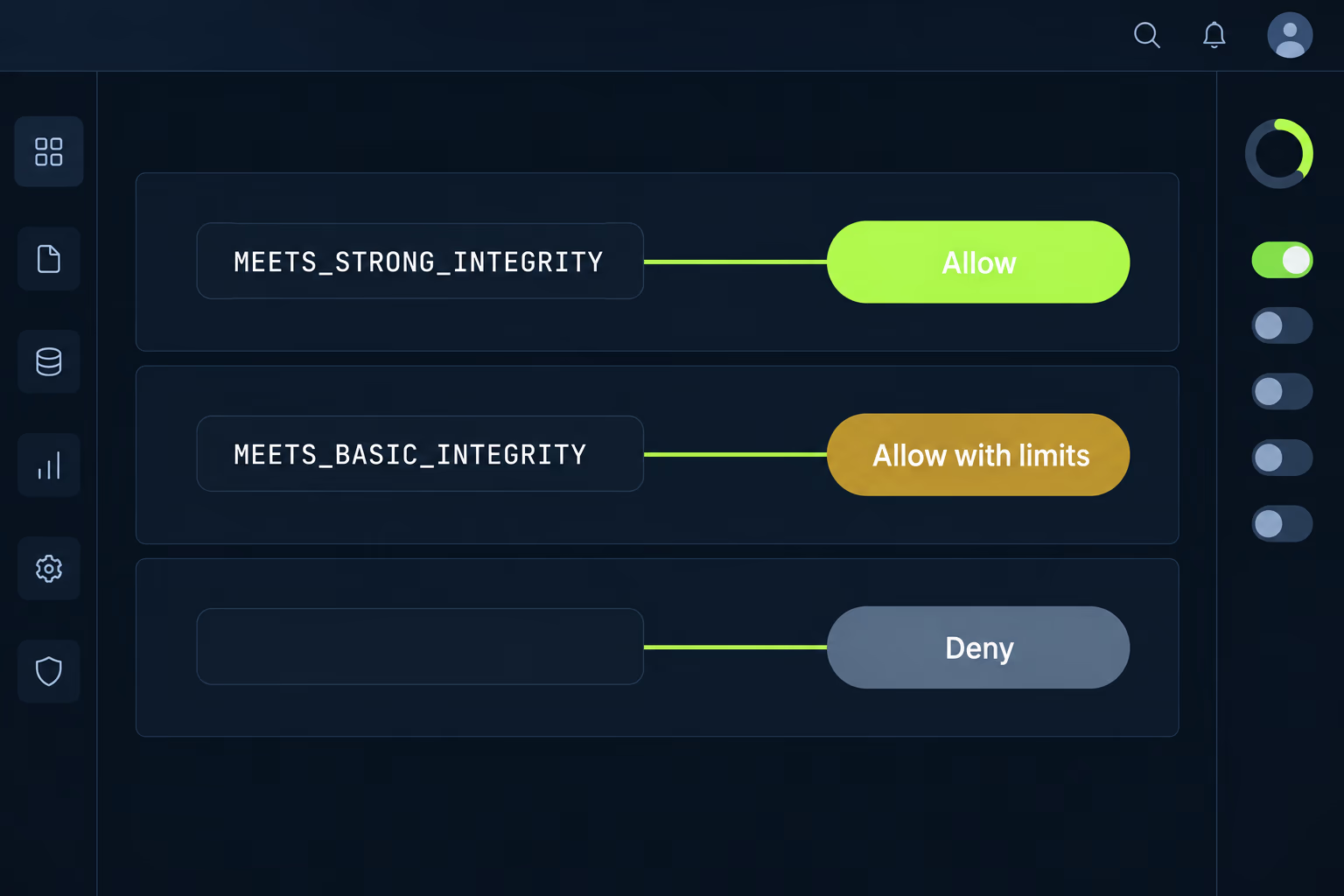
The baseline checks come first in the order Google sets out. Confirm the requestDetails match the request you made, confirm appRecognitionVerdict is PLAY_RECOGNIZED, and confirm appLicensingVerdict is LICENSED. Only once those pass does it make sense to grade the response by device trust, and grading beats a switch. The documentation suggests a range such as allow, allow with limits, allow with limits after a CAPTCHA, and deny, on the reasoning that a spread of outcomes is harder for an attacker to map than a binary yes or no.
Where you draw those lines is a commercial decision rather than a technical one, and it deserves someone who knows what a lost customer is worth. Blocking every device without a strong label removes real buyers along with the abusers. A softer rule that limits withdrawals or new payment methods on weak verdicts, while leaving browsing and ordinary use untouched, usually catches the abuse you care about at a fraction of the collateral damage. Watch your crash and error reporting through the rollout as well, since a token parser meeting an absent field for the first time in production is a common way this lands badly.
Which errors will you actually see in production?
Several, and the handling for them is the part of the integration that gets rushed. The API returns numeric error codes, and the ones that arrive in volume are environmental rather than adversarial. NETWORK_ERROR at -3 covers a connection problem between the device and Google’s systems. PLAY_STORE_VERSION_OUTDATED at -14 and PLAY_SERVICES_VERSION_OUTDATED at -15 cover devices that simply haven’t updated. API_NOT_AVAILABLE at -1 turns up on old Play Store versions, and CLOUD_PROJECT_NUMBER_IS_INVALID at -16 usually means the configuration is wrong rather than the device.
Google’s retry guidance is specific enough to copy. Start with a five second delay after the first failure, then use exponential backoff with a maximum number of attempts, at ten seconds and then twenty. If errors continue after three retries, treat that client as having failed every integrity check. That last instruction deserves a second reading, because it means a customer on a bad train connection can end up treated the same as a tampered binary, which is another argument for a graded response rather than an outright block.
Devices without Google services at all return PLAY_STORE_NOT_FOUND or PLAY_SERVICES_NOT_FOUND, and no amount of retrying changes that. If your app also ships outside Google Play, those installs can never return a LICENSED verdict, so they need a separate path decided in advance. This is the same class of problem as the Google Play target API level deadlines, where the platform requirement is clear and the difficulty is entirely in what it does to an existing user base.
When this isn’t worth doing
Plenty of apps don’t need it, and adding it anyway buys you a permanent maintenance obligation in exchange for very little. If your backend has nothing worth stealing, no in app purchases, no user generated content and no abuse problem anyone has reported, integrity checking is solving a hypothetical. The work is real, covering client changes, server verification, decision logic and the ongoing job of watching what verdicts do to your conversion numbers as Android versions come and go.
The picture changes when there’s money moving, when accounts hold something valuable, or when you’ve already seen automated abuse in your logs. In an inherited app the honest first step isn’t the integration at all, it’s finding out whether a dead SafetyNet call is sitting in the code pretending to protect something. That single search tells you whether you’re adding a defence or replacing one that quietly stopped working, and if it’s the latter, your version adoption numbers matter as much as the code does.
Where an integration already exists and is rejecting real people, resist the urge to rewrite it. Turn the enforcement down to observation, watch what your install base returns for a week, then rebuild the rules from that data. Most integrity problems we see in mobile app stabilization work at RapidLabs turn out to be a reasonable API being asked to make a decision it was never designed to make on its own.
Frequently asked questions
Is the Play Integrity API free to use?
There is no per request charge, but there is a hard daily ceiling. By default your app can make up to 10,000 total requests per day across every install you have, and you can apply through the Play Console to raise that maximum. A small app that calls the API once at sign in never notices the limit, while an app with a hundred thousand daily users checking every purchase exhausts it early in the day. Calls past the ceiling come back throttled as TOO_MANY_REQUESTS rather than as a verdict, so work out your realistic call volume before you write any enforcement logic.
What does an empty deviceRecognitionVerdict mean?
It means the device met none of the trust criteria, and Google omits the field entirely rather than returning a negative value. Google documents that this happens when the device shows signs of an attack such as API hooking, when the system is compromised in a way that rooting causes, or when the app isn't running on a physical device at all. Your server has to treat a missing field as the weakest possible answer, and a parser that assumes the field is always present will throw instead. Many of these are ordinary customers rather than attackers.
Will the Play Integrity API lock out users with rooted phones?
Only if you write your server to do that, because the API returns a verdict and never blocks anybody by itself. A rooted device usually comes back with no device recognition labels at all, and what happens next is entirely your decision. Blocking every one of them is the crude option, and it removes a real slice of paying customers who root their phones for reasons unconnected to your app. Most teams get a better outcome from a graded response that limits risky actions such as payouts while leaving the rest of the app working normally.
Does the Play Integrity API work on devices without Google Play services?
No, and that limitation matters more than it used to. The API is delivered through the Play Store and Play services, so a device lacking either returns the error codes PLAY_STORE_NOT_FOUND or PLAY_SERVICES_NOT_FOUND instead of a verdict. That covers phones sold in markets where Google services aren't installed, some enterprise managed hardware, and Android builds that ship without Google apps. If your app is distributed outside Google Play as well, those installs can never satisfy the licensing check, so plan a separate path for them first.
What do I need to set up before calling the Play Integrity API?
The API needs configuration in three places rather than code in the app alone. You link your app to a Google Cloud project and use that project number in the client request, you opt in to any additional verdict labels through the Play Console, and you build a server endpoint that decrypts and verifies the returned token. Doing the decryption on the device defeats the whole exercise, since anyone who has tampered with the binary can tamper with the result too. Google also recommends against caching verdicts, because a stored result can be replayed.
Is Play Integrity enough on its own to stop fraud in a mobile app?
Google's own guidance says no, and describes the API as one signal to use alongside the rest of your anti abuse work. It answers a narrow question well, telling you whether the request came from your unmodified app on a device that passes Google's checks. It says nothing about whether the person holding that trustworthy device is using a stolen card, sharing an account or exploiting a pricing bug in your own backend. Teams that pair it with rate limiting and ordinary fraud rules get value from it.
Have a product decision to make?
RapidLabs helps founders and operators shape, build, and launch focused software.
Email the studio