APNs Certificate Expired: Fixing Push Delivery
When an APNs certificate expires, your app keeps working but your push server can no longer prove who it is, so the push notifications it sends stop reaching phones. Apple says provider certificates are valid for a year, and the failure is quiet because nothing crashes and nobody sees an error on the device. The fix is to confirm which credential your server actually uses, replace the expired one, and make sure the server opens a fresh connection afterwards.
The top results for this phrase are mostly about a different certificate. Most of them walk an IT admin through renewing the Apple MDM push certificate that device management tools like Intune use, which has nothing to do with the app you ship. A few Stack Overflow threads cover the developer version, but they answer one narrow question and assume you are the person who created the certificate. This article covers what Apple documents for developers, then what to do when you inherited an app and nobody can say where the push credentials live.
What actually happens when an APNs certificate expires?
Your server’s requests to Apple stop being accepted, and the app on the phone shows no sign of it. APNs is the service that carries every remote notification to an iPhone, and a provider certificate is one of two ways your server proves it is allowed to send. When that certificate lapses, the sender fails while everything else about the app looks healthy, which is why a customer message or a drop in engagement is often the first alert.
Apple documents the one-year lifespan directly. Its certificate-based connection guide says provider certificates are valid for a year and that you must update them to continue communicating with APNs. It also says to update them before they expire to avoid a disruption in service for your users, which is advice most inherited apps have already missed by the time anyone reads it.
Expiry is only one of several reasons the same symptom appears, and the next section uses Apple’s documented error strings to tell them apart.
Is it the certificate, the token, or something else?
Read the reason string in the response from APNs before you change anything. Apple’s response reference lists a status code and a reason for every rejected request, and the reason tells you which credential type your server is using and which part of it failed. Teams lose days renewing a certificate when the real problem was a token, or the other way around.
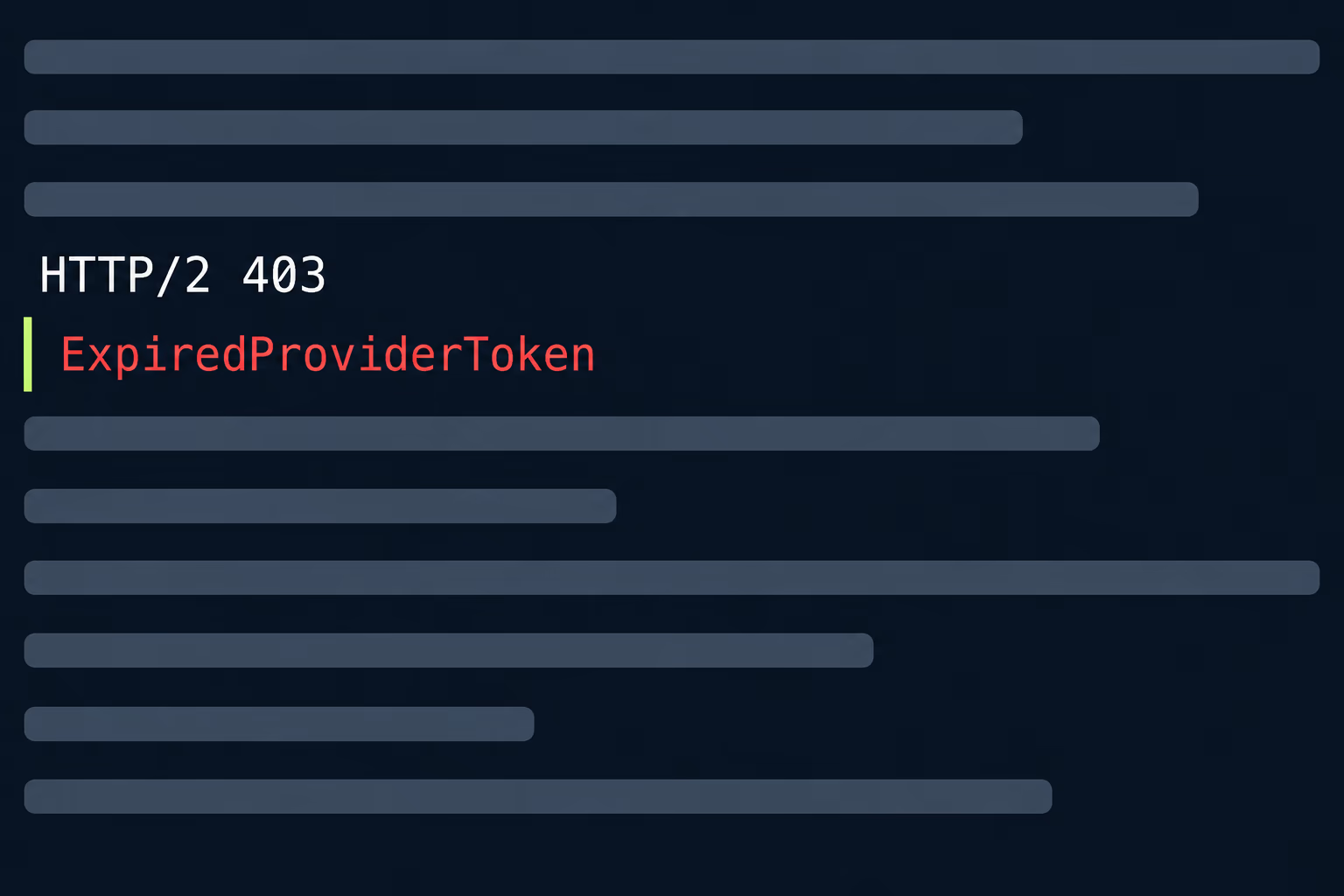
The table below pulls the authentication-related errors from Apple’s documentation, with the status code Apple lists for each.
| Reason string | Status | What Apple says it means | Likely culprit |
|---|---|---|---|
| BadCertificate | 403 | The certificate is invalid | Expired, revoked or wrong certificate |
| BadCertificateEnvironment | 403 | The client certificate doesn’t match the environment | Sandbox certificate used for production, or the reverse |
| ExpiredProviderToken | 403 | The provider token is stale and a new one should be generated | Token older than an hour |
| InvalidProviderToken | 403 | The token isn’t valid or its signature can’t be verified | Wrong key, key ID or team ID |
| MissingProviderToken | 403 | No certificate was used and no token was sent | Server sending neither credential |
| TooManyProviderTokenUpdates | 429 | The token is being updated too often | Token regenerated on every request |
If you see BadCertificate, the certificate route is the right one and the next three sections apply. If you see ExpiredProviderToken, TooManyProviderTokenUpdates or InvalidProviderToken, your server is already on keys, the certificate expiry is irrelevant, and the bug lives in the code that signs the token. That split is the single most useful thing to establish in the first ten minutes.
There’s a third family that has nothing to do with either credential. Apple announced that the certificate authority for APNs was changing, with the sandbox server certificates updating on January 20, 2025 and production on February 24, 2025. Apple told developers to add the USERTrust RSA Certification Authority certificate to the trust store of every server that connects, and it said you didn’t need to update the provider certificates Apple issued to you. A server running an old operating system image can fail to connect at all after that date, which looks like an expiry from the outside but is fixed in a completely different place.
How do you check when a push certificate expires?
Open the certificate in Keychain Access on the Mac that created it, or read the expiry from the copy your server actually uses. Apple’s guide says you can check a certificate’s expiry in Keychain Access, and it explains that a certificate’s topic, the bundle ID it covers, appears under Details, Subject Name, Common Name. The certificate you see in the Apple Developer portal and the file your server loads can be two different objects, and the server’s copy is the one that matters.
On an inherited app, start by finding where the push server reads its credential. It might be a .p12 file on a server, a secret in a cloud console, an upload inside a messaging service, or a file in a repository nobody has opened in two years.
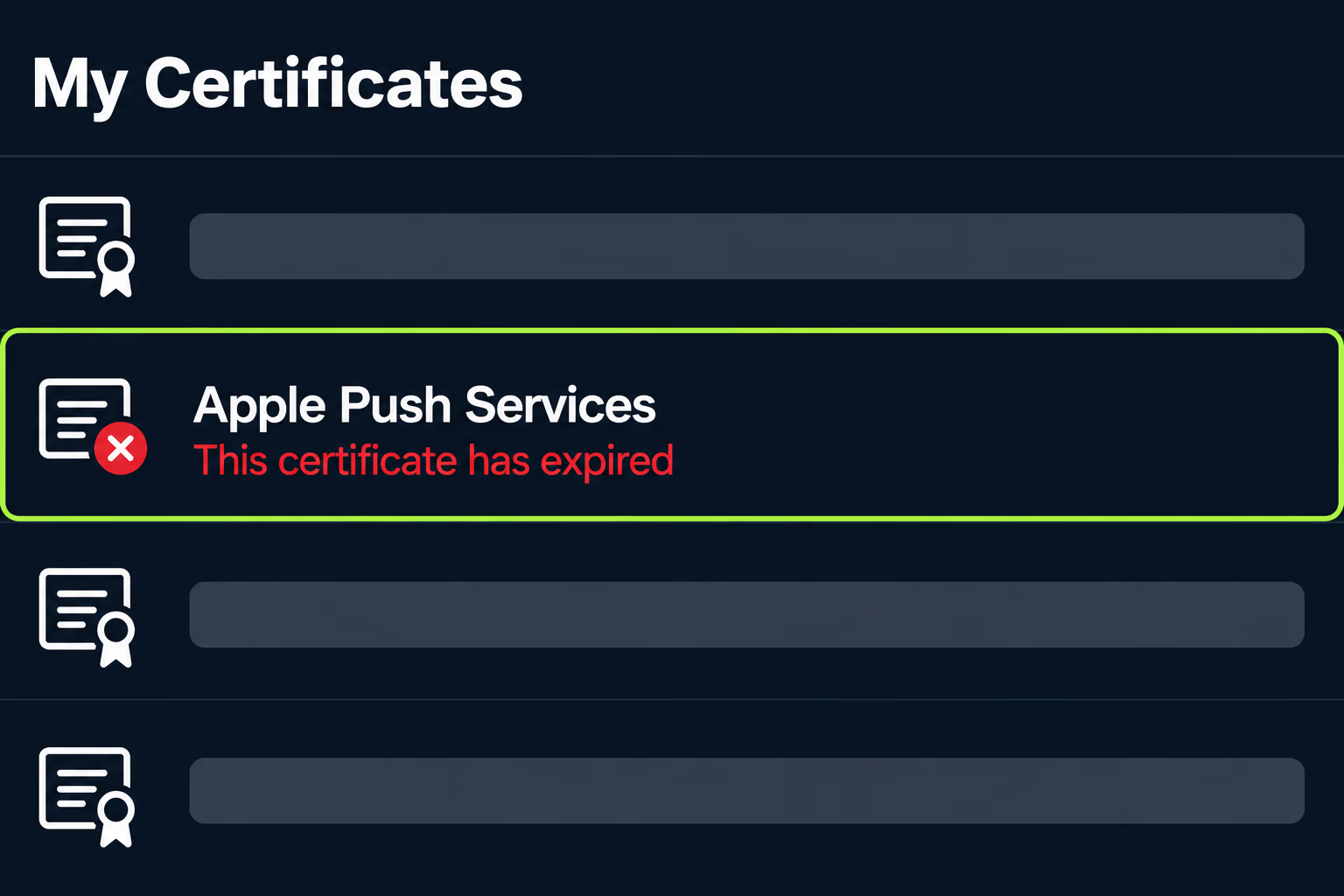
Keychain Access shows a red mark and the words “This certificate has expired” when the date has passed, which is the quickest confirmation if you still have the original Mac. If you don’t, you can still read the date from the .p12 or .cer file with a command-line tool such as OpenSSL, and most hosted messaging dashboards show an expiry date next to the uploaded certificate.
Apple’s guide says to generate a separate certificate for each app that uses push, so a company with three apps has three expiry dates, and renewing one protects none of the others.
How do you renew an expired APNs certificate?
You create a new certificate for the App ID, install it, export it with its private key, and load it into the system that sends the pushes. Apple’s TLS certificate guide gives the sequence, and it requires the Account Holder or Admin role, so this is where an inherited account can block you.
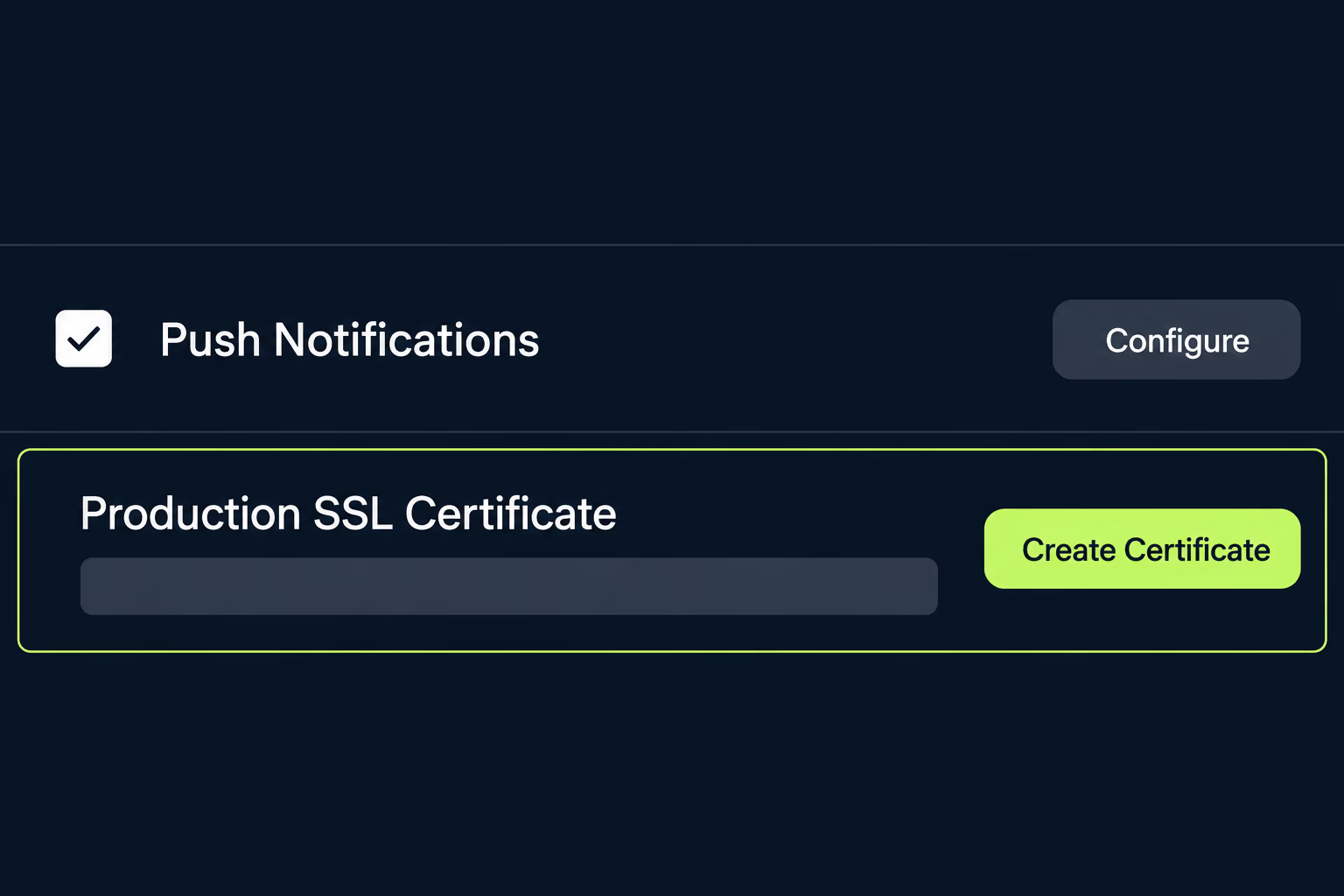
The documented steps, in order, are these.
- Sign in to your developer account, open Identifiers, and select the bundle ID that is failing.
- Under Capabilities, find Push Notifications, click Configure, and choose Create Certificate under Production SSL Certificate.
- Create a certificate signing request on your Mac and upload it when prompted.
- Download the certificate file and double-click it so it installs in your keychain.
- In Keychain Access, open My Certificates, select both the certificate and its private key, and export them together as a .p12 file.
- Give that .p12 file to the server or service that sends your pushes.
Apple’s page says the certificate you generate works for both the development and production environments, which matters if an old setup used separate sandbox and production certificates. It also warns that you must generate a separate certificate for each app. Step five is where renewals go wrong, because Apple’s guide is explicit that you select both the certificate and the key.
After you swap the credential, restart or reload the process that holds the connection to APNs. Apple’s sending guide says that when a provider certificate is revoked you should close all connections to APNs, fix the problem, and then open new ones, and the same discipline applies after a renewal. A long-lived server connection that was authenticated with the old certificate can keep failing even though the new file is sitting on disk.
Should you switch to an APNs authentication key instead?
For most apps the answer is yes, because a key removes the yearly expiry entirely. Apple’s token-authentication page says the signing key doesn’t expire but can be revoked, and that one key can authenticate tokens for multiple apps. A certificate is tied to one App ID, so a team with several apps trades several yearly deadlines for one key to protect.
The scope of a key changed in 2025. Apple announced on February 17, 2025 that you can create team-scoped keys limited to either the development or the production environment, and topic-specific keys tied to specific bundle IDs. Apple’s documentation says each environment can hold a maximum of two team-scoped keys, and it lists up to 200 topic-specific keys per environment, each covering up to 400 topics. It also says your existing keys keep working for all topics and both environments, and that you don’t need to change them unless you want the new controls.
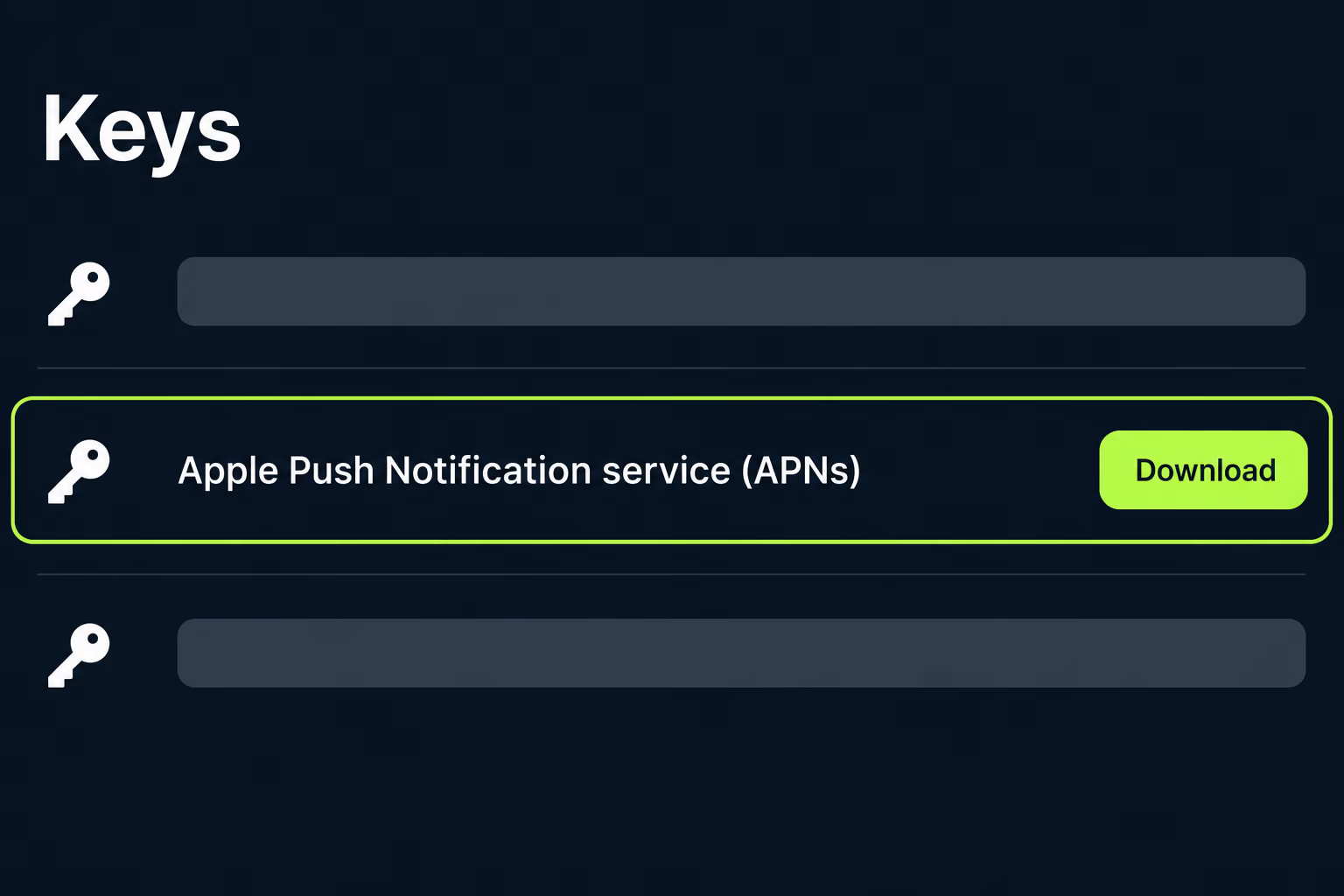
Keys do have a catch that causes real damage on inherited projects. Apple states that the key is a .p8 text file that isn’t saved in your developer account, so you can download it only once and the Download button is disabled afterwards. If the person who created the key didn’t store the file somewhere shared, nobody can recover it, and you simply create another one. Store the file in a secret manager with the key ID and team ID beside it.
Switching has a code cost too, which is why I wouldn’t do it blindly in the middle of an outage. Your server has to build a signed token (Apple says it uses the ES256 algorithm, with the key ID in the header and the team ID and issue time in the claims) and send it with each request. Apple also says to refresh the token at least once an hour, and not more often than every 20 minutes, which is the rule behind the ExpiredProviderToken and TooManyProviderTokenUpdates errors in the table. If a messaging service sits between your server and Apple, check whether its settings accept a .p8 key, and if they do, switch there instead of rewriting your own code.
Creating a key needs the Account Holder or Admin role, the same as a certificate does. If you can only fix one thing today, renew the certificate to stop the bleeding, and schedule the move to a key as its own piece of work.
Why do pushes still fail after you renew?
The usual reasons are an old connection, the wrong environment, a bundle ID mismatch, or stale device tokens. A renewed certificate fixes one cause out of several, and the response reason string from the earlier table keeps pointing you at the next one.
BadCertificateEnvironment means the certificate and the environment you sent to don’t match, so check whether your server is posting to the development host with a production credential or the other way around. Apple’s sending guide separates the development server from the production server, and your server needs to choose the right host for each build type.
Topic problems look much the same. Apple lists MissingTopic and TopicDisallowed among the response reasons, and the topic for a normal alert is the app’s bundle ID. If the certificate was issued for a different App ID than the one in the request, the request fails no matter how fresh the certificate is.
Device tokens are the quiet one. Apple’s reference says Unregistered, returned with status 410, means the device token is inactive for the topic and you don’t need to keep pushing to it, and that BadDeviceToken, with status 400, means the token is invalid or doesn’t match the environment. Remove tokens that return Unregistered instead of retrying them.
The last cause sits on the server itself. If your push server runs on an operating system image that predates the APNs certificate authority change, adding the USERTrust RSA Certification Authority certificate to its trust store is the fix Apple prescribed. This is the one case where renewing credentials changes nothing, because the connection never gets far enough to present them.
What if nobody has the original certificate or key?
Create new credentials from the Apple Developer account, which needs an Account Holder or Admin, and then change the sender to use them. The old certificate and key are worthless to you once their private halves are gone, and Apple’s documentation offers no way to recover them. The practical question on an inherited app is who can sign in to the account with the right role.
Work through three checks in order. First, confirm who the Account Holder is and whether they still control the email address and two-factor device. Second, find the system that sends pushes, which might be your own backend, Firebase, OneSignal, Braze or something an agency built, and confirm you have a login to it. Third, check whether the app’s push credential is expiring on the same schedule as the iOS distribution certificate, because both are dated credentials that live in the same Apple account and need the same roles to replace.
If the app is changing hands, push credentials are one of the things that don’t move with it. The notes in Apple app transfer point out that the recipient generates new certificates or an APNs key and updates the notification servers, so a transfer is a natural moment to move to a key. A source code escrow arrangement that holds only the code won’t contain the .p8 file either, because Apple never stores it for you.
When RapidLabs takes over an app through an app takeover engagement, the credential inventory is one of the first things we write down: which push credential the server uses, when it expires, who can recreate it, and where the secret lives. Push is rarely the headline problem in a rescue, but it fails silently on a date nobody wrote down, and our mobile app stabilization work covers that kind of hidden dated risk.
How do you stop push notifications from failing quietly again?
Put the expiry date somewhere people will see it, or remove the expiry by moving to a key, and alert on rejected pushes. Apple’s own guidance is to update provider certificates before they expire, and a calendar reminder set 30 to 60 days ahead is the cheapest way to follow it. If you stay on certificates, record the App ID, the expiry date, and the person responsible in the same place you track your other renewals.
If you move to a key, store the .p8 file, the key ID and the team ID in a shared secret manager the day you create them. Write down which environments the key covers, since a key limited to production won’t authenticate a sandbox send.
The monitoring half matters as much as the renewal. Count the 4xx and 5xx responses your server gets from APNs and alert when the rate jumps, because Apple’s reference warns that APNs disconnects a provider that produces too many error conditions. A scheduled test push to an internal device every day gives you a direct signal that the whole chain still works. RapidLabs treats that kind of check as routine mobile app maintenance work, alongside the store renewals and certificate dates that otherwise sit unnoticed until they break.
A push credential is a small object with a large effect, because when it fails every notification the business depends on stops at once. Treat it as a dated asset with an owner, and the next expiry becomes a calendar entry instead of an incident.
Frequently asked questions
How long is an APNs certificate valid?
Apple's documentation says provider certificates are valid for a year and that you must update them to keep communicating with APNs. Apple also says you can check the expiry date in Keychain Access.
Do push notifications stop immediately when the APNs certificate expires?
The Apple pages I read don't describe the exact moment or behavior at expiry, so check your own server logs instead of assuming. What you can verify is the symptom pattern: the app keeps running normally, nothing crashes on the phone, and the failures show up only as rejected requests or dropped connections on the server that sends the pushes.
Does an APNs authentication key expire?
The key itself never does. Apple states that the APNs signing key doesn't expire but can be revoked. What does expire is the signed token your server builds from the key, which Apple says must be refreshed at least once an hour and not more often than every 20 minutes. An ExpiredProviderToken error therefore points at your token code or your server clock rather than at the key itself.
Can I renew an APNs certificate without making a new one?
In practice you create a new certificate, because the documented flow is to upload a certificate signing request and download a fresh certificate for the App ID. You then install it and export it with its private key to wherever your push server reads it from. Only the Account Holder or an Admin can create it, so an inherited app needs one of those roles to be reachable.
What if the original .p8 key or the private key was lost?
Apple states that the key file isn't saved in your developer account and can be downloaded only once, so a lost .p8 file can't be re-downloaded. You create a new key, switch your server to it, and revoke the old one afterwards if it might be exposed. A certificate whose private key is gone is fixed the same way, with a new signing request.
Why do pushes still fail after I installed the new certificate?
The usual causes are a server that kept its old connection open, a certificate that doesn't match the environment you send to, a device token from the wrong environment, or a server whose trust store lacks the updated APNs server certificate authority. Apple says to close all connections to APNs and open new ones after fixing a certificate problem. Read the reason string in the response first.
Stuck on a release, a crash, or an app nobody owns?
RapidLabs maintains, stabilizes and takes over existing iOS and Android apps. Send the app link, the stack, and what is going wrong, and you will get a plain answer on whether you need help at all.
Talk to a senior engineer about your app